Chapter 11 System Management
11.2 Functions in the Action Area for System
ETERNUS Web GUI User’s Guide
575
Copyright 2011 FUJITSU LIMITED P2X0-1090-02ENZ0
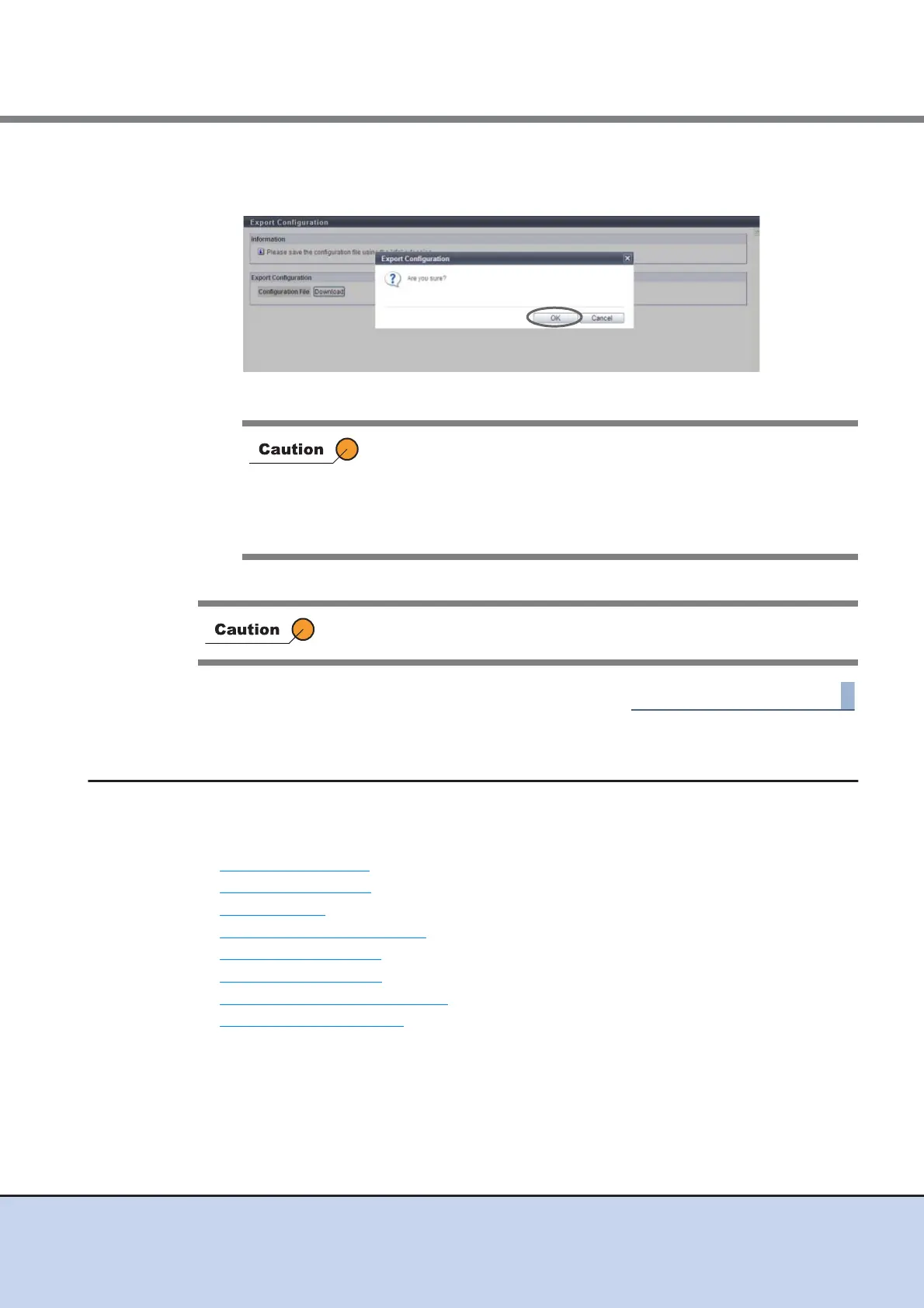
3 Click the [OK] button.
The extension of the file to be saved must be ". cfg". The default file name is "conf. cfg".
→ The configuration information is exported.
4 Click the [Done] button to return to the [Utility] screen.
11.2.9 System Management
This section describes system management.
System management provides the following functions:
• Modify Storage Name
• Modify Date and Time
• Change Box ID
• Setup Subsystem Parameters
• Setup Encryption Mode
• Set SMI-S Environment
• Register SED Authentication Key
• Setup Power Management
If the [Cancel] button in the [File Download] dialog box is clicked to
cancel the operation, an error may occur in the web browser.
To cancel the operation after the [File Download] dialog box is
displayed, wait at least 10 minutes before clicking the [Cancel] button
or click the [Save] button to complete the operation and delete the
unnecessary file.
When exporting of the configuration information has been completed, save
the log immediately.



 To Next Page