Chapter 11 System Management
11.2 Functions in the Action Area for System
ETERNUS Web GUI User’s Guide
585
Copyright 2011 FUJITSU LIMITED P2X0-1090-02ENZ0
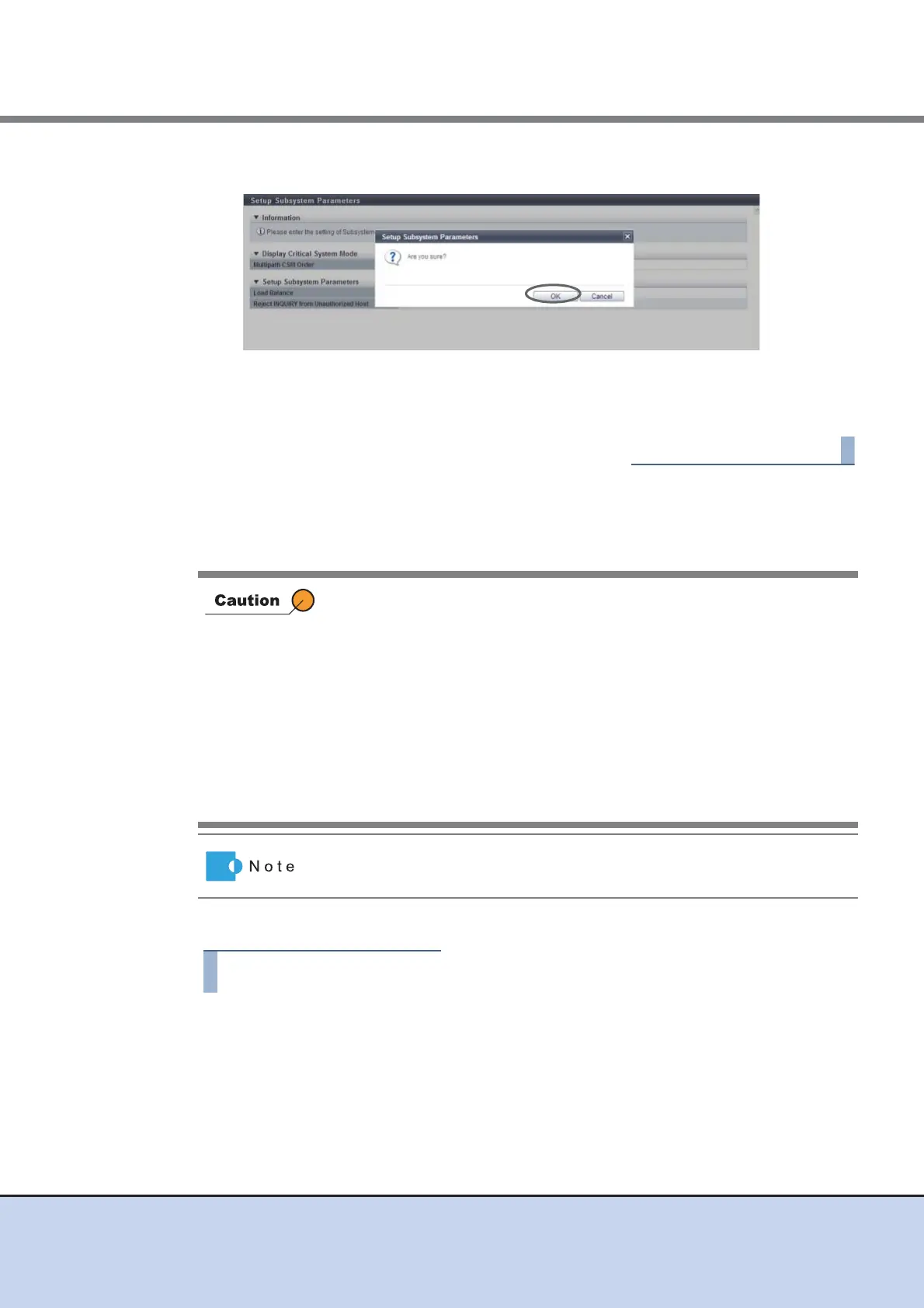
3 Click the [OK] button.
→ Setting of the subsystem parameter starts.
4 Click the [Done] button. Return to the [System Settings] screen.
11.2.9.5 Setup Encryption Mode
This function sets the encryption mode.
The procedure to set the encryption mode is as follows:
1 Click [Setup Encryption Mode] in [Action].
• Encryption related functions are only available after enabling the
encryption mode.
• When disabling the encryption mode, reboot the ETERNUS DX Disk
storage system.
• When changing the encryption mode, delete all the encrypted volumes
and volumes being encrypted in advance.
• Once a volume has been encrypted, it cannot be changed back to a
non-encrypted volume.
• This function cannot be changed in the following conditions:
- Encrypted volumes exist
- Volumes being encrypted exist
When using the encryption function, set the encryption mode to "Fujitsu
Original Encryption" or "AES".



 To Next Page