Chapter 11 System Management
11.2 Functions in the Action Area for System
ETERNUS Web GUI User’s Guide
584
Copyright 2011 FUJITSU LIMITED P2X0-1090-02ENZ0
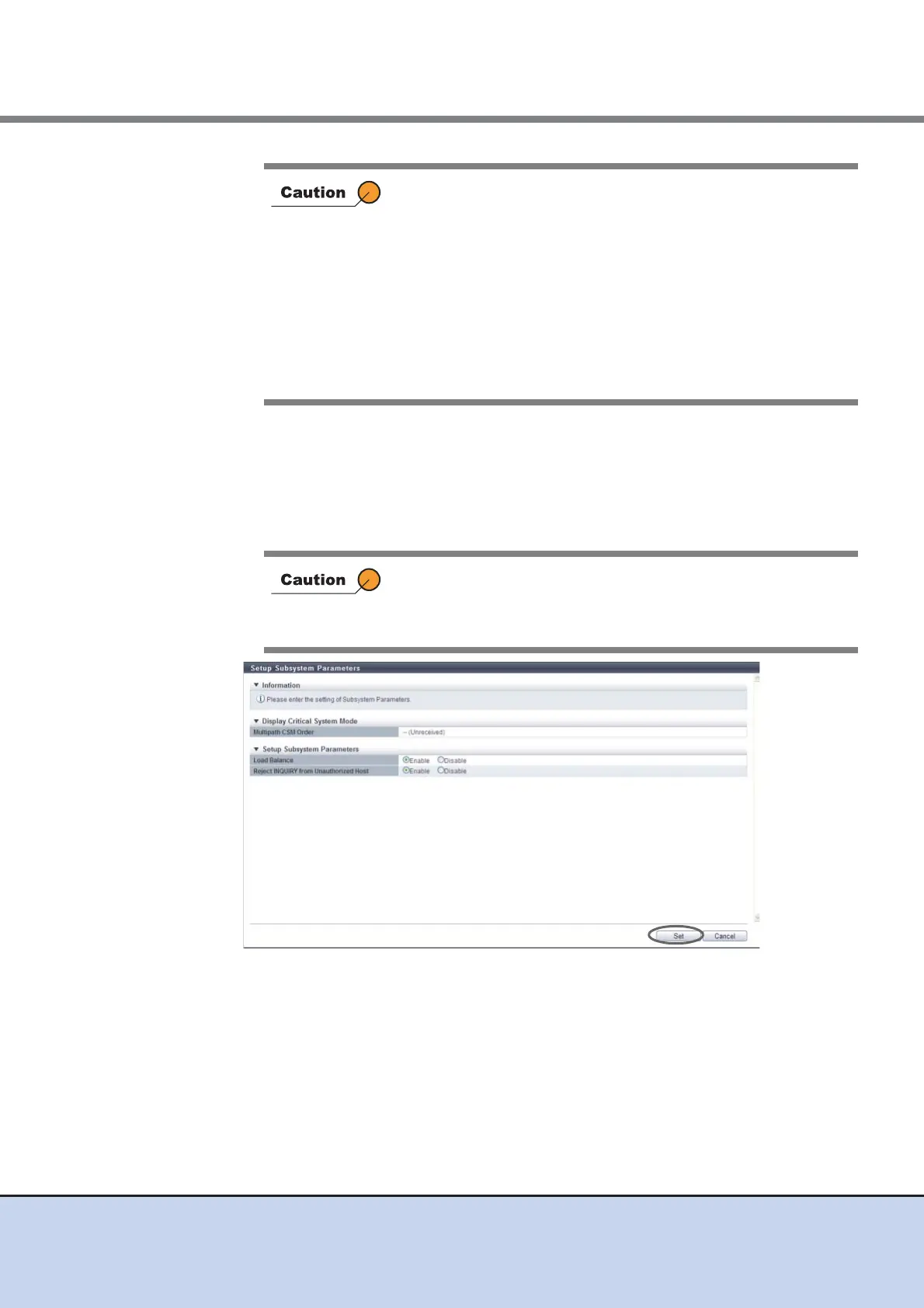
• Reject INQUIRY from Unauthorized Host
Select whether to reject the "Inquiry" command from an unauthorized host. Select
"Enable" to reject.
When the "Inquiry" command is rejected, ETERNUS DX Disk storage system returns
an Affinity Error (5/25/81) for the "Inquiry" command from the unauthorized host. When
the command is not rejected, the ETERNUS DX Disk storage system responds nor-
mally.
→ A confirmation screen appears.
• Load balance for all hosts is disabled when "Disable" is
selected for "Load Balance". If the ETERNUS DX Disk storage
system is in overload in this status, the warning sense
response is suppressed.
• When connecting the ETERNUS DX Disk storage system and
HP-UX hosts, disable the Load Balance setting. If "Enable" is
selected for "Load Balance", incorrect logs may be recorded in
the host.
• Load balancing by Multipath Driver is operated regardless of
whether the "Load Balance" of this function is enabled/
disabled.
When using the VERITAS Volume Manager Dynamic
Multipathing (VxVM DMP), select "Enable".
When VxVM DMP is not used, the setting of this parameter does
not affect the state of the ETERNUS DX Disk storage system.



 To Next Page