Chapter 5 Volume Management
5.2 Functions in the Action Area for Volume
ETERNUS Web GUI User’s Guide
105
Copyright 2011 FUJITSU LIMITED P2X0-1090-02ENZ0
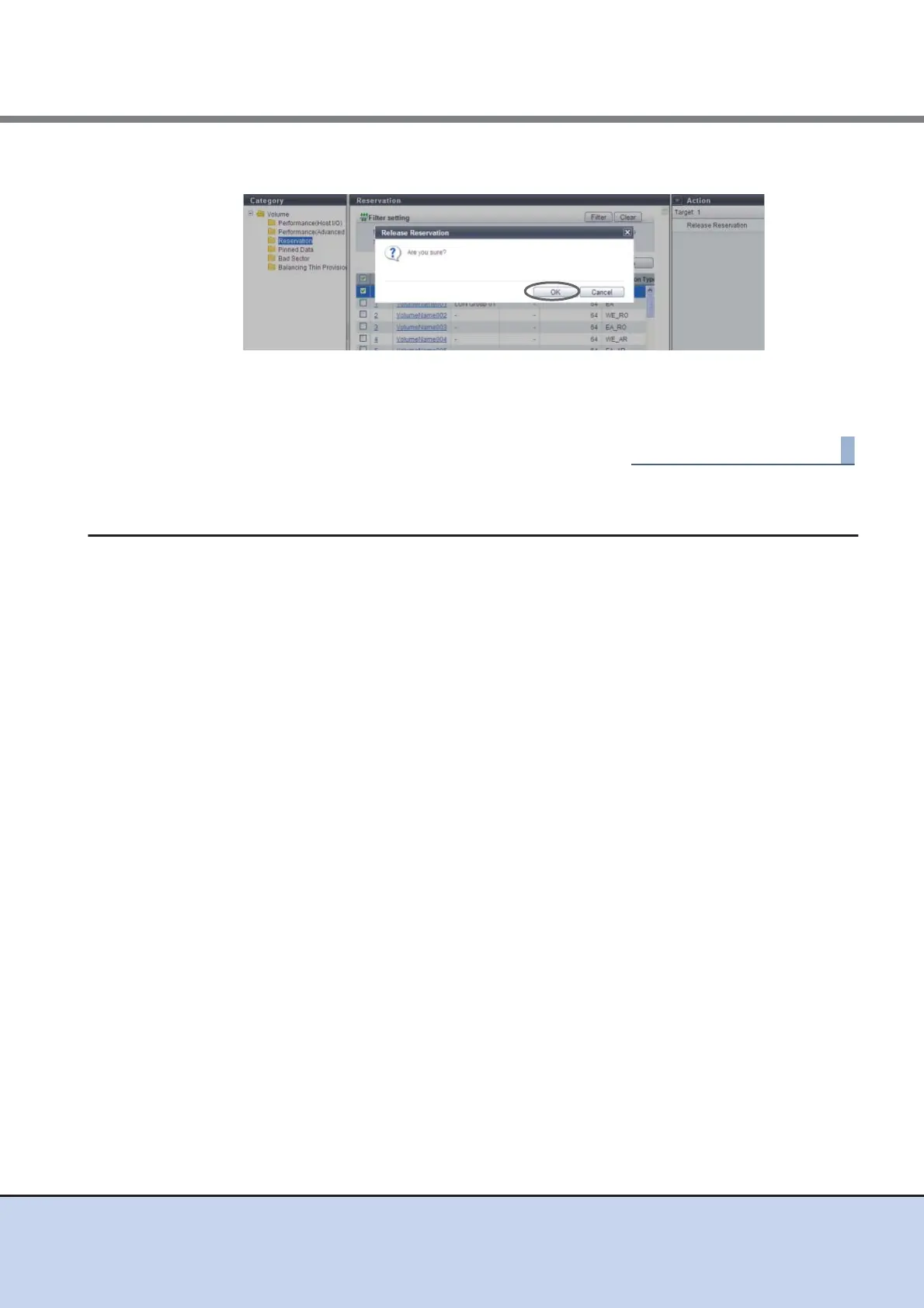
2 Click the [OK] button.
→ Releasing volume reservation status starts.
3 Click the [Done] button to return to the [Volume] screen.
5.2.20 Start Balancing Thin Provisioning Volume
This function relocates the physical allocating area of the TPV to make the physical area of TPV
is allocated equally among the RAID Groups that configure the TPP.
When multiple TPVs in the same TPP are accessed, the physical area is allocated by using the
RAID groups of the TPP one by one in the access order. Therefore the physical area of TPVs
may be unequally allocated among the RAID groups. This phenomenon also occurs when
expanding the capacity of a TPP. In this case, the physical area is allocated unevenly among the
newly added and existing RAID groups. This function is to solve the unequal allocation among
RAID groups, and balance the physical allocating area in each RAID group. I/O load is dispersed
among the RAID groups in the TPP and access performance may be improved.
Requirements for a TPV to be balanced:
• The "Type" is "TPV"
• The "Status" is "Available"
• RAID migration is not being performed (the target volume is not used as a migration source or
a migration destination)
• An Advanced Copy is not being performed (the target volume is not being used as a copy
source or a copy destination)
• A Remote Advanced Copy is not being performed (the target volume is not being used as a
copy source or a copy destination)
• TPV balancing is not being performed
Requirements for a TPP in which the target TPV is registered:
• The "Status" is "Available"
• The free space in the TPP is larger than the capacity of the TPV that is to be balanced



 To Next Page