Chapter 5 Volume Management
5.1 Volume Status
ETERNUS Web GUI User’s Guide
65
Copyright 2011 FUJITSU LIMITED P2X0-1090-02ENZ0
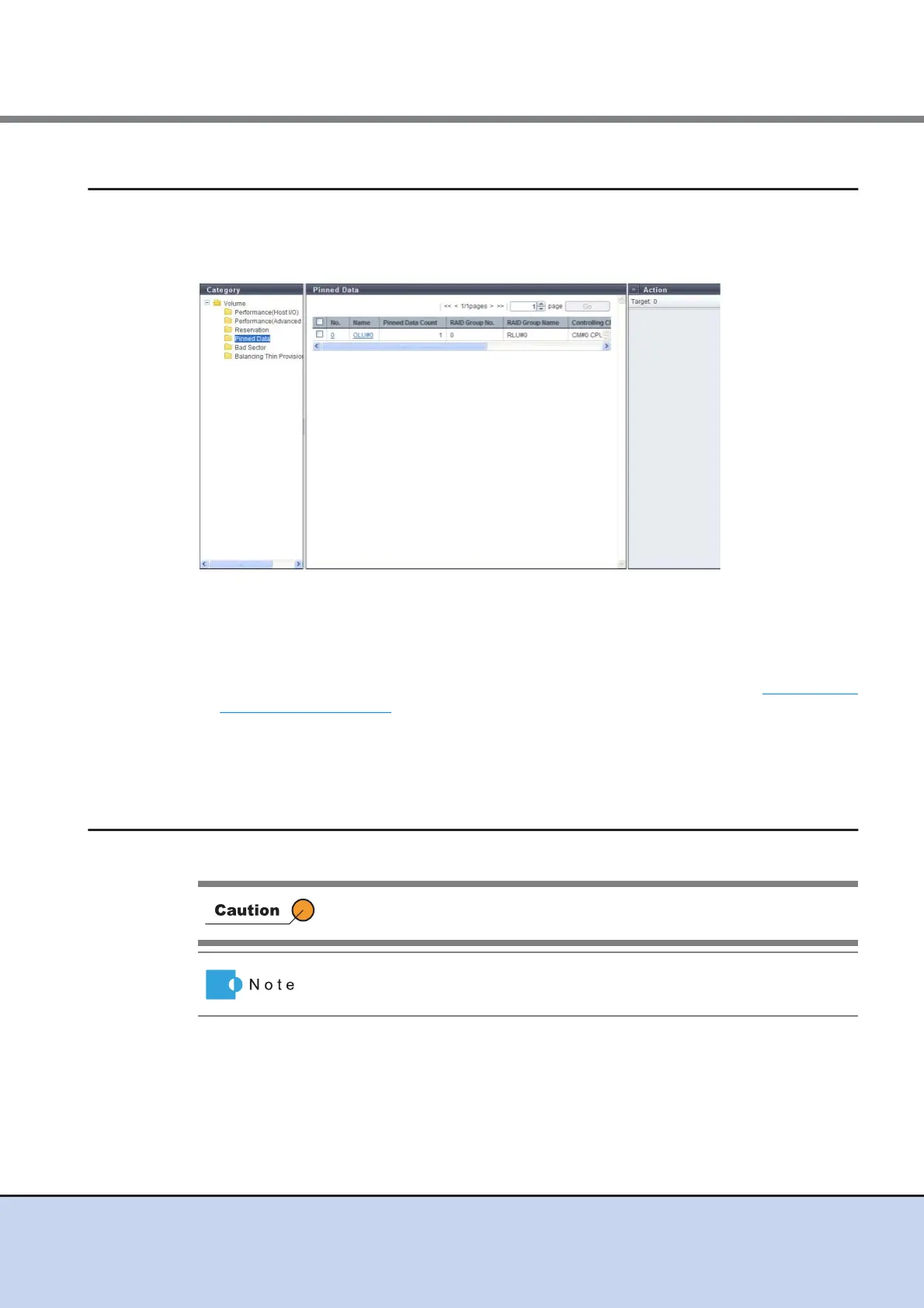
5.1.5 Pinned Data
Volumes including pinned data are displayed.
"Pinned data" is the data left in the cache memory due to unsuccessful write-back to the volume
from the cache memory.
The following items are displayed in the Main area:
• No.
The volume number is displayed.
• Name
The volume name is displayed. Clicking this item displays the screen shown in "5.1.8 Volume
(Pinned Data)" (page 68).
• Pinned Data Count
The number of pinned data is displayed.
5.1.6 Bad Sector
The bad sector information is displayed.
Drives are not monitored for bad sectors when the drives configure the
REC Disk Buffer.
When data for rebuild, copyback, or redundant copy is not read normally,
bad sector information is recorded.



 To Next Page