Chapter 5 Volume Management
5.2 Functions in the Action Area for Volume
ETERNUS Web GUI User’s Guide
93
Copyright 2011 FUJITSU LIMITED P2X0-1090-02ENZ0
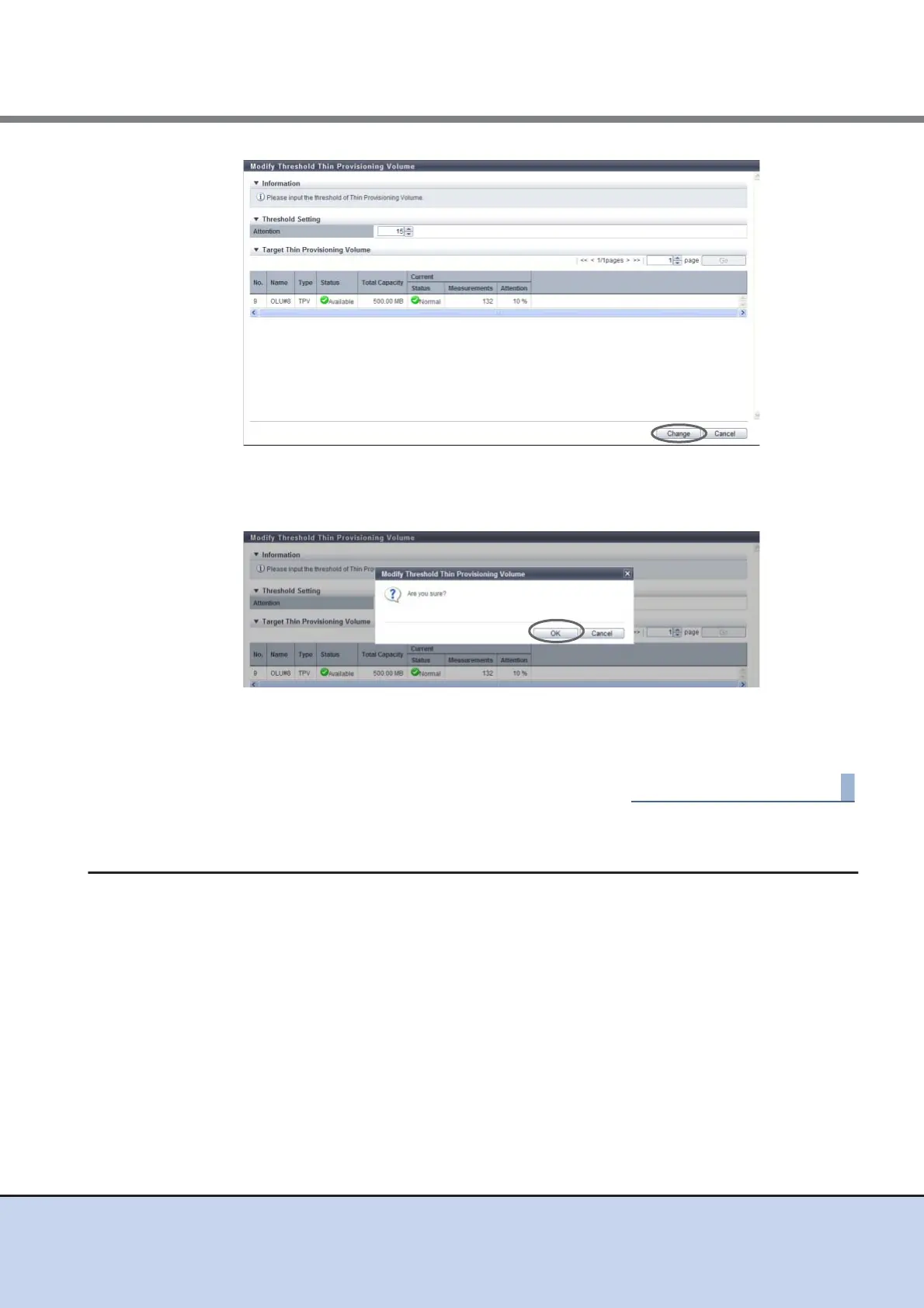
→ A confirmation screen appears.
3 Click the [OK] button.
→ Thin Provisioning threshold modification starts.
4 Click the [Done] button to return to the [Volume] screen.
5.2.12 Initialize Snap Data Volume
This function initializes an SDV.
An SDV is a copy destination volume for SnapOPC and SnapOPC+ that includes a data area
and a copy control information area. SDV initialization is performed when the capacity that can
be used for the data area is insufficient due to a large amount of writing being requested from the
host to an SDV for any reason (such as an operation mistake). SDV initialization is also
performed when no more writing is allowed due to a notification being reported to the host for a
writing request that exceeds the SDV capacity.



 To Next Page