Chapter 5 Volume Management
5.2 Functions in the Action Area for Volume
ETERNUS Web GUI User’s Guide
94
Copyright 2011 FUJITSU LIMITED P2X0-1090-02ENZ0
The procedure to initialize an SDV is as follows:
1 Select the SDV to be initialized (multiple selections can be made) and click
[Initialize SDV] in [Action].
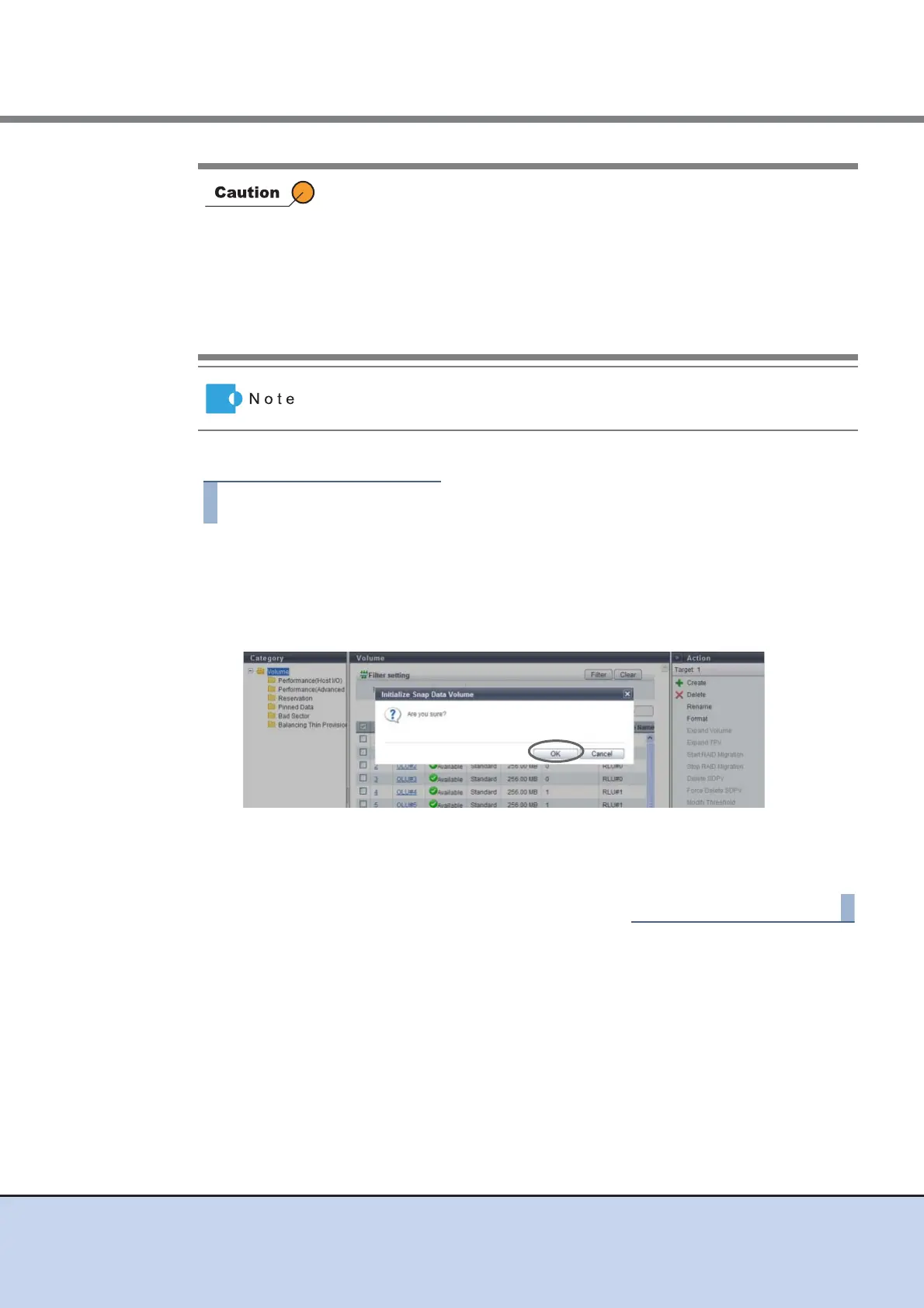
→ A confirmation screen appears.
2 Click the [OK] button.
→ Initialization of the SDV starts.
3 Click the [Done] button to return to the [Volume] screen.
• After initializing an SDV, any data that is stored in the SDV cannot be
accessed. Make sure to backup the required data.
• This function cannot be used under the following conditions:
- When the target volume is not an SDV
- When LDE is being performed in the RAID group to which the target
volume belongs
- When the target volume status is not "Available"
- When Advanced Copy is being performed in the target volume
When an SDV is initialized, the area that is allocated from the SDPV to the
SDV is released.



 To Next Page