Chapter 11 System Management
11.2 Functions in the Action Area for System
ETERNUS Web GUI User’s Guide
587
Copyright 2011 FUJITSU LIMITED P2X0-1090-02ENZ0
4 Click the [Done] button to return to the [System Settings] screen.
11.2.9.6 Set SMI-S Environment
This function enables or disables the SMI-S.
SMI-S is a standard specification concerning storage management technologies by Storage
Management Initiative - Specification (SNIA).
When enabling the SMI-S, the ETERNUS DX Disk storage system can be managed from
general storage management applications that support the SMI-S.
The procedure to enable or disable the SMI-S function is as follows:
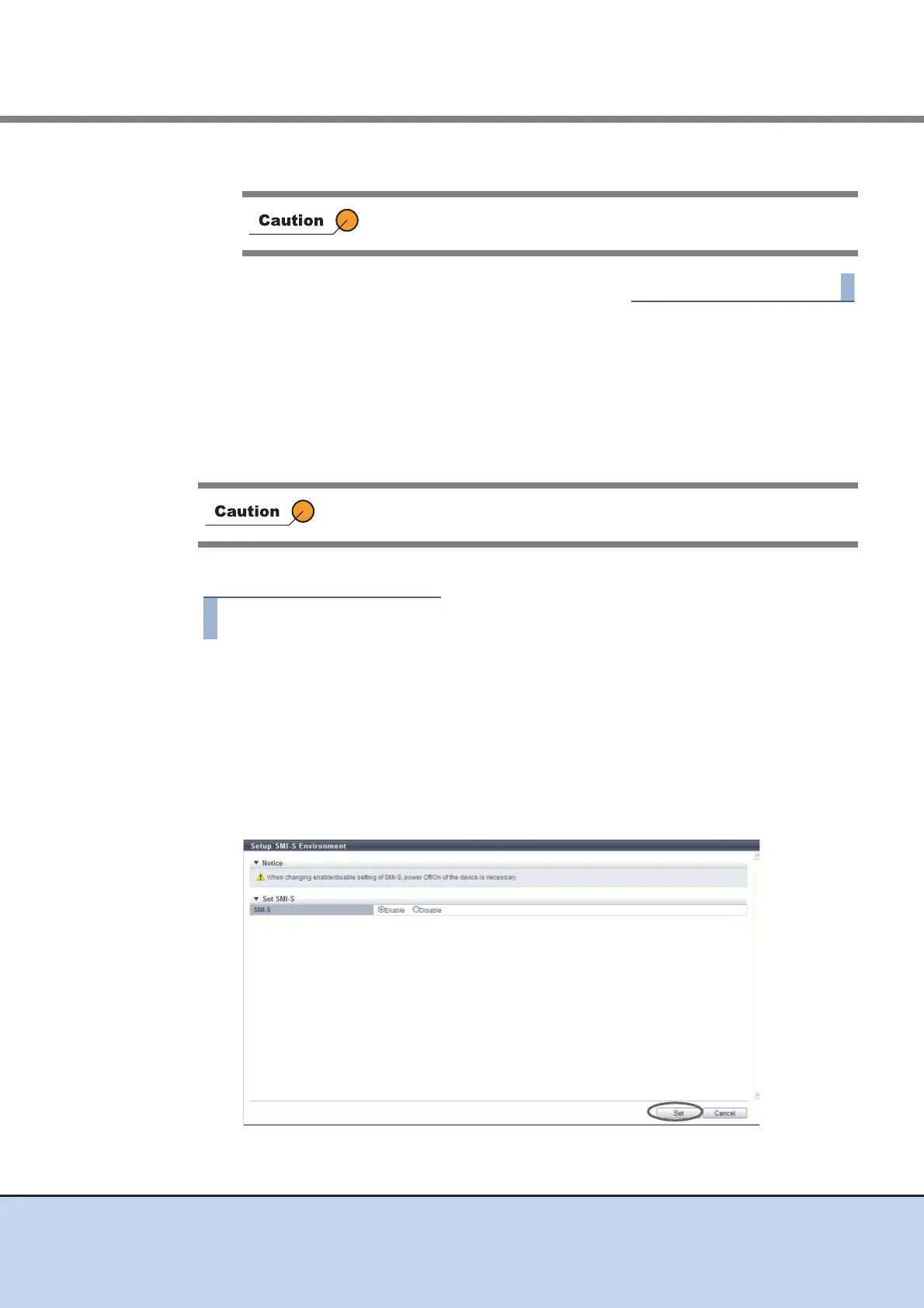
1 Click [Setup SMI-S Environment] in [Action].
2 Select the parameters, and click the [Set] button.
• SMI-S
Select whether to "Enable" or "Disable" the SMI-S function.
• Indication
This item can be specified when "Enable" is selected for "SMI-S" field. Select "Enable"
to notify when changes in the ETERNUS DX Disk storage system configuration
information are made. Select "Disable" if no notification is necessary.
→ A confirmation screen appears.
When disabling the encryption mode, reboot the ETERNUS DX Disk
storage system.
After switching the SMI-S setting between enabled or disabled, reboot the
ETERNUS DX Disk storage system.



 To Next Page