Chapter 11 System Management
11.2 Functions in the Action Area for System
ETERNUS Web GUI User’s Guide
577
Copyright 2011 FUJITSU LIMITED P2X0-1090-02ENZ0
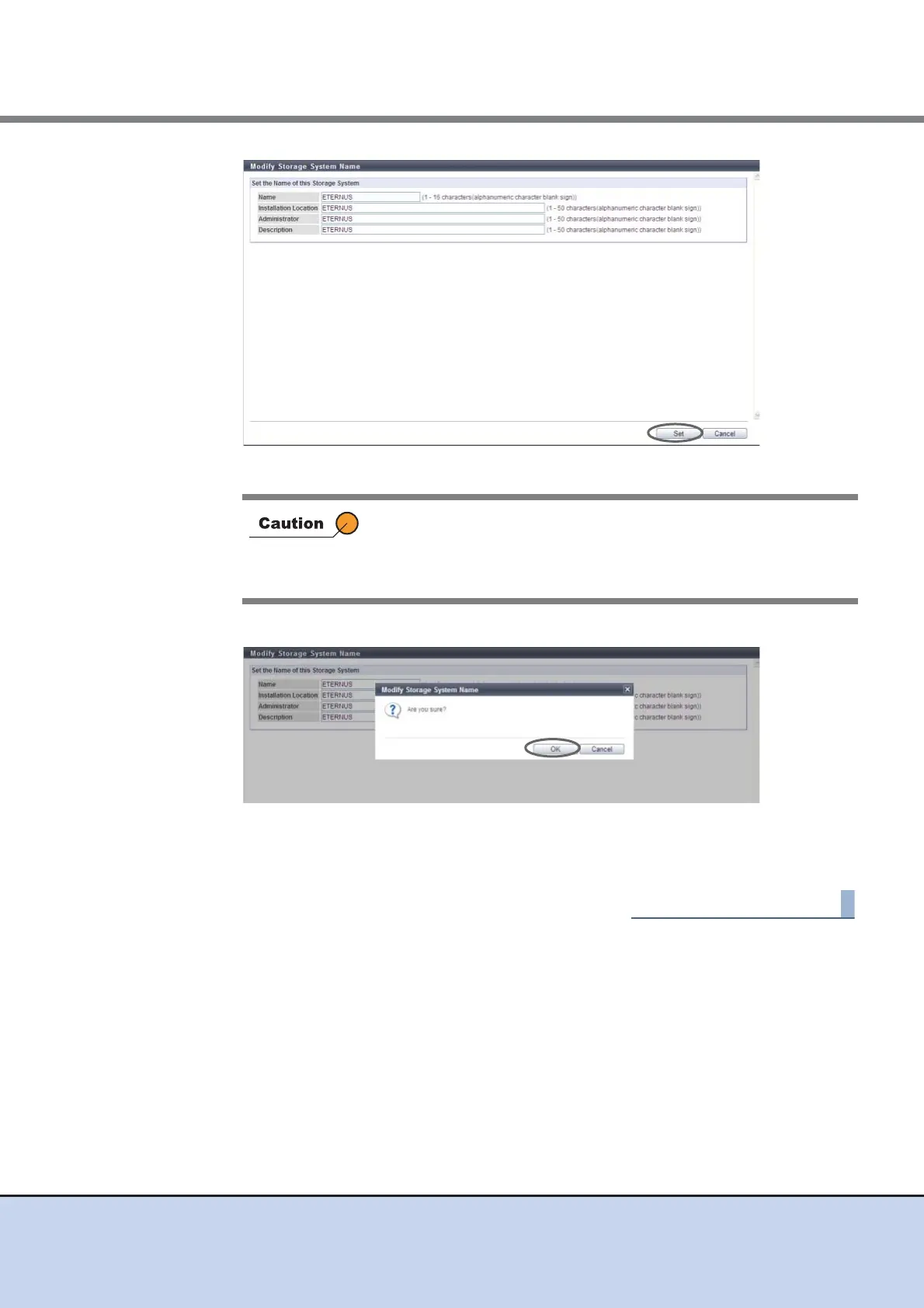
→ A confirmation screen appears.
3 Click the [OK] button.
→ Setting of the storage system name starts.
4 Click the [Done] button to return to the [System Settings] screen.
11.2.9.2 Modify Date and Time
This function sets the date/time and time zone (device location) of the internal clock in the
ETERNUS DX Disk storage system.
The clock is used for checking the internal log of the ETERNUS DX Disk storage system and in
the ECO mode, etc. The time zone setting is used for the Remote Support function.
This function is used when moving the ETERNUS DX Disk storage system to a new installation
site, and/or changing the device date/time.
It is possible to setup the NTP server to automatically set the time. If the NTP server cannot be
used, resetting the time once a month is recommended.
In the following conditions, an error screen appears:
• When the entered storage system name does not satisfy the input
conditions
• When no name is entered in the "Name" field.



 To Next Page