Chapter 11 System Management
11.2 Functions in the Action Area for System
ETERNUS Web GUI User’s Guide
480
Copyright 2011 FUJITSU LIMITED P2X0-1090-02ENZ0
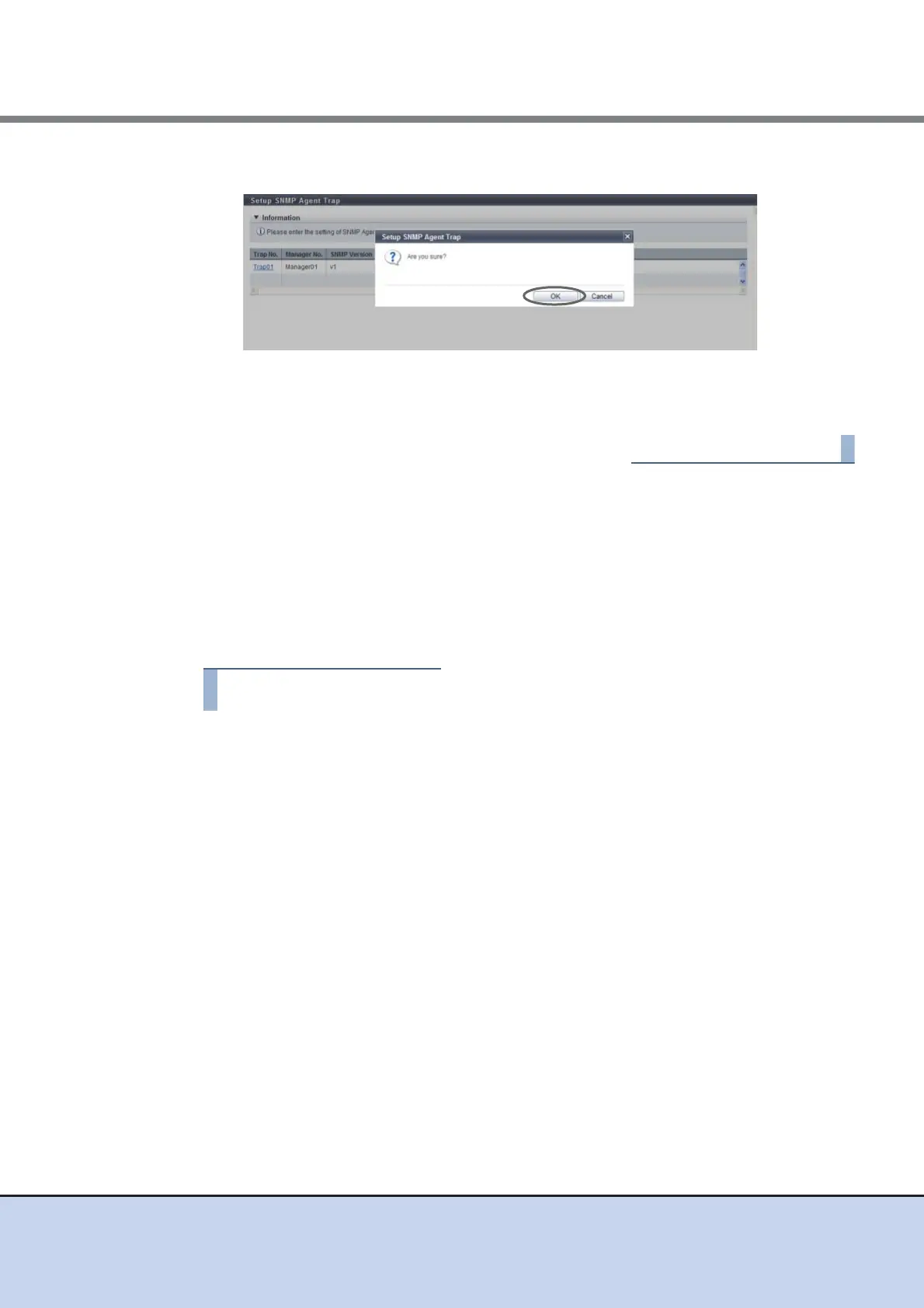
6 Click the [OK] button.
→ Setting of the SNMP Agent Trap starts.
7 Click the [Done] button to return to the [Network] screen.
11.2.3.9 Download MIB File
This function downloads the MIB definition file in the ETERNUS DX Disk storage system.
MIB is the information for managing SNMP Agent that is transferred by using SNMP Agent
Manager with the SNMP.
The MIB definition file is used by the application which uses SNMP (SNMP Agent Manager).
The procedure to download an MIB file as follows:
1 Click [Download MIB File] in [Action].
2 Specify the parameters, and click the [Download] button.
• Option
Select the "The ServerView control code is added to the comment line of the MIB
definition file" checkbox when downloading the MIB file used for device monitoring by
ServerView.
• Version
Select the SNMP Trap version used for device monitoring from "v1", or "v2c/v3".



 To Next Page