Chapter 11 System Management
11.2 Functions in the Action Area for System
ETERNUS Web GUI User’s Guide
482
Copyright 2011 FUJITSU LIMITED P2X0-1090-02ENZ0
11.2.3.10 Send SNMP Trap Test
This function transmits the test trap from the SNMP Agent to the SNMP Agent Manager.
The SNMP trap is the event information reported by the ETERNUS DX Disk storage system
(SNMP Agent).
Perform SNMP Agent and SNMP Agent Manager settings before executing this test.
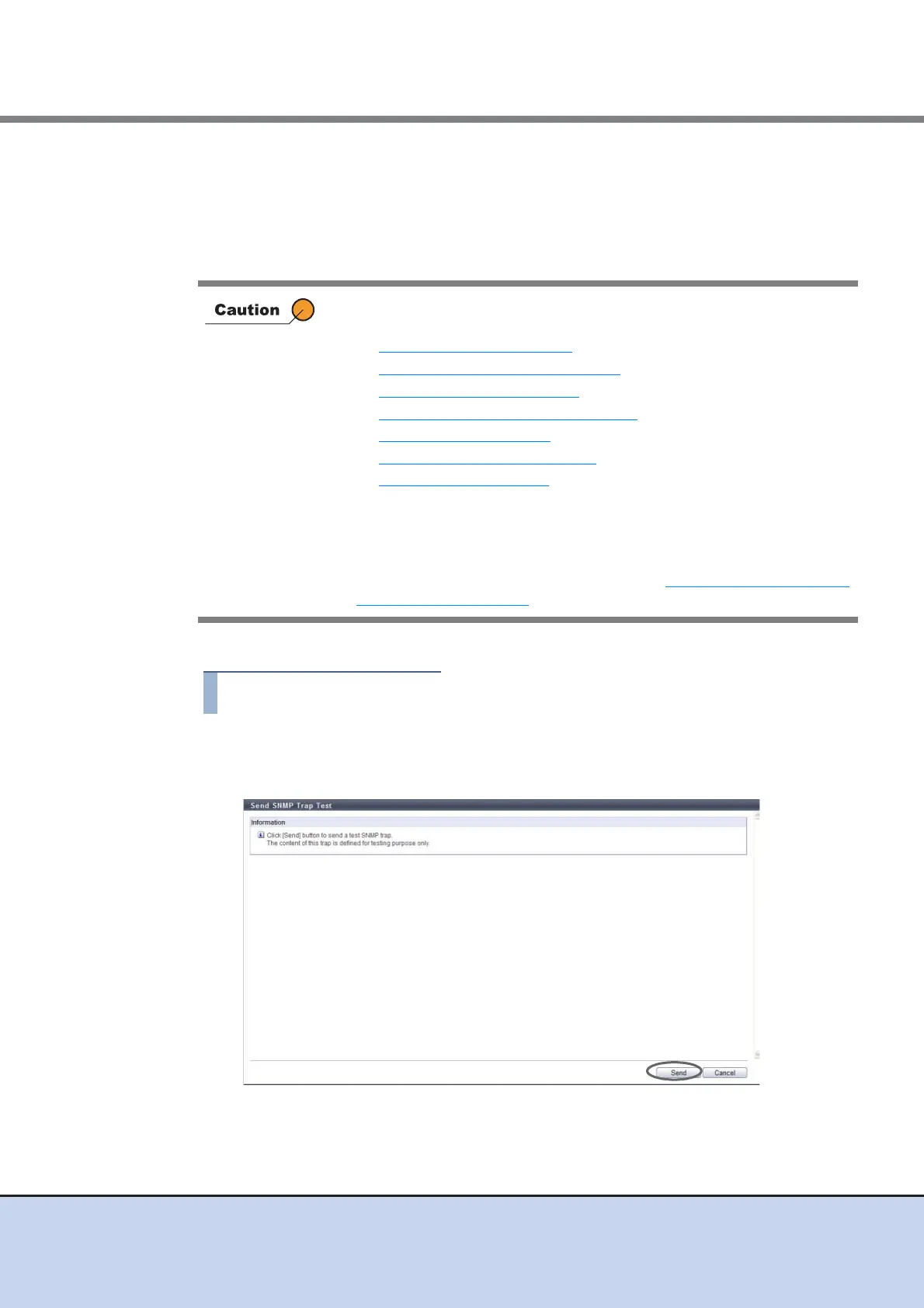
The procedure to perform the SNMP trap test is as follows:
1 Click [Send SNMP Trap] in [Action].
2 Click the [Send] button.
→ A confirmation screen appears.
• Perform the following settings before executing this test. If the SNMP
function is disabled, the trap test cannot be performed.
- Setup Network Environment
- Setup SNMP Agent Basic Interface
- Setup SNMP Agent Manager
- Setup SNMP Agent MIB Access View
- Setup SNMP Agent User
- Setup SNMP Agent Community
- Setup SNMP Agent Trap
• This function transmits a test trap.
• When SNMP Agent Manager exists in a different subnetwork from
where the ETERNUS DX Disk storage system belongs, specify the IP
address or the network address of SNMP Agent Manager in the
"Allowed IP List" using the procedure in "11.2.3.1 Setup Network
Environment" (page 458).



 To Next Page