Chapter 11 System Management
11.2 Functions in the Action Area for System
ETERNUS Web GUI User’s Guide
492
Copyright 2011 FUJITSU LIMITED P2X0-1090-02ENZ0
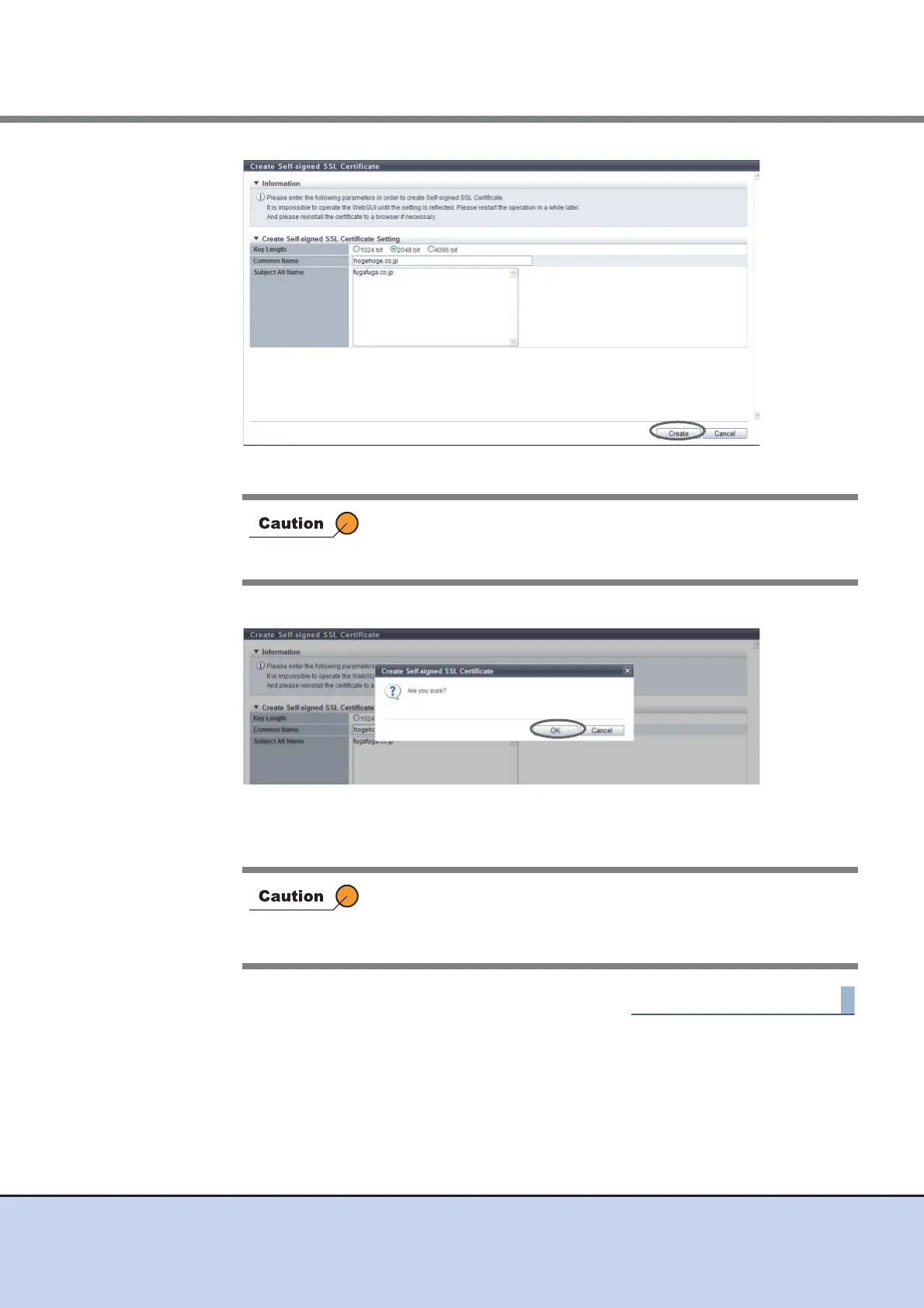
→ A confirmation screen appears.
3 Click the [OK] button.
→ Creation of the self-signed SSL certificate starts.
4 Click the [Done] button to return to the [Network] screen.
11.2.3.16 Create Key/CSR
This function performs settings for creating and exporting the SSL server key and the Certificate
Signing Request (CSR) which are used to acquire a SSL server certificate.
CSR is a certificate application form to submit to the certification authority.
In the following conditions, an error screen appears:
• When items do not satisfy the input conditions
• When all of the required items are not input
After registering the SSL server key or SSL server certificate, the
information must be updated in the ETERNUS DX Disk storage
system before being accessed from GUI via the HTTPS connection.
Log out from GUI and wait a few minutes before logging in again.



 To Next Page