Chapter 11 System Management
11.2 Functions in the Action Area for System
ETERNUS Web GUI User’s Guide
510
Copyright 2011 FUJITSU LIMITED P2X0-1090-02ENZ0
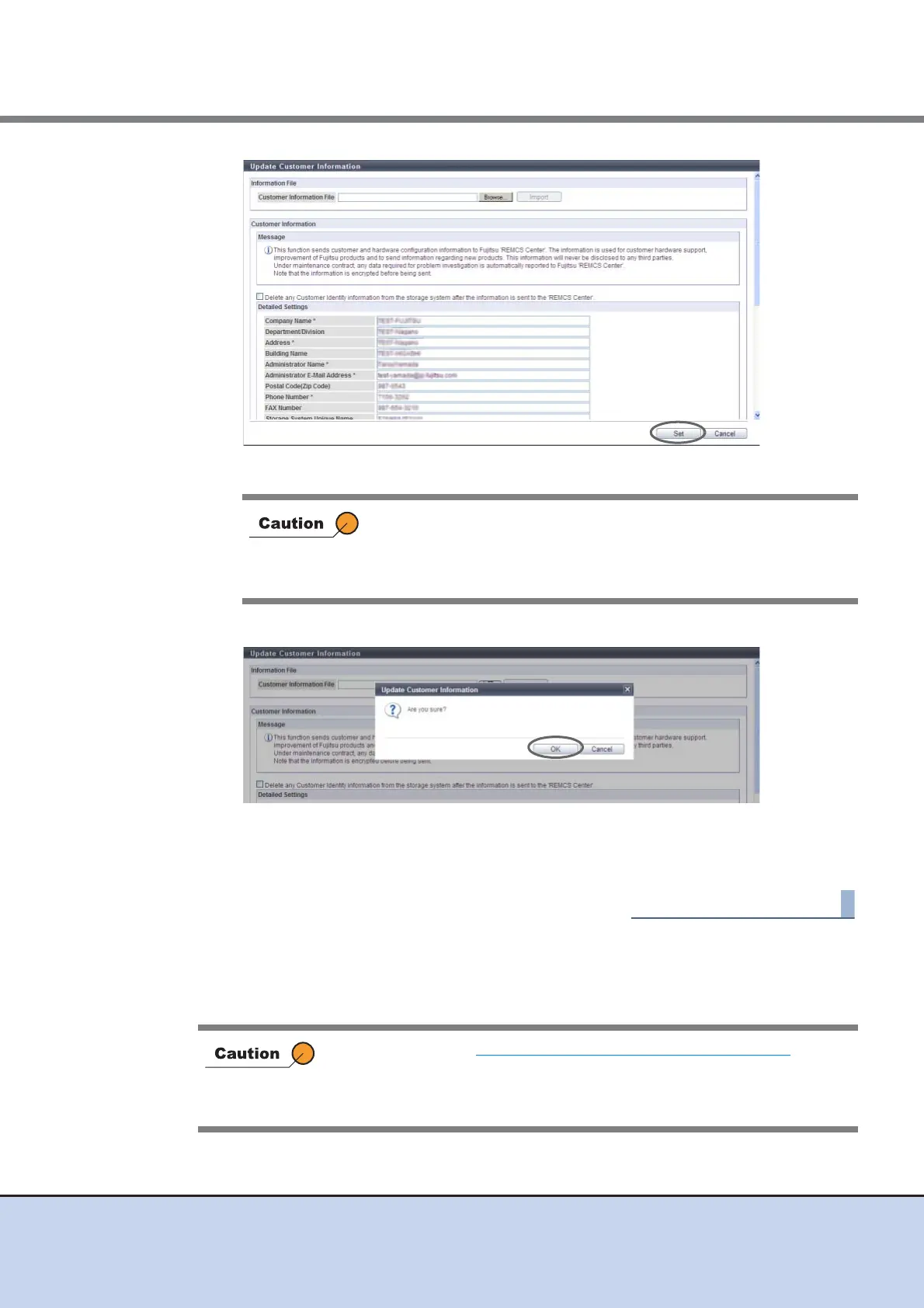
→ A confirmation screen appears.
3 Click the [OK] button.
→ The customer information is updated.
4 Click the [Done] button to return to the [Remote Support] screen.
11.2.4.4 Update Communication Environment Information
This function updates the customer information that is registered for the REMCS center.
If the [Update] button is clicked in the following conditions, an error
screen appears.
• When required items (items with "*") are not specified
• When wrong values are entered
• If the settings in "11.2.4.2 Setup Remote Support" (page 502) has not
been completed in advance, this function cannot be used.
• When Remote Support is "Stopped", communication environment
information cannot be updated.



 To Next Page