Chapter 9 Connectivity Management
9.2 Functions in the Action Area for Connectivity
ETERNUS Web GUI User’s Guide
284
Copyright 2011 FUJITSU LIMITED P2X0-1090-02ENZ0
The procedure to create a host affinity is as follows:
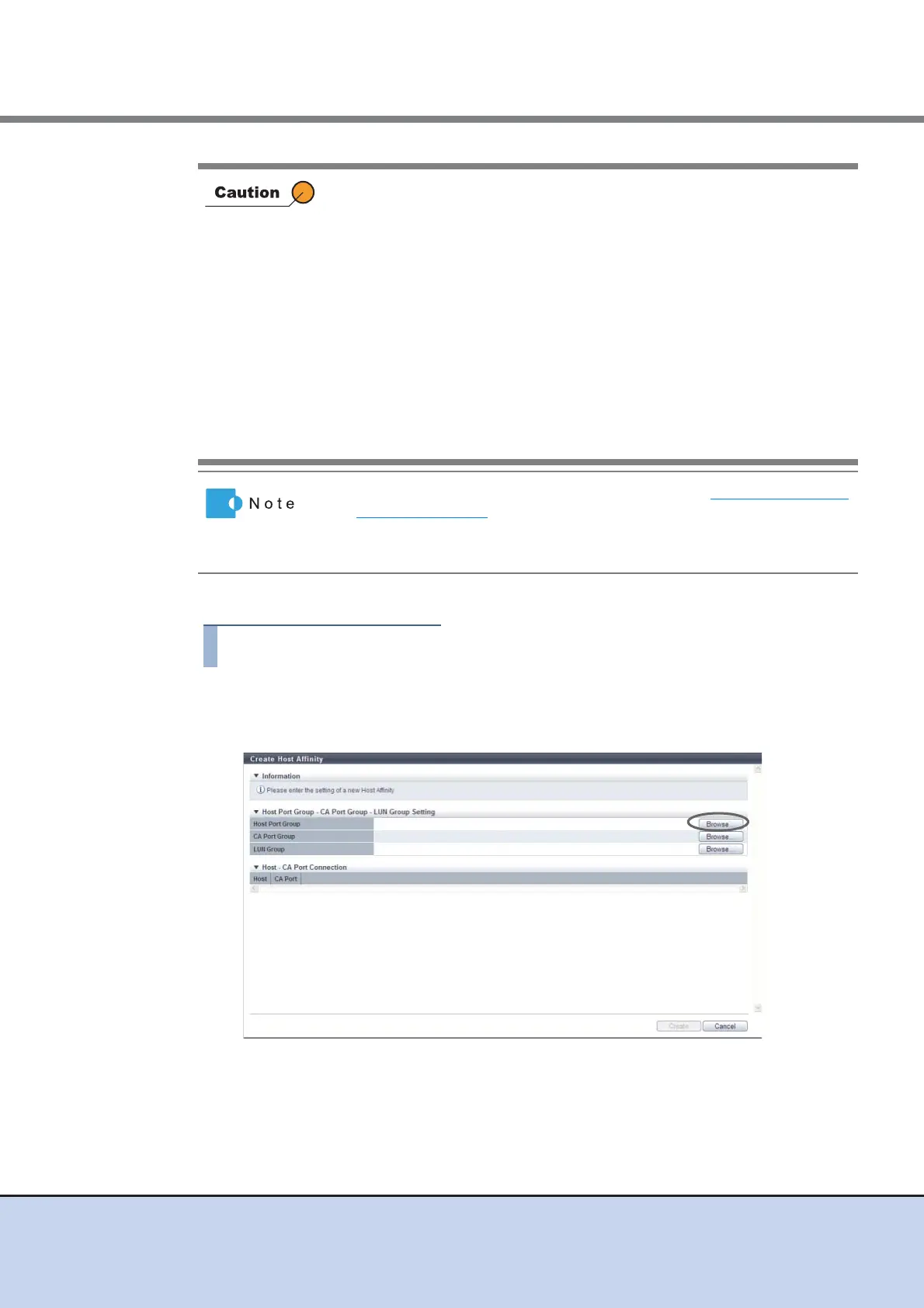
1 Click [Create Host Affinity] in [Action].
2 Click the [Browse...] button for the host port group.
→ The [Select Host Port Group] screen appears.
• If a host group has been specified in the "Host Group" field of host
affinity, all the member ports of the assigned "Port Group" have the
affinity mode configured "On".
• If "All (all hosts)" has been specified in the "Host Group" field of host
affinity, all the member ports of the assigned "Port Group" have the
affinity mode configured "Off".
• When one port is registered in several port groups, and the affinity
setting has been configured on one of the port groups including the
corresponding port, the affinity setting is configured on all the port
groups, which include the corresponding port, and also on the member
ports.
• Port groups without the host affinity setting can be used for creating host
affinity with any host group, regardless of whether the affinity mode for
the host group is enabled (On) or disabled (Off).
• To change the settings of the host affinities, refer to "9.2.1.3 Modify Host
Affinity" (page 290).
• Host groups with the host interface "FCoE" can configure host affinity
with port groups with CA types "FC" or "FCoE".



 To Next Page