Chapter 9 Connectivity Management
9.2 Functions in the Action Area for Connectivity
ETERNUS Web GUI User’s Guide
285
Copyright 2011 FUJITSU LIMITED P2X0-1090-02ENZ0
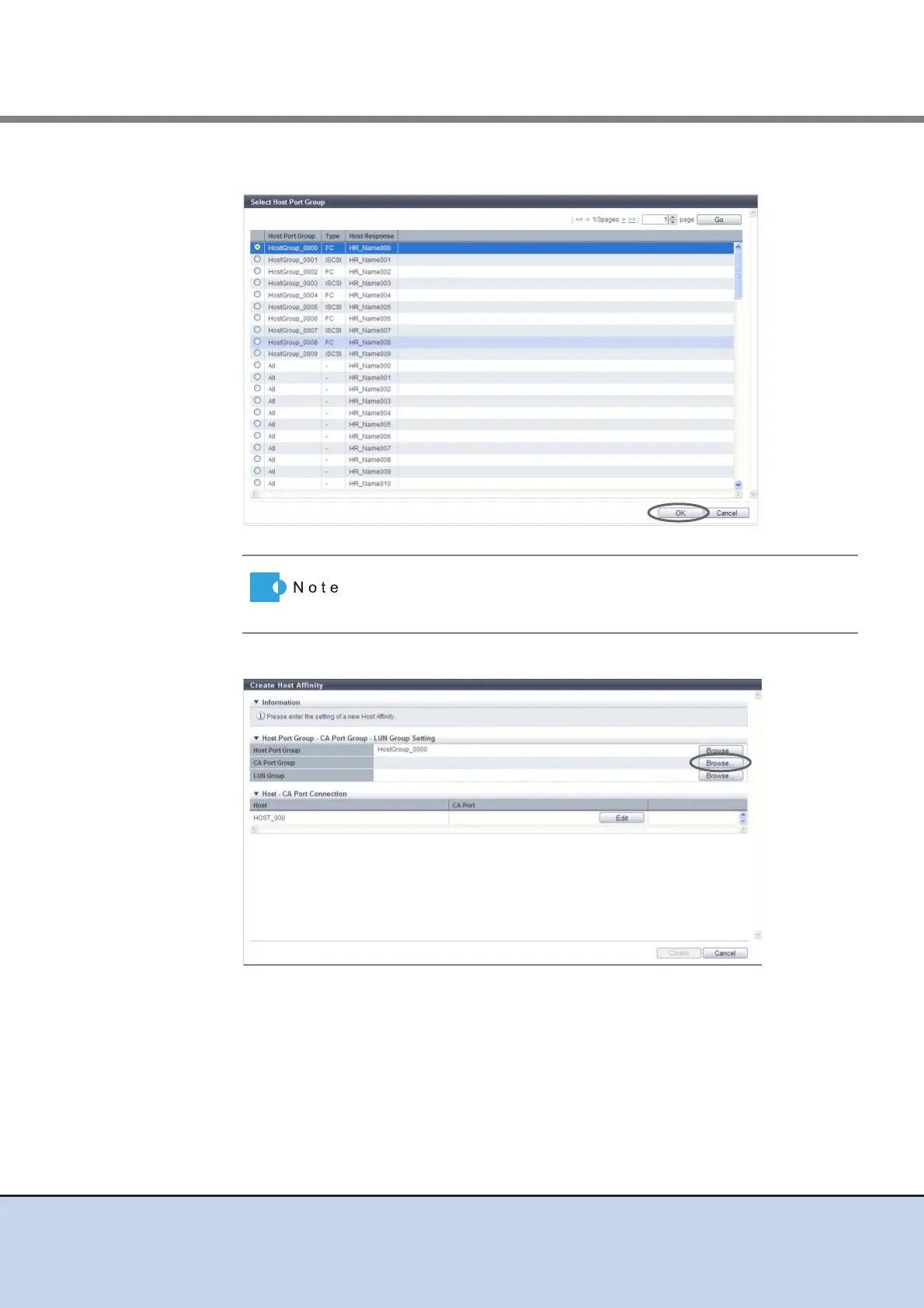
3 Select a host port group to configure a host affinity, and click the [OK] button.
4 Click the [Browse...] button for the CA port group.
→ The [Select CA Port Group] screen appears.
To let all the hosts recognize the specified LUN group, select "All" as
the host group. The selected "All" is displayed in the "All (host
response name)" format.



 To Next Page