Chapter 9 Connectivity Management
9.1 Connectivity Status
ETERNUS Web GUI User’s Guide
273
Copyright 2011 FUJITSU LIMITED P2X0-1090-02ENZ0
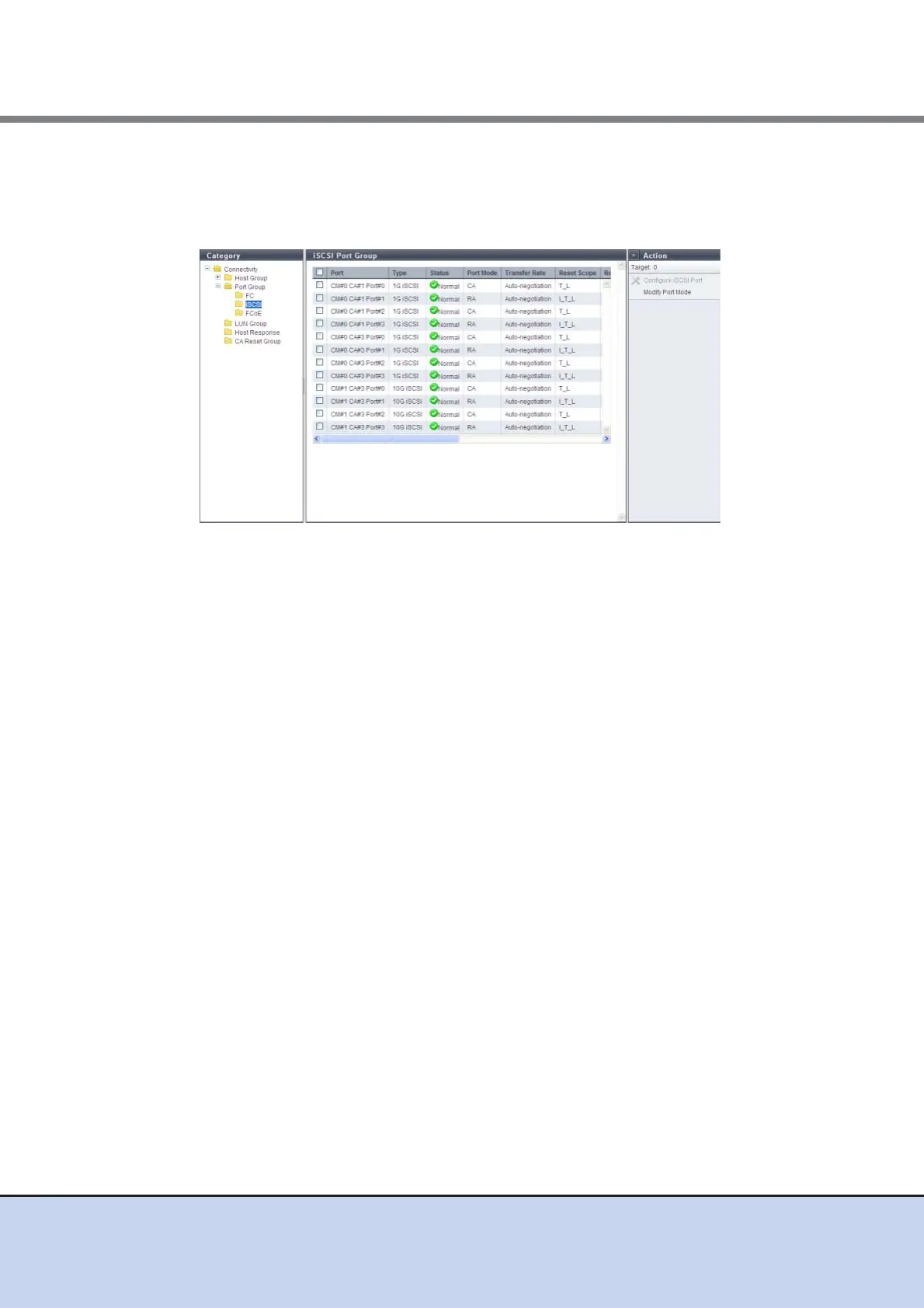
9.1.3.2 iSCSI Port
Parameters of the iSCSI ports that are registered in the ETERNUS DX Disk storage system are
displayed.
The following items are displayed in the Main area:
• Port
The location information of the target port is displayed.
- CM#x CA#y Port#z (x: CM number, y: CA number, z: Port number)
• Type
The type of the target port is displayed.
- 1G iSCSI
1Gbit/s iSCSI. The port mode can be changed (CA or RA).
- 10G iSCSI
10Gbit/s iSCSI. The port mode can be changed (CA or RA).
- iSCSI-RA (for the connection of older devices)
1Gbit/s iSCSI-RA. It is used for REC for the ETERNUS DX400 series, the ETERNUS
DX8000 series, the ETERNUS4000, and the ETERNUS8000.
• Status
The status of the target port is displayed.
• Port Mode
The mode of the target port is displayed.
- CA
- RA
• Transfer Rate
The transfer speed of the target port is displayed. All transfers are full-duplex.
- Auto-negotiation
- 1 Gbit/s
- 10 Gbit/s
- 100 Mbit/s



 To Next Page