Chapter 9 Connectivity Management
9.2 Functions in the Action Area for Connectivity
ETERNUS Web GUI User’s Guide
350
Copyright 2011 FUJITSU LIMITED P2X0-1090-02ENZ0
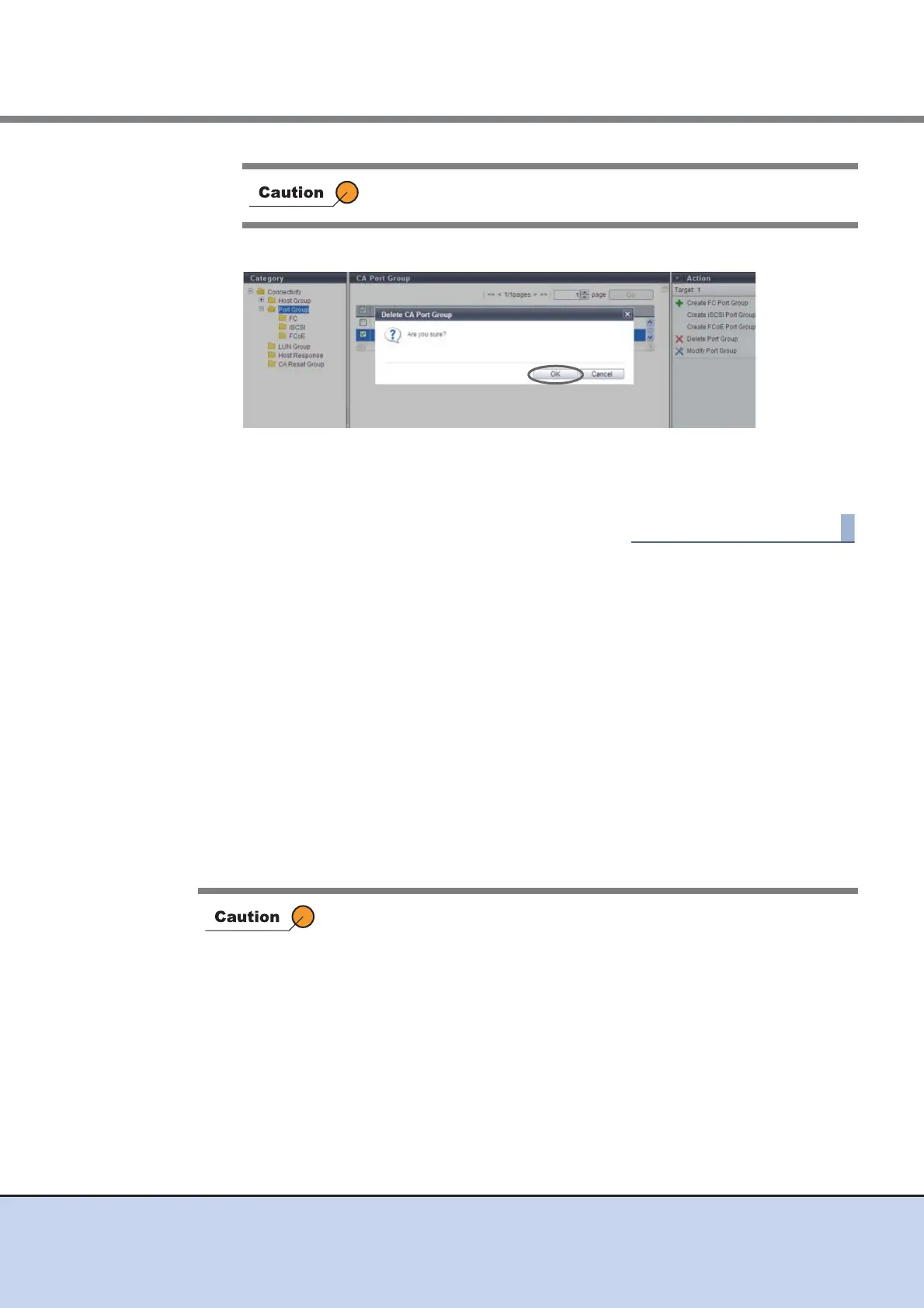
2 Click the [OK] button.
→ Deletion of the port group starts.
3 Click the [Done] button to return to the [Port Group] screen.
9.2.3.6 Modify Port Group
This function performs the following modifications for existing port groups:
• Port Group Name
• Number of Port Group Members (Add and delete member ports in a port group)
Ports can be added to port groups for which the host affinity setting is already configured and
ports can also be deleted from port groups.
If a port has been added, the host affinity setting is automatically configured to the corresponding
port as a port group member.
If a port has been deleted, the host affinity setting is cleared from the corresponding port.
• The maximum number of port groups per device is 128, irrespective of the CA types.
• The maximum number of ports per port group is 8.
• A port can be a member of several port groups.
The port group, of which host affinity settings have been configured
(the status of the port group is "Active"), cannot be deleted.
• Registration of the port is necessary to create a port group. Not all of the
ports can be deleted from a port group.
• Only ports with "CA" as the port mode can be added to a port group.
The ports, of which port mode is "RA", cannot be added to the port
group.
• A port with the affinity mode enabled (On) and a port with the affinity
mode disabled (Off) cannot exist together in a port group.
- The affinity mode (On/Off) of a port group is decided when the host
affinity setting has been configured on the corresponding port group.
All of the member ports in a port group have the same affinity mode.
- The affinity mode (On/Off) of a port group is not changed until the
host affinity setting has been released from the corresponding port
group.



 To Next Page