Chapter 9 Connectivity Management
9.2 Functions in the Action Area for Connectivity
ETERNUS Web GUI User’s Guide
289
Copyright 2011 FUJITSU LIMITED P2X0-1090-02ENZ0
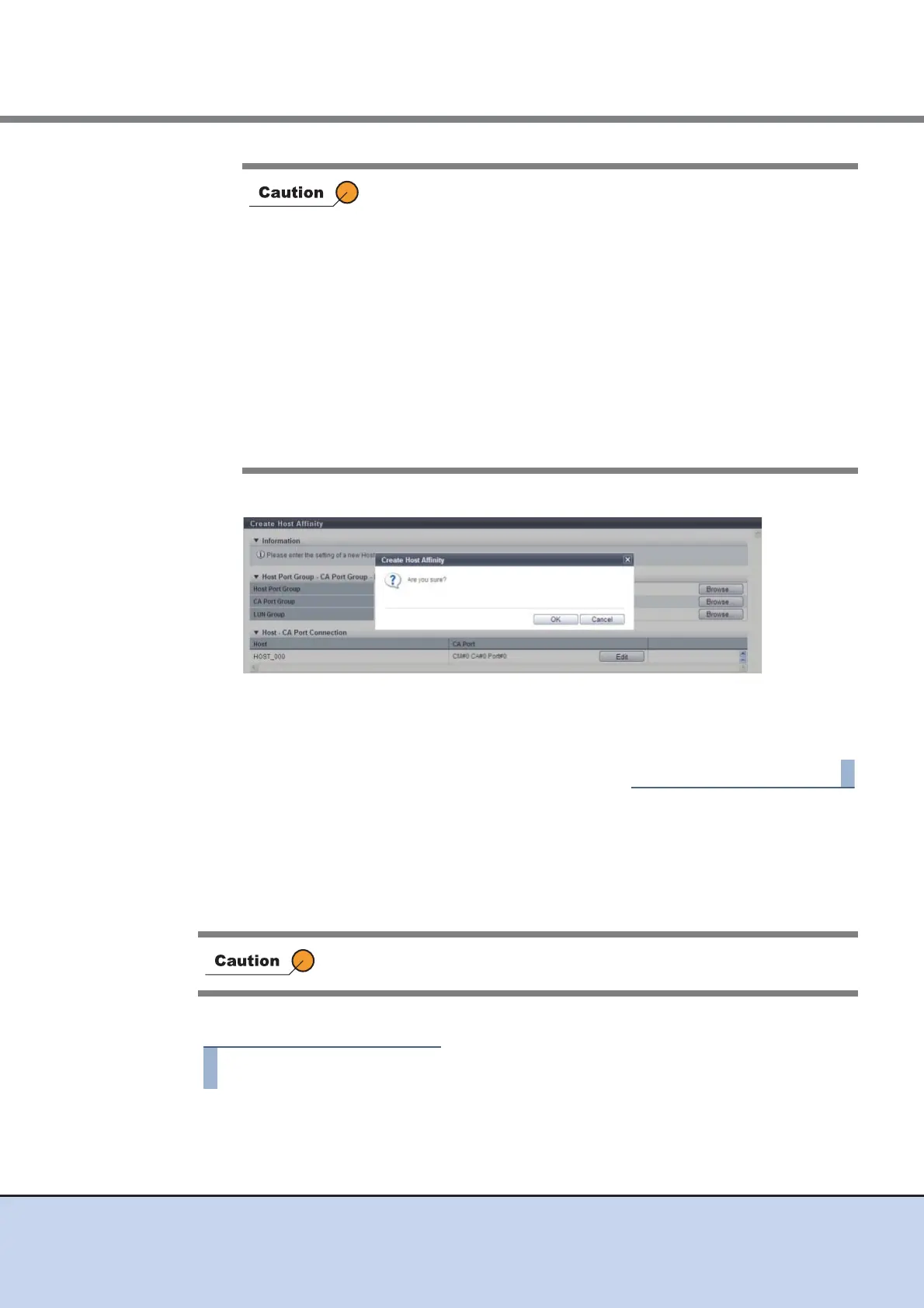
11 Click the [OK] button.
→ The registration of host affinity starts.
12 Click the [Done] button to return to the [Host Affinity] screen.
9.2.1.2 Delete Host Affinity
This function deletes the registered host affinity in the ETERNUS DX Disk storage system.
If a host affinity has been deleted, the path between a "Host Group", a "Port Group" and a "LUN
Group" is deleted.
The procedure to delete a host affinity is as follows:
1 Select the host affinity to be deleted (multiple selections can be made) and click
[Delete Host Affinity] in [Action].
→ A confirmation screen appears.
An error screen appears in the following conditions:
• When the host interface type of the host group and the CA type of
the port group do not match
Note that CA for "FCoE" and "FC" is regarded as the same CA
type.)
• When the selected "Host Group", "Port Group" or the "LUN
Group" does not exist
• When the selected "Host" or the "CA Port" does not exist
• When a host affinity with the same "Host Group", "Port Group"
and "LUN Group" settings already exists
• When the number of host affinities exceeds the maximum number
per ETERNUS DX Disk storage system
• When the number of hosts exceeds the maximum number per
port
When deleting a host affinity, make sure to stop the access of the host
which has been associated with the host affinity to be deleted.



 To Next Page