Chapter 9 Connectivity Management
9.2 Functions in the Action Area for Connectivity
ETERNUS Web GUI User’s Guide
288
Copyright 2011 FUJITSU LIMITED P2X0-1090-02ENZ0
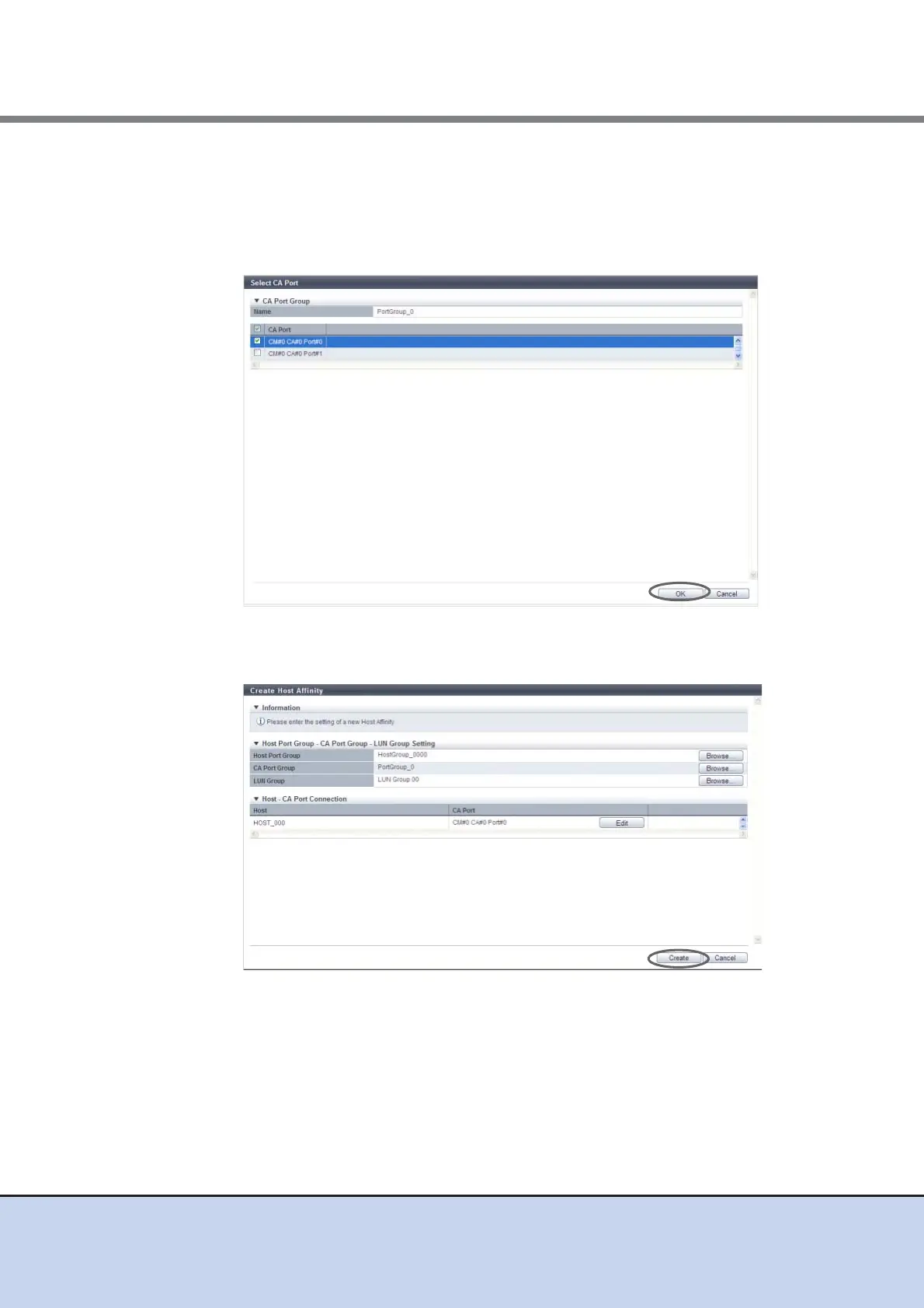
9 Select whether to enable or disable the path between a host and a CA port, and
click the [OK] button.
• Checkbox to select path
To enable the path between a host and a CA port, select the checkbox of the CA port.
To disable the path between a host and a CA port, clear the checkbox of the CA port.
10 Confirm the host affinity setting and the path between the host and the CA port,
click the [Create] button.
→ A confirmation screen appears.



 To Next Page