Chapter 9 Connectivity Management
9.2 Functions in the Action Area for Connectivity
ETERNUS Web GUI User’s Guide
373
Copyright 2011 FUJITSU LIMITED P2X0-1090-02ENZ0
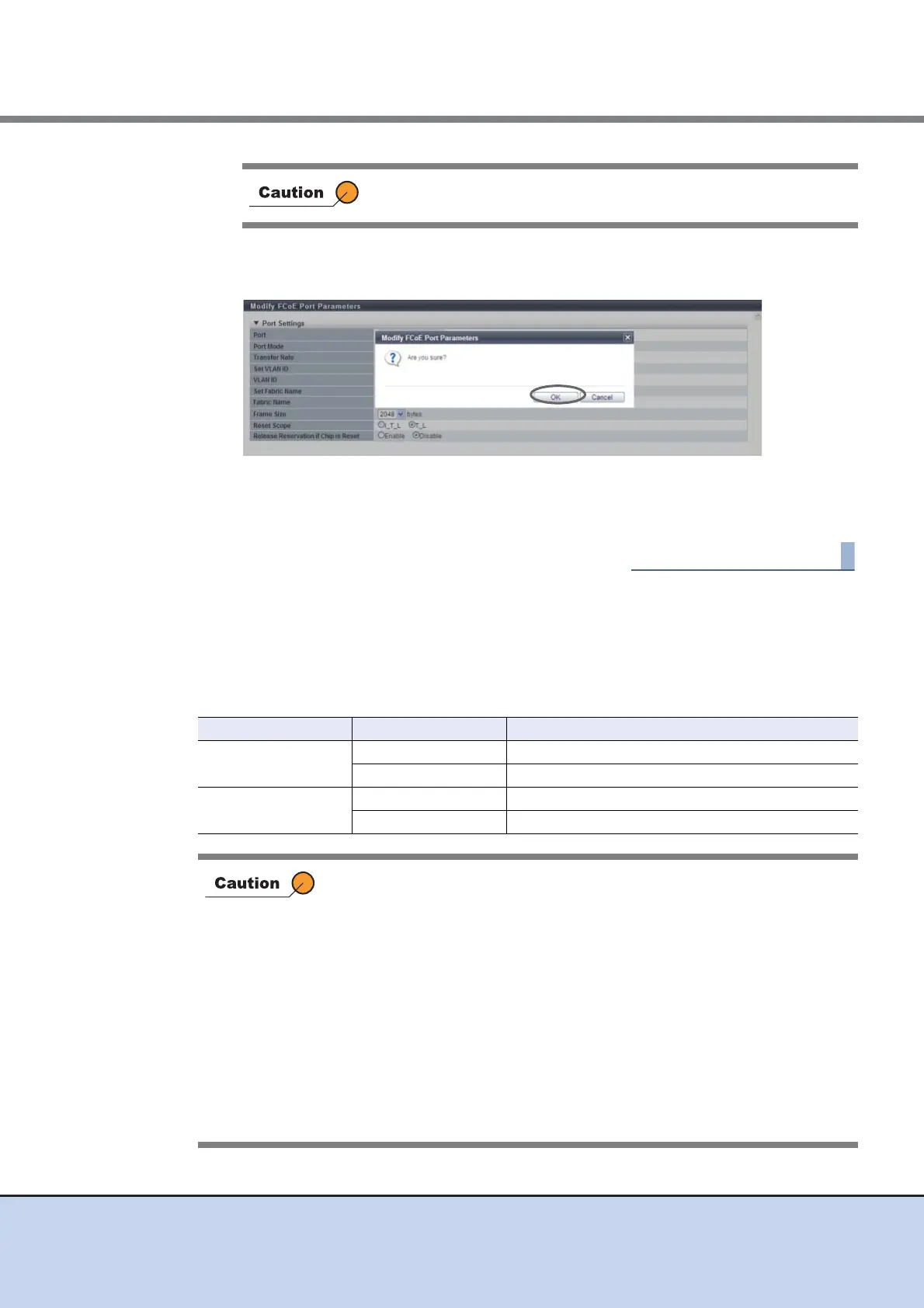
→ A confirmation screen appears.
3 Click the [OK] button.
→ Modification of the FCoE port parameters starts.
4 Click the [Done] button to return to the [Ports] screen.
9.2.3.11 Modify Port Mode
This function changes the port mode of each port between Channel Adapter (CA) and Remote
Adapter (RA).
The port modes of the FC port and the iSCSI port can be changed.
If some parameters do not satisfy the input conditions, an error
screen appears.
Port Port Mode Usage
FC Port
CA CA is used for connecting to the host.
RA RA is used for performing REC.
iSCSI Port
CA CA is used for connecting to the host.
RA RA is used for performing REC.
• When changing the port mode of a running port from "CA" to "RA",
make sure to stop the host access connected to the corresponding CA
Port.
• When changing the port mode of a running port from "RA" to "CA",
make sure to check that there is no session in the corresponding port.
• If the port mode has been changed from "CA" to "RA", LUN mapping
information in the specified CA port will be deleted.
• If the port mode has been changed from "RA" to "CA", the Advanced
Copy path information in the specified RA port will be deleted.
• The port mode of a port, which is registered to a port group, cannot be
changed.
• The port mode of a SAS port cannot be changed.
• The port mode of an FCoE port cannot be changed.



 To Next Page