Chapter 11 System Management
11.2 Functions in the Action Area for System
ETERNUS Web GUI User’s Guide
522
Copyright 2011 FUJITSU LIMITED P2X0-1090-02ENZ0
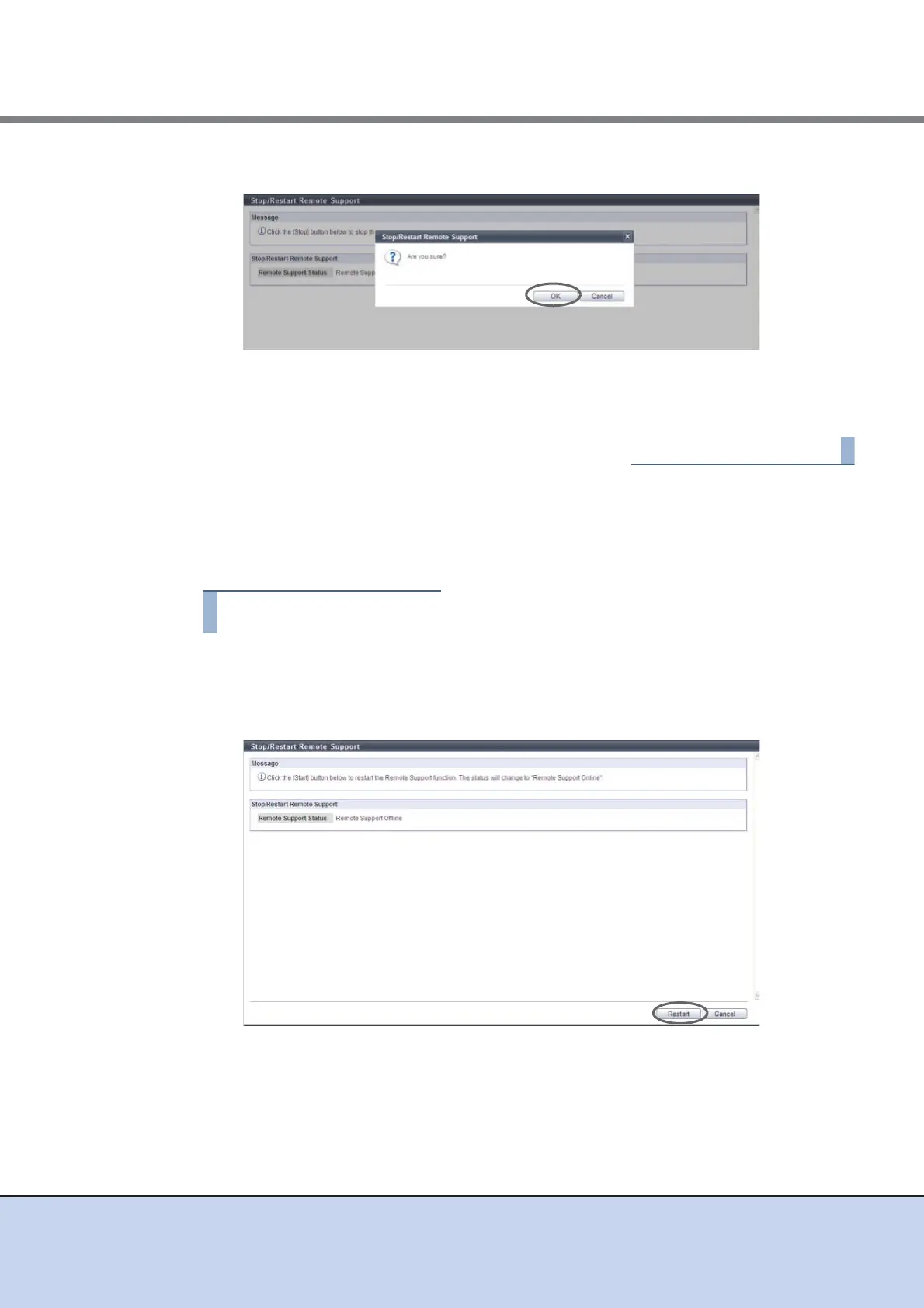
3 Click the [OK] button.
→ The Remote Support is stopped.
4 Click the [Done] button to return to the [Remote Support] screen.
■ Restarting Remote Support
This function restarts the Remote Support. The Remote Support can be restarted only when it is
"Termination in Progress". The procedure to restart Remote Support is as follows:
1 Click [Stop/Restart Remote Support] in [Action].
→ The current Remote Support status is displayed.
2 Click the [Restart] button.
→ A confirmation screen appears.



 To Next Page