Chapter 11 System Management
11.2 Functions in the Action Area for System
ETERNUS Web GUI User’s Guide
524
Copyright 2011 FUJITSU LIMITED P2X0-1090-02ENZ0
■ Add User Account
The procedure to add a user accounts is as follows:
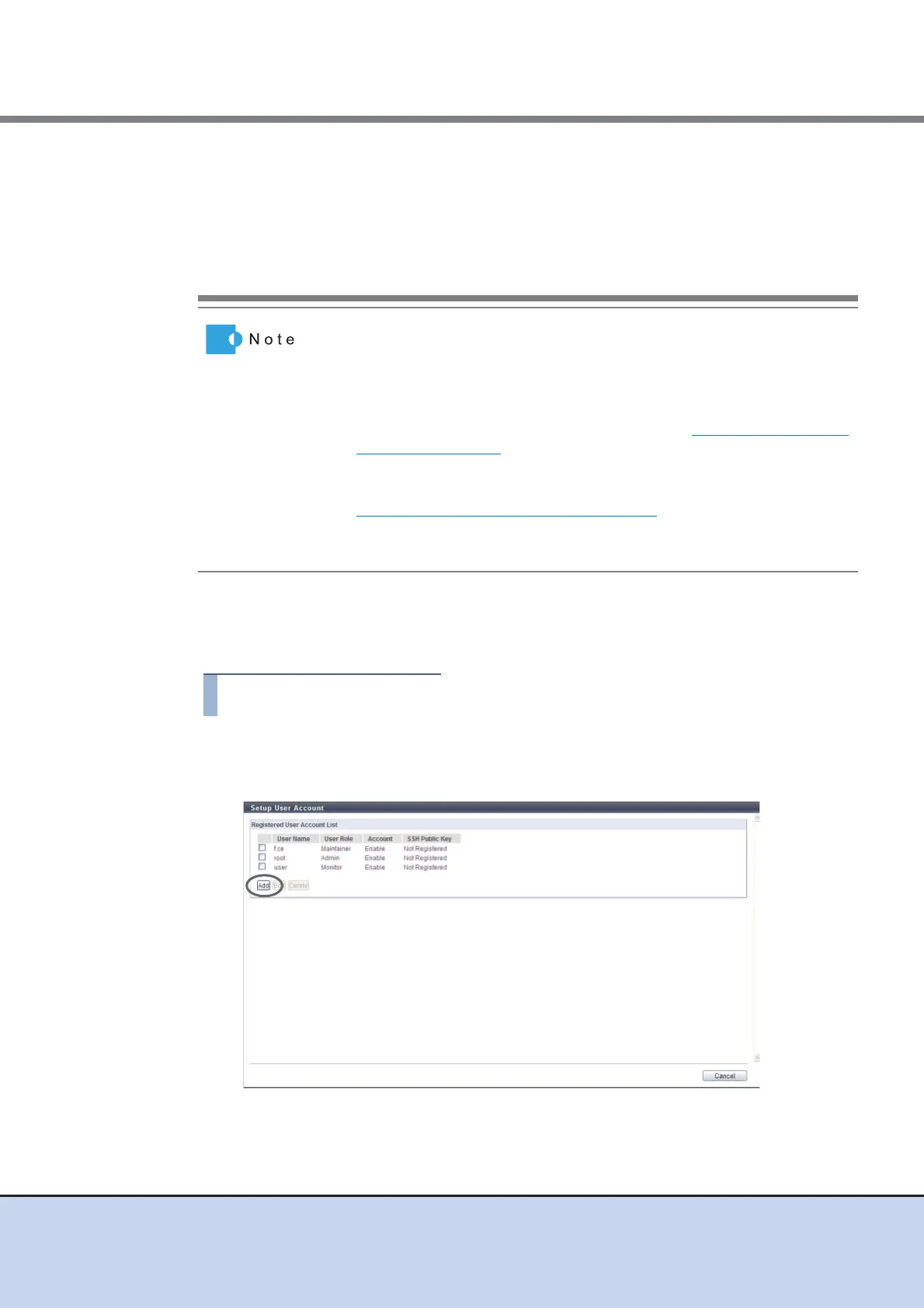
1 Click [Setup User Account] in [Action].
2 Click the [Add] button.
• The current user account (your account) can be changed or deleted.
When deleting a user account, at least one user account with
administrator privileges (role of "Admin") added must remain. Changed
or deleted settings become available at the next login.
• The last user account with administrator privileges (role of "Admin")
added cannot be deleted.
• For a user account, the following items can be changed: "New
Password", "User Role", whether to enable or disable "Account", and
whether to register "SSH Public Key" or not.
• When a user account is deleted, the SSH client public key registered in
the ETERNUS DX Disk storage system is also deleted.
• To initialize a user account, use the procedure in "11.2.5.2 Initialize User
Account" (page 530). When a user account is initialized, the password
for the default account can be initialized.
• To change the current user's (your) password, use the procedure in
"11.2.1 Change User Password" (page 455)
.
• When RADIUS Authentication is used for login, the current user's (your)
password cannot be changed.



 To Next Page