Chapter 5 Volume Management
5.2 Functions in the Action Area for Volume
ETERNUS Web GUI User’s Guide
103
Copyright 2011 FUJITSU LIMITED P2X0-1090-02ENZ0
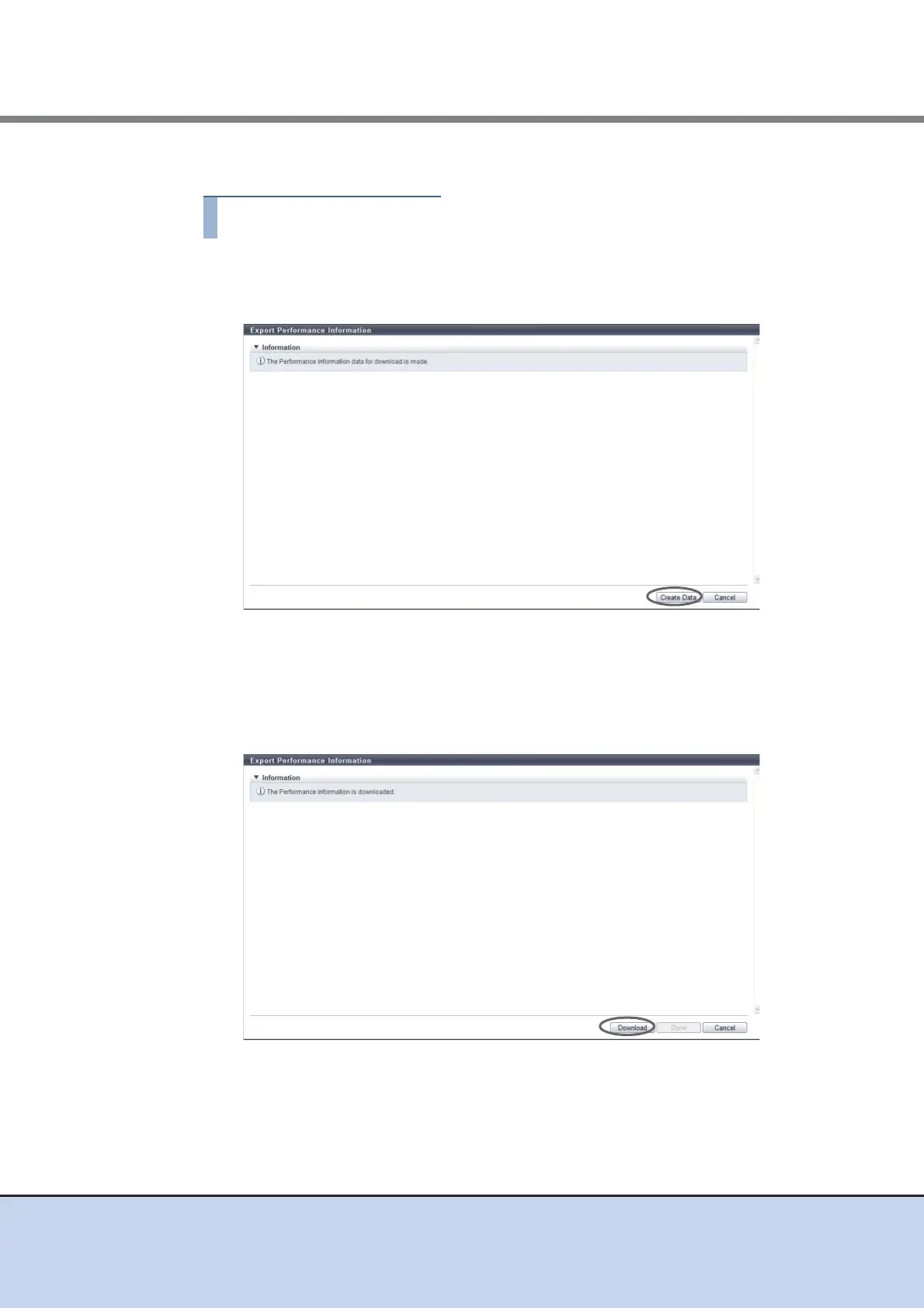
The procedure to download the performance information is as follows:
1 Click [Export Performance Info] in [Action].
2 Click the [Create Data] button.
→ The registered performance information in the ETERNUS DX Disk storage system is
exported.
After the performance information export is finished, a screen to execute downloading
the file is displayed.
3 Click the [Download] button.
→ A dialog box to download the file appears.



 To Next Page