Chapter 7 Thin Provisioning Pool Management
7.1 Thin Provisioning Pool Status
ETERNUS Web GUI User’s Guide
136
Copyright 2011 FUJITSU LIMITED P2X0-1090-02ENZ0
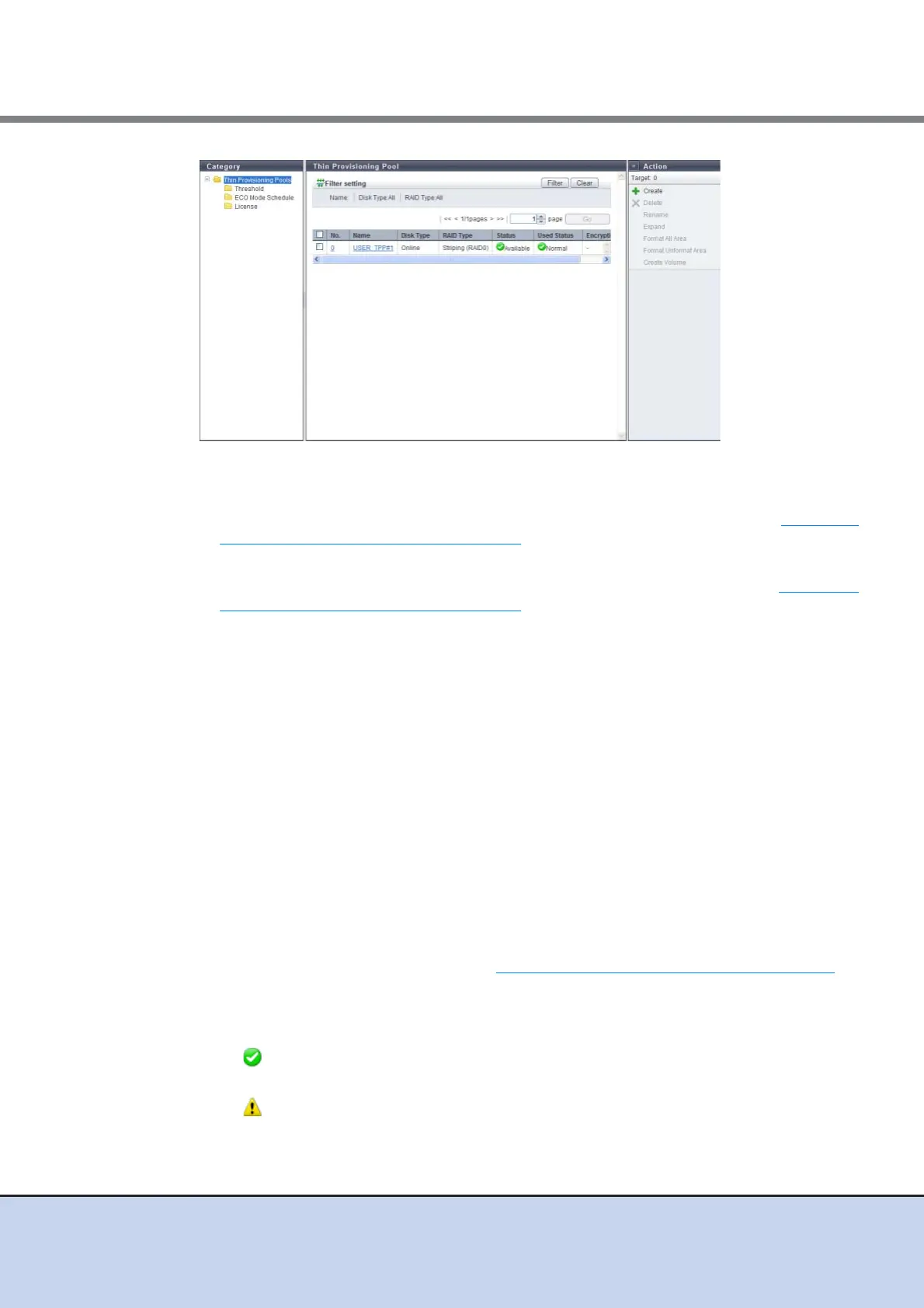
The following items are displayed in the Main area:
• No.
The TPP number is displayed. Clicking this item displays the screen shown in "7.1.5 Thin
Provisioning Pool Detail (Basic)" (page 142).
• Name
The TPP name is displayed. Clicking this item displays the screen shown in "7.1.5 Thin
Provisioning Pool Detail (Basic)" (page 142).
• Disk Type
The type of drive that configures the TPP is displayed.
- Online:
SAS disks
- Nearline
Nearline SAS disks
- SSD
• RAID Type
The type of RAID group that configures the TPP is displayed.
- High Performance (RAID1+0)
- High Capacity (RAID5)
- High Reliability (RAID6)
- Mirroring (RAID1)
- Striping (RAID0)
• Status
The TPP status is displayed. Refer to "B.4 Thin Provisioning Pool Status" (page 615)
for
detailed information of TPP status.
• Used Status
The usage of TPP is displayed.
- Normal
TPP usage does not exceed the "Attention" threshold.
- Attention
TPP usage exceeds the "Attention" threshold but does not exceed the "Warning"
threshold.



 To Next Page