Chapter 1 Outline
1.5 Screen Operations
ETERNUS Web GUI User’s Guide
17
Copyright 2011 FUJITSU LIMITED P2X0-1090-02ENZ0
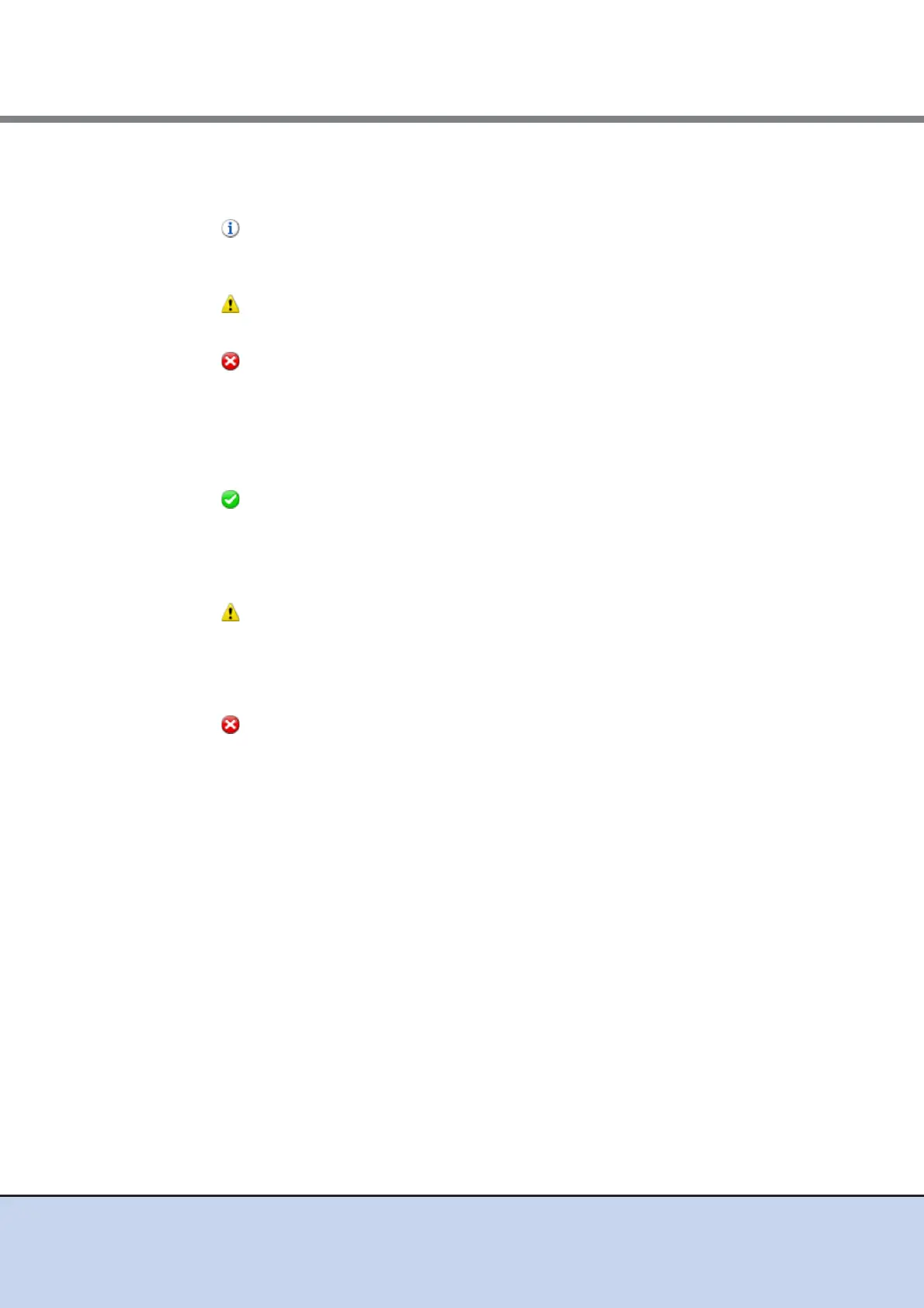
■ System Message
A system message is displayed.
• Message
When any information from the ETERNUS DX Disk storage system exists, an information
message is displayed.
• Message
When an event causes warning status, a warning message is displayed.
• Message
When an event causes error status, an error message is displayed.
■ Hardware Components
The number of components for each status is displayed.
• Normal
- Modules
The number of components in normal status (*1) is displayed.
- Disks
The number of drives in normal status is displayed.
• Warning
- Modules
The number of components in warning status (*1) is displayed.
- Disks
The number of drives in warning status is displayed.
• Error
- Modules
The number of components in error status (*1) is displayed.
- Disks
The number of drives in error status is displayed.
*1: The number of components that can be maintained. The number of components does not include the
number of drives.
■ System information
The information of the ETERNUS DX Disk storage system is displayed.
• Storage System Name
The name for the ETERNUS DX Disk storage system is displayed.
Clicking this item displays the [Storage] screen in the [Component] navigation.
• Model Name
The model name of the ETERNUS DX Disk storage system is displayed.
• Serial No.
The serial number of the ETERNUS DX Disk storage system is displayed.



 To Next Page