Chapter 8 Advanced Copy Management
8.1 Advanced Copy Status
ETERNUS Web GUI User’s Guide
184
Copyright 2011 FUJITSU LIMITED P2X0-1090-02ENZ0
- A paid license, a free license, or VAAI is registered.
• Expiration Date
The expiration date for the trial license is displayed. A "-" (hyphen) is displayed in the
following conditions:
- Trial license has never been registered.
- A paid license, a free license, or VAAI is registered.
● Advanced Copy Settings
• Copy Table Size
A copy table size is displayed.
• EC/OPC Priority
The EC/OPC priority is displayed.
- Automatic Priority
This mode changes the EC/OPC priority automatically in response to the operating load
status.
- High Priority
This mode operates by making maximum use of internal resources.
- Low Priority
This is a mode in which the influence on host access is reduced to a minimum.
• Current EC/OPC Priority
The current EC/OPC priority is displayed.
- High Priority
- Low Priority
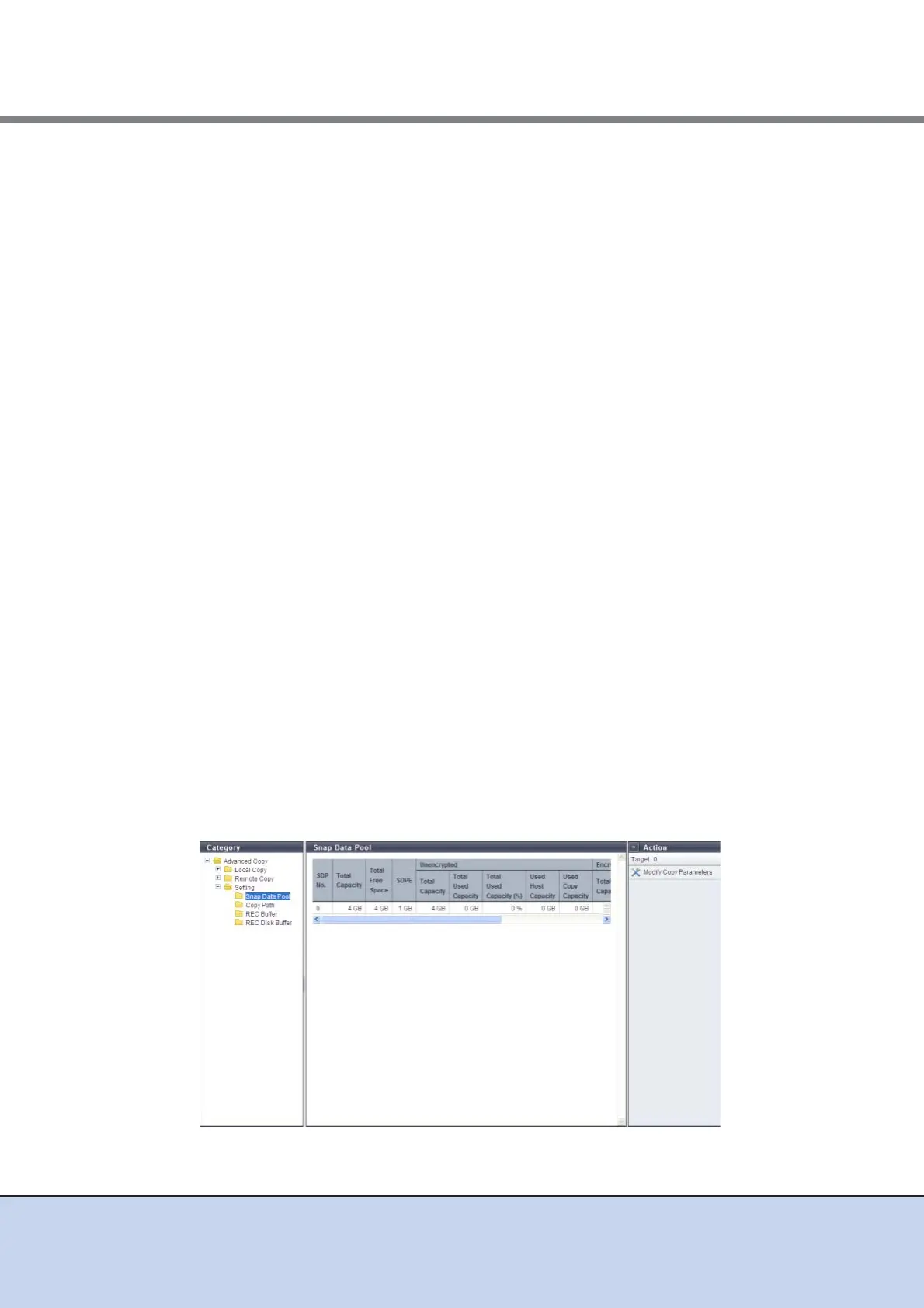
8.1.4.1 Snap Data Pool
This function displays the SDP status.
SDP is the area used when in case executing SnapOPC and SnapOPC+ increases the amount
of copy data and exceeds the SDV capacity.
SDP becomes available when creating an SDPV. Created SDPV is automatically added to the
SDP.



 To Next Page