Chapter 8 Advanced Copy Management
8.2 Functions in the Action Area for Advanced Copy
ETERNUS Web GUI User’s Guide
204
Copyright 2011 FUJITSU LIMITED P2X0-1090-02ENZ0
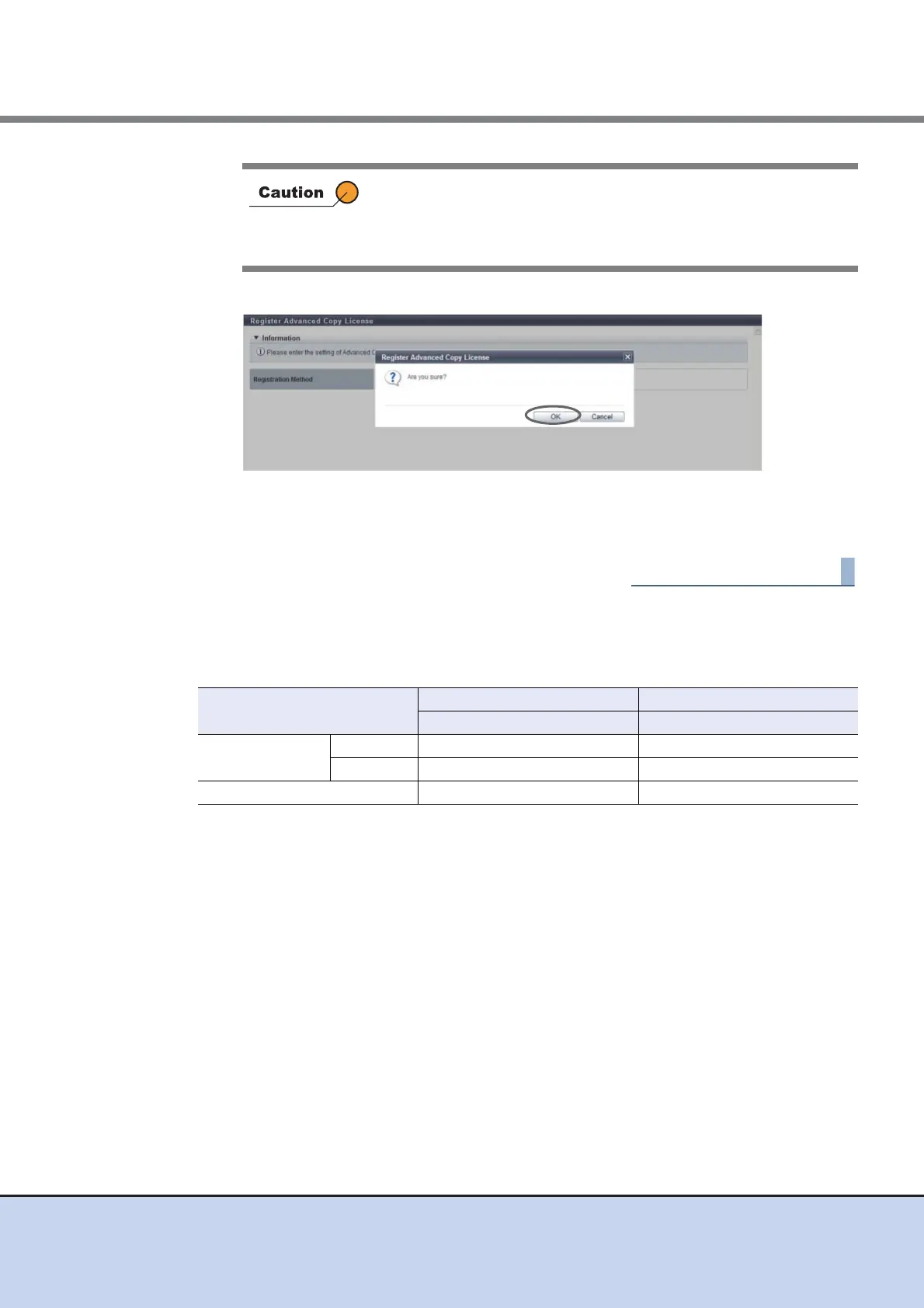
3 Click the [OK] button.
→ The Advanced Copy license registration is executed.
4 Click the [Done] button to return to the [Setting] screen.
Availability of Copy Functions
The following table shows the availability of copy functions when "Use Free License/ VAAI" or
"Use VAAI" is selected.
• Only when registering a paid license, the Advanced Copy license
key entry is required.
• When the entered Advanced Copy license key does not satisfy
the input conditions, an error screen appears.
Copy Type ETERNUS DX80 S2/DX90 S2 ETERNUS DX410 S2/DX440 S2
Use Free License/VAAI Use VAAI
Advanced Copy Local OK (Up to eight sessions) NG
Remote NG NG
Full Copy by VAAI OK OK



 To Next Page