Chapter 9 Connectivity Management
9.2 Functions in the Action Area for Connectivity
ETERNUS Web GUI User’s Guide
368
Copyright 2011 FUJITSU LIMITED P2X0-1090-02ENZ0
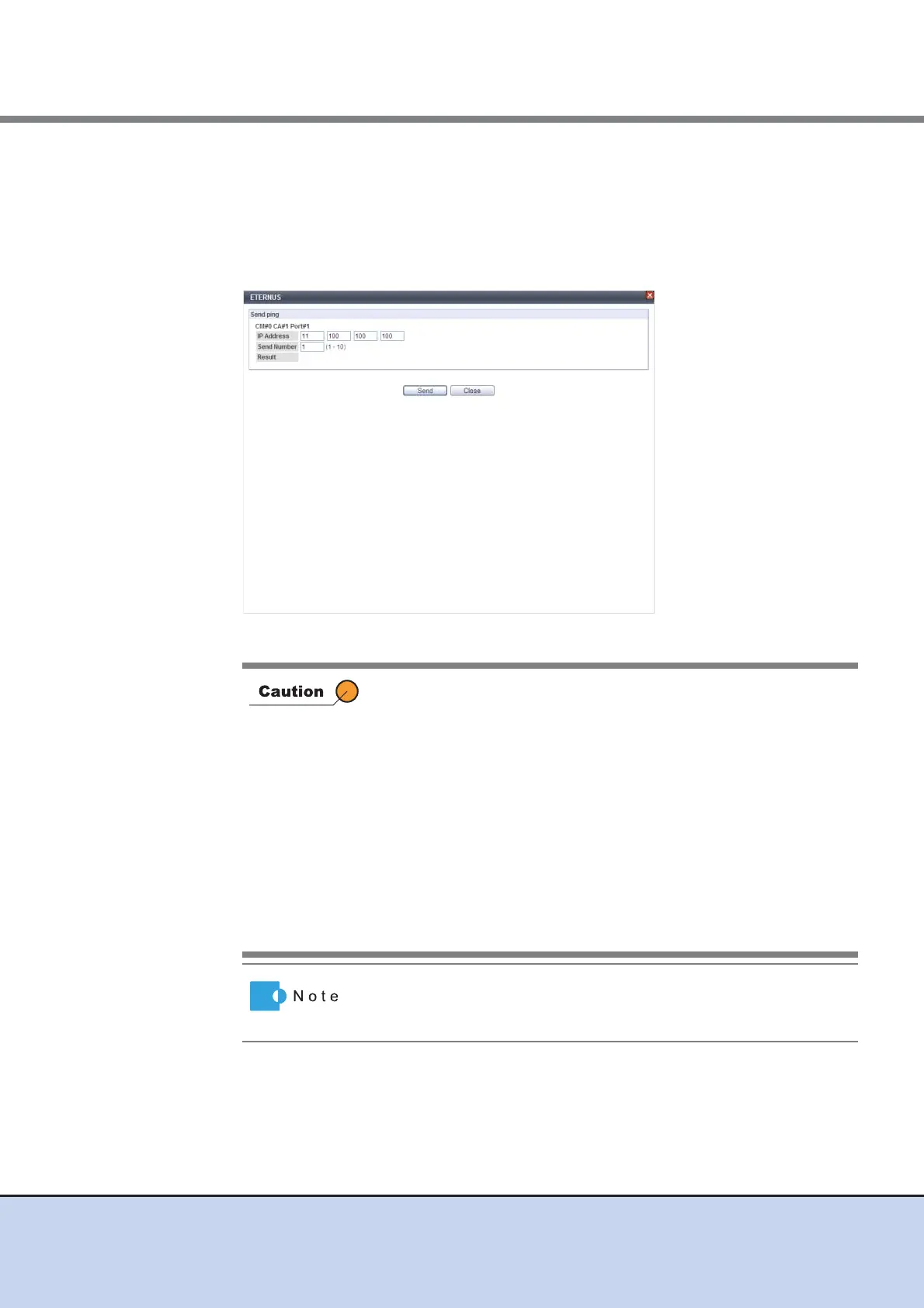
• Result
Click the [Send] button to display the results of the ping commands that are sent.
- success
All were sent successfully.
- failed
At least one failure occurred.
→ A confirmation screen appears.
An error screen appears in the following conditions:
• When the required items (IP address and subnet mask) are not
specified
• When there are parameters that do not satisfy the input
conditions
• When "255.255.255.255" is entered for the IP address, the
subnet mask, or the default gateway
• When the IP address and the network address are the same
• When the IP address and the broadcast address are the same
• When the default gateway is set and the IP address and the
default gateway are the same
• When the default gateway is set and the IP Address and the
default gateway are not in the same subnet
Click the [Verify Connection (ping)] button in [IP address] to check
whether the IP address is allocated correctly and to check the
connection status for the destination device.



 To Next Page