Chapter 10 Component Management
10.1 Component Status
ETERNUS Web GUI User’s Guide
397
Copyright 2011 FUJITSU LIMITED P2X0-1090-02ENZ0
• Operation Mode
The operation mode is displayed.
- Active
- Maintenance
• Controller Module connected to the GUI
The CM that can be managed by GUI is displayed.
• Firmware Version
The current controller firmware version is displayed.
• Controller Enclosure
The status of the controller enclosure (CE) is displayed. Refer to "B.5 Component Status"
(page 615) for details.
• Drive Enclosure#x
The status of the drive enclosure (DE) is displayed. "#x" indicates the DE number. Refer to
"B.5 Component Status" (page 615)
for details.
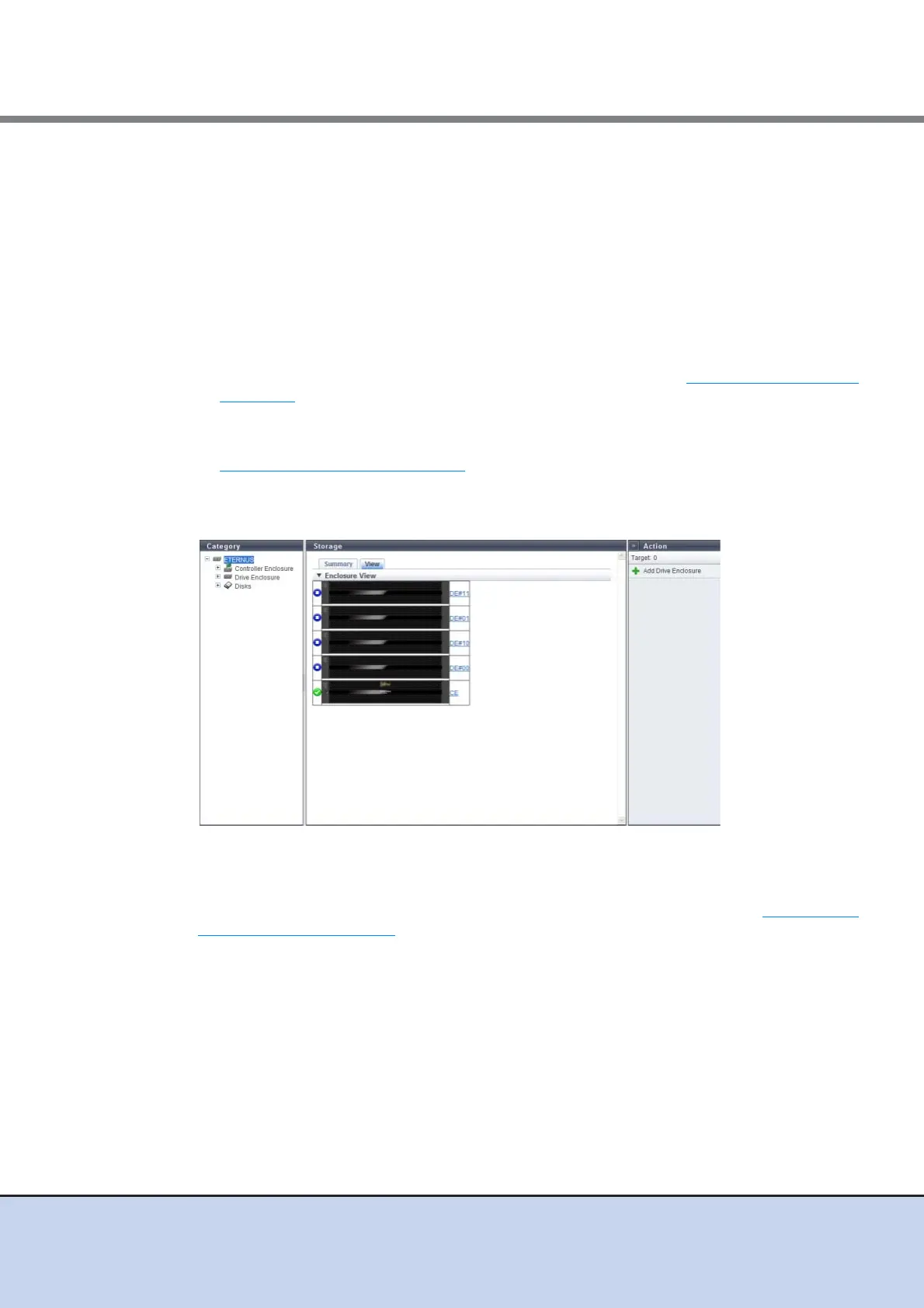
■ View
The front view of the enclosures that are installed in the ETERNUS DX Disk storage system is
displayed.
By clicking the [CE] link, the [Controller Enclosure] screen is displayed.
By clicking the [DE] link, the [Drive Enclosure] screen is displayed. Refer to "10.1.8 Drive
Enclosure Detail" (page 420) for display items.



 To Next Page