Chapter 10 Component Management
10.2 Functions in the Action Area for Component
ETERNUS Web GUI User’s Guide
435
Copyright 2011 FUJITSU LIMITED P2X0-1090-02ENZ0
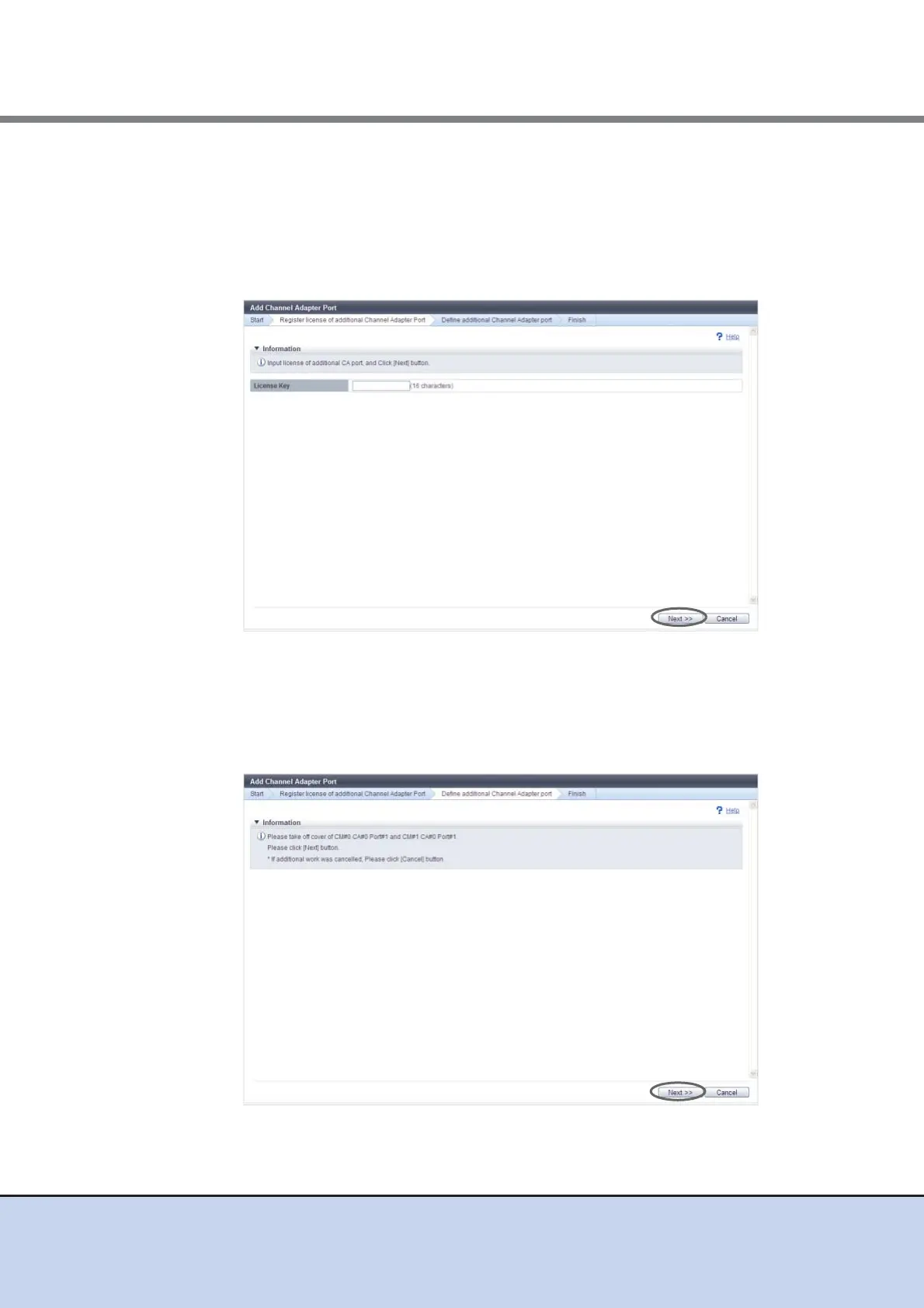
3 Enter the license key, and click the [Next] button.
• License Key
Enter the license key.
The following input conditions apply:
- 16 characters
- Capital letters and numeric characters
→ The [Register license of additional Channel Adapter Port] screen appears. The [Define
additional Channel Adapter port] screen appears after the registration of the license
key is complete.
4 Add the CA port according to the displayed procedure and click the [Next]
button.
The operations and displayed screen vary depending on the host interface type that is
used.



 To Next Page