Chapter 11 System Management
11.1 System Status
ETERNUS Web GUI User’s Guide
445
Copyright 2011 FUJITSU LIMITED P2X0-1090-02ENZ0
- 100Mbit/s Full
- 10Mbit/s Half
- 10Mbit/s Full
• Master CM IP Address
The IP address of the Master CM, which has been specified to the port, is displayed.
If not specified, the field is blank.
• Slave CM IP Address
The IP address of the Slave CM, which has been specified to the port, is displayed.
If there is only one CM, the "Slave CM IP Address" is not displayed.
If not specified, the field is blank.
• Subnet Mask
The Subnet Mask, which has been specified to the port, is displayed.
If not specified, the field is blank.
● SNMP Information
• SNMP Function
Whether the SNMP function is enabled ("Enable") or disabled ("Disable") is displayed.
● E-Mail Information
• Notificate E-Mail
Whether the E-mail notification is enabled ("Enable") or disabled ("Disable") is displayed.
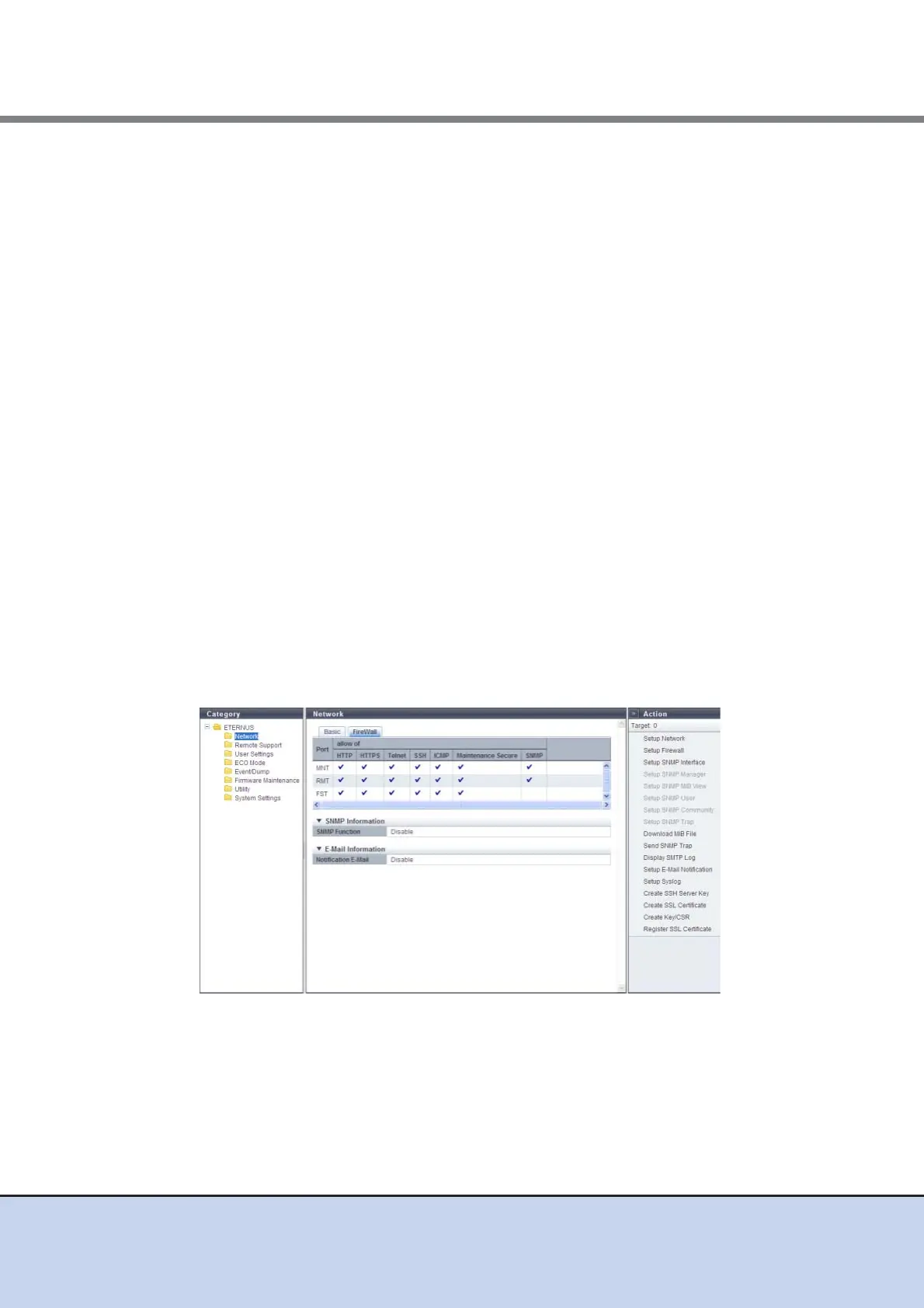
■ FireWall
The Firewall setting status of each service is displayed.
The following items are displayed in the Main area:
• Port
The port type is displayed.
- For ETERNUS DX80 S2/DX90 S2: MNT or RMT
- ETERNUS DX410 S2/DX440 S 2: MNT, RM T, o r F ST



 To Next Page