Chapter 11 System Management
11.1 System Status
ETERNUS Web GUI User’s Guide
448
Copyright 2011 FUJITSU LIMITED P2X0-1090-02ENZ0
- OFF
Do not execute the controller firmware application after controller firmware download is
complete.
• Automatic Log Transmission
Whether the automatic log transmission is enabled or disabled is displayed.
- "-" (hyphen)
The Remote Support is not operating.
- ON
The automatic log transmission is enabled. The internal log of the ETERNUS DX Disk
storage system is automatically sent to the REMCS center when an error occurs.
- OFF
The automatic log transmission is disabled.
• Periodic Log Transmission
Whether the periodical log transmission is enabled or disabled is displayed.
- "-" (hyphen)
The Remote Support is not operating.
- ON (transmission schedule)
The periodical log transmission is enabled. The internal log of the ETERNUS DX Disk stor-
age system is automatically sent to the REMCS center according to the transmission
schedule.
- OFF
The periodical log transmission is disabled.
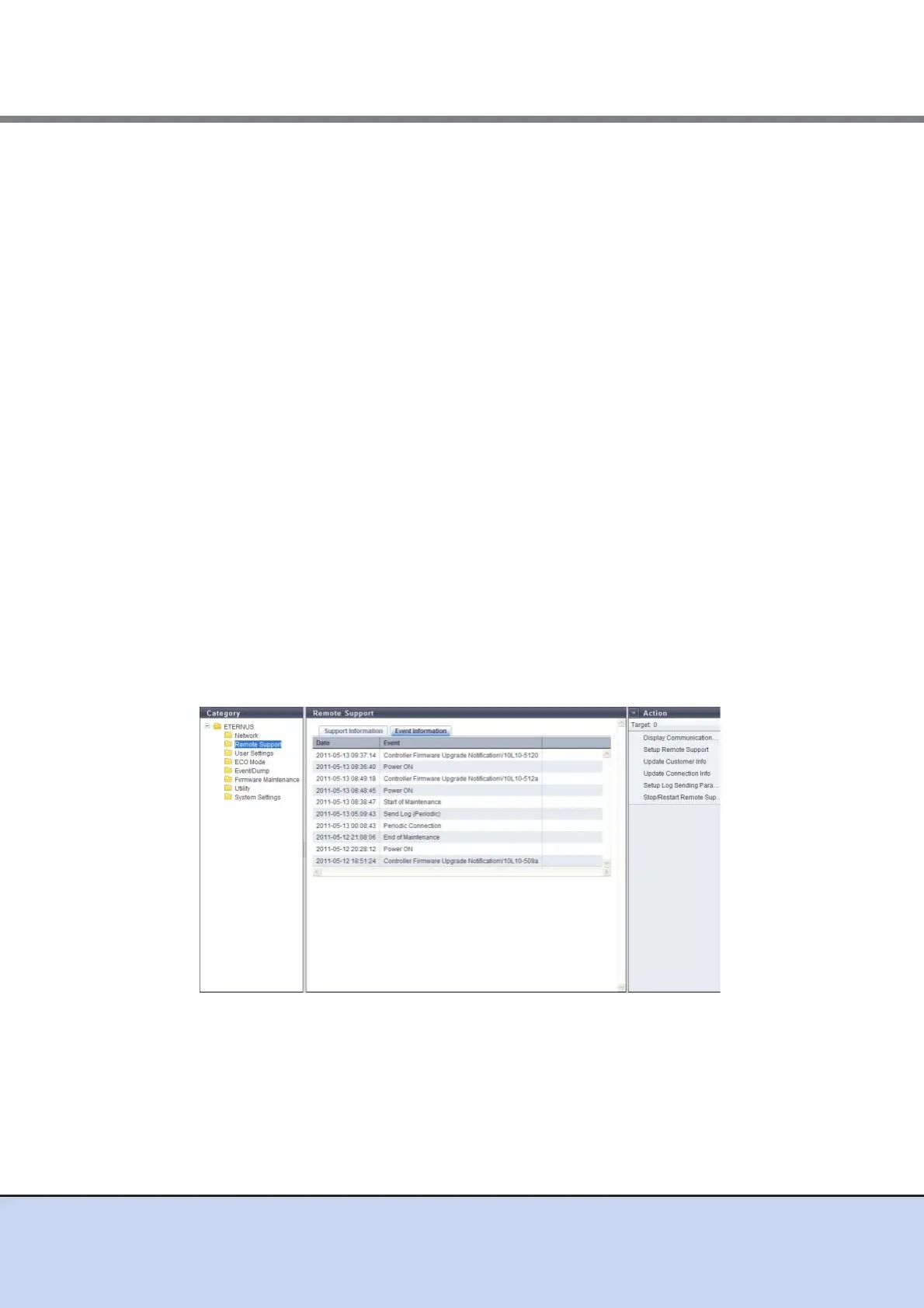
■ Event Information
In this screen, ten latest pieces of event information are displayed.
The following items are displayed in the Main area:
• Date
The date and time when the Remote Support events occurred, are displayed.
- YYYY-MM-DD hh:mm:ss (YYYY: Year (AD), MM: Month (01 - 12), DD: Day (01 - 31), hh:
Hour (00 - 23), mm: Minute (00 - 59), ss: Second (00 - 59))
• Event
The Remote Support event is displayed.



 To Next Page