Chapter 11 System Management
11.2 Functions in the Action Area for System
ETERNUS Web GUI User’s Guide
534
Copyright 2011 FUJITSU LIMITED P2X0-1090-02ENZ0
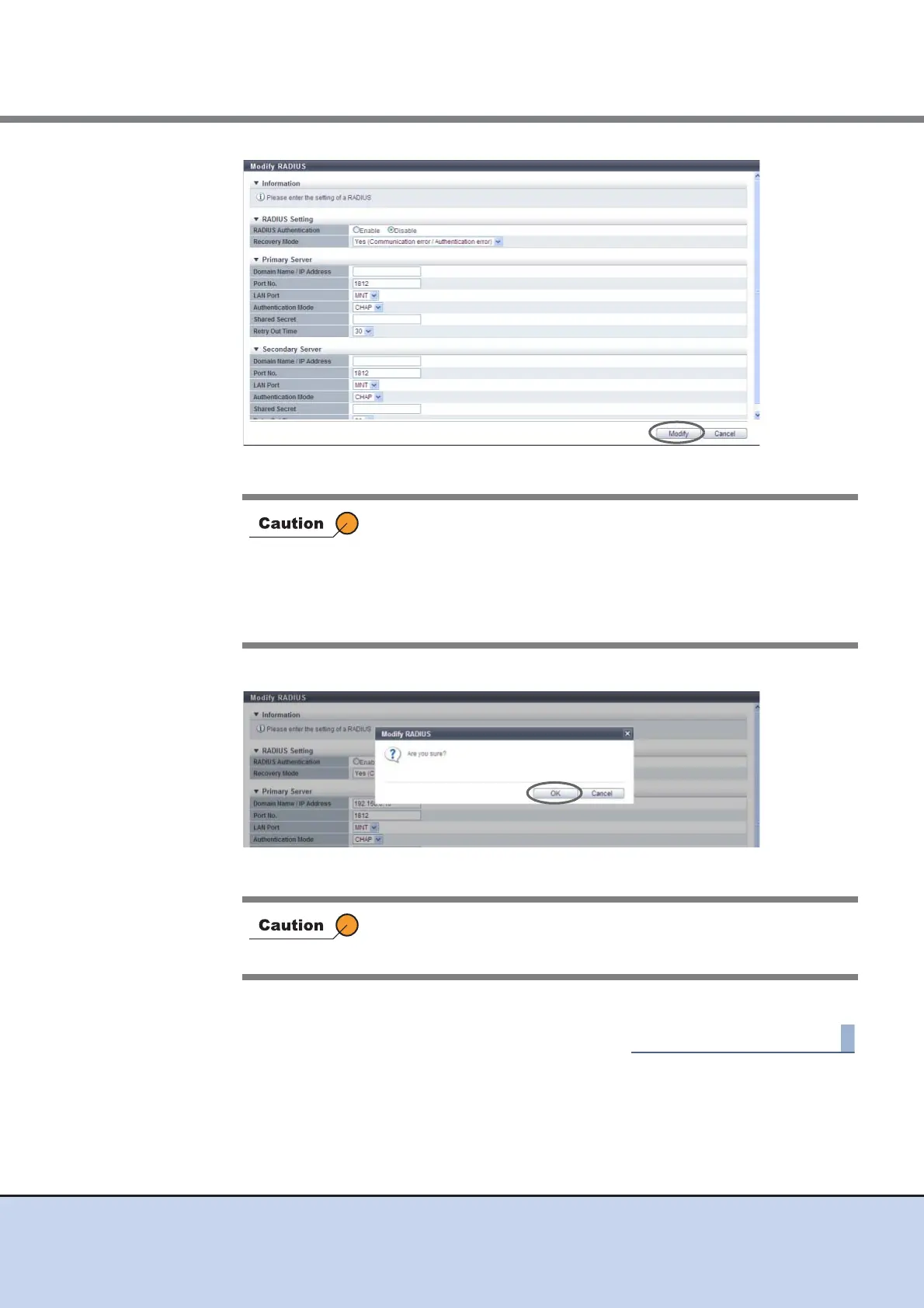
→ A confirmation screen appears.
3 Click the [OK] button.
→ Setting of the RADIUS Authentication starts.
4 Click the [Done] button to return to the [User Settings] screen.
In the following cases, an error screen appears:
• When each parameter fails to satisfy the input conditions
• When the primary server is not specified
• When there is an unspecified parameter for the server
• When the "Domain Name/IP Address" of the Primary server
overlaps with that of the Secondary server
An error screen appears if the specified IP address of the RADIUS
server conflicts with the internal IP address of the ETERNUS DX
Disk storage system.



 To Next Page