Chapter 11 System Management
11.2 Functions in the Action Area for System
ETERNUS Web GUI User’s Guide
546
Copyright 2011 FUJITSU LIMITED P2X0-1090-02ENZ0
11.2.6.4 Modify ECO Mode Schedule
This function modifies the ECO mode schedule.
Up to eight events can be specified for a single ECO mode schedule.
The procedure to edit an ECO Mode schedule is as follows:
1 Select the ECO mode schedule that is to be edited and click [Modify Schedule]
in [Action].
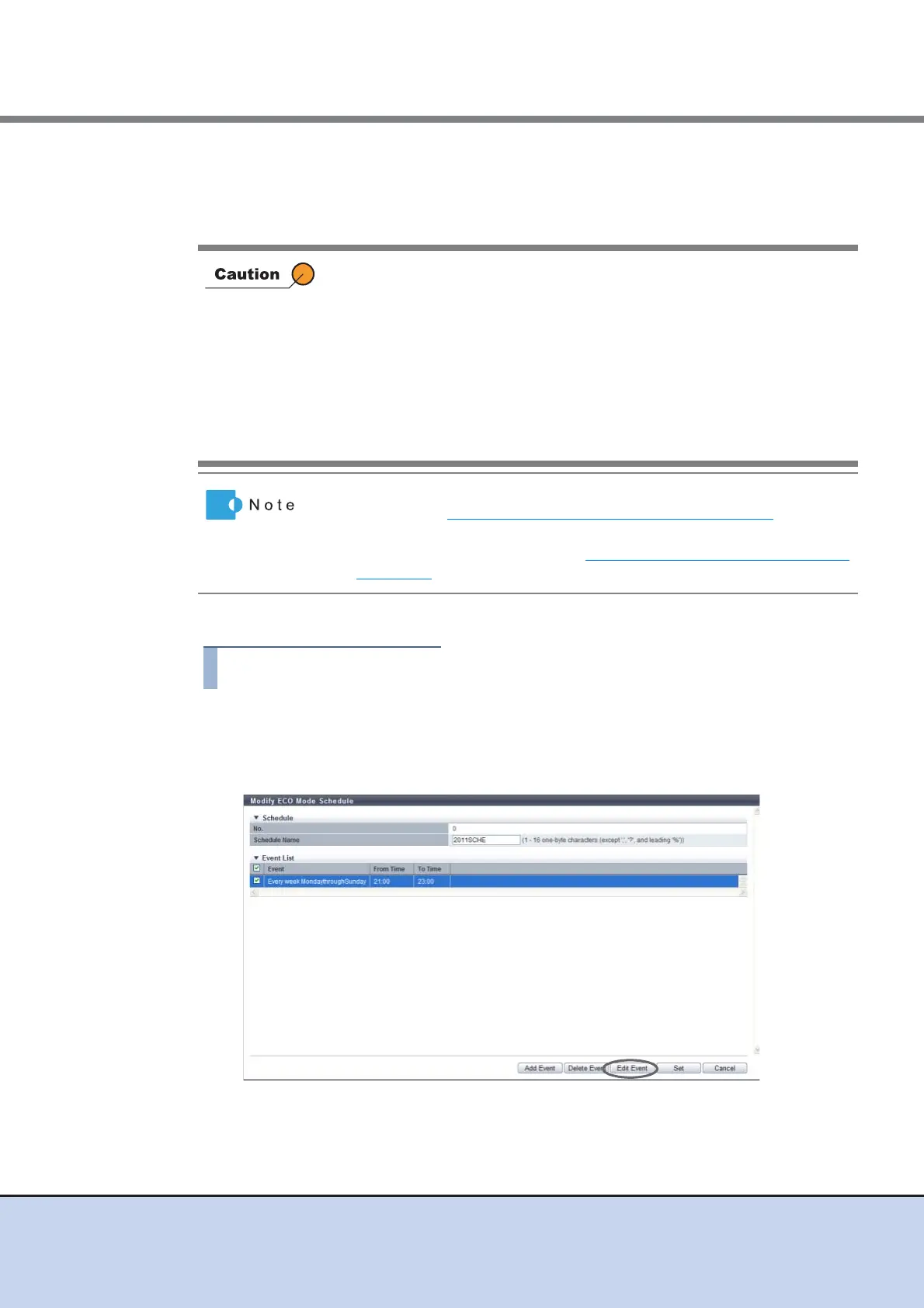
2 Select the event that is to be modified and click the [Edit Event] button.
Disk operation time varies depending on the ECO mode schedule settings
and disk access.
A disk is spun up even if it is outside of disk operation time in the following
conditions:
• If disk access occurs while the disk motor is stopped:
The disk is immediately spun up and can be accessed within 1 - 5
minutes.
• If a disk is activated more than a set amount of times in a day:
A state of increased access frequency is assumed and the ECO mode
will cease stopping the disk motor.
• To apply the modified ECO Mode schedule to RAID groups, refer to the
procedure in "6.2.7 Assign ECO Mode Schedule" (page 131)
.
• To apply the modified ECO Mode schedule to each Thin Provisioning
Pool, refer to the procedure in "7.2.8 Assign ECO Mode Schedule"
(page 166).



 To Next Page