EasyManua.ls Logo

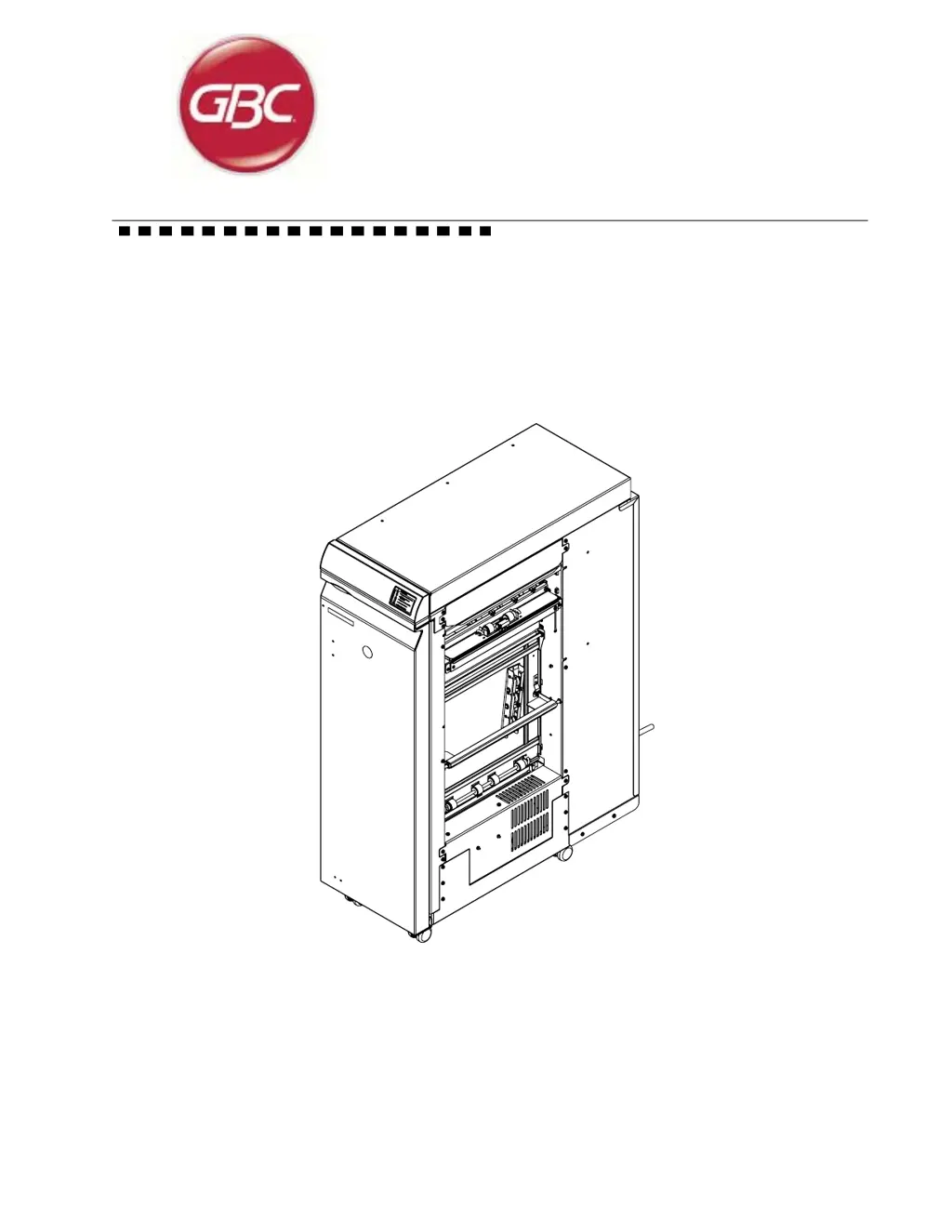
GBC AdvancedPunch - User Manual

GBC AdvancedPunch
244 pages
Print Icon
To Next Page IconTo Next Page
Loading...
Document # 7712571, Rev. C1 (23 08 2013)
AdvancedPunch
Technical Service Manual

Table of Contents

Questions and Answers

  • S
    Sharon BaldwinAug 20, 2025
    What to do if paper jam is shown on GBC AdvancedPunch interface but cannot be found?
    • J
      Jordan HardingAug 20, 2025
      If the GBC Paper Cutters show a paper jam on the printer interface, but you can't find it, a small piece of paper might be blocking a sensor in the paper path. Check each sensor to ensure they are not blocked.
  • J
    Joseph GarzaAug 21, 2025
    What to do if GBC AdvancedPunch show paper jam and removed sheets are torn?
    • V
      Victor KennedyAug 21, 2025
      If your GBC Paper Cutters display 'Paper jam' and the removed sheets are torn, suspect a small piece of paper hidden in the paper path. Try running a heavy cover stock through the system by hand; this may dislodge any small, torn pieces.
  • M
    Meredith DixonAug 25, 2025
    Why Advanced Punch does not appear on GBC AdvancedPunch interface screen?
    • R
      raymondmendozaAug 25, 2025
      If your GBC Advanced Punch doesn't appear on the printer interface screen, ensure the LEDs are illuminated on the Advanced Punch main control board. Also, connect all required communication cables from the Advanced Punch to the upstream device.
  • N
    Nicholas JenkinsAug 26, 2025
    What to do if GBC Paper Cutters machine will not start but Advanced Punch is shown on printer interface screen?
    • A
      adam13Aug 26, 2025
      If the GBC Advanced Punch is shown on the printer interface screen but the machine will not start, inspect cable connections and replace the power supply board if the LED is not lit. Also, inspect cable connections and replace the main control board if a minimum of two of the three LEDs are not lit. Ensure the door is closed and properly making the interlock.
  • J
    joshuafranklinAug 28, 2025
    What to do if Advanced Punch of GBC Paper Cutters has power but doesn't function?
    • B
      bsmithAug 28, 2025
      If your GBC Advanced Punch has an indication of power but doesn't function (one or two LEDs on the main control board are illuminated, but not all three), connect all required communication cables from the Advanced Punch to the upstream device to see if all LEDs illuminate. Close the door to see if all LEDs illuminate. If the door is closed, make sure the door switch is being actuated. Check that AC is applied to the power supply and that 24V is outputted from the power supply.
  • C
    Christopher Allen Jr.Aug 29, 2025
    How to troubleshoot no power indication on GBC AdvancedPunch Paper Cutters?
    • S
      schultzanthonyAug 29, 2025
      If there is no indication of power on your GBC Paper Cutters (none of the three green LEDs on the Advanced Punch main control are illuminated), ensure the power cord is properly connected to both the machine and the power supply. Check the power supplied from the outlet and confirm that the power switch, located at the lower right front of the machine, is in the 'ON' position.
  • W
    wclarkSep 1, 2025
    What to do if GBC Paper Cutters have no power indication when plugged in?
    • C
      Christopher ChenSep 1, 2025
      If there is no indication of power on your GBC Paper Cutters, even when plugged in, replace the main control board. Inspect or replace the display panel or cable. Inspect or replace the door to ensure it makes interlocks. Inspect or replace the die set to ensure it makes the switch. Check communication cables between the printer and Advanced Punch.
  • J
    John RamseySep 2, 2025
    What to do if paper won't enter punch area on GBC AdvancedPunch?
    • B
      Bryan Cunningham DDSSep 3, 2025
      If paper will not enter the punch area of your GBC Paper Cutters and only runs through the bypass, the divert solenoid may be malfunctioning. You should adjust or replace it.
  • B
    Bradley CurtisSep 4, 2025
    Why punch does not cycle on GBC AdvancedPunch Paper Cutters?
    • J
      John GomezSep 5, 2025
      If the punch does not cycle on your GBC Paper Cutters, the punch clutch may be out of adjustment or defective, the main control board may be faulty, or the AC punch motor may have issues. You should adjust or replace these components.
  • S
    Stephanie HamiltonSep 7, 2025
    Why is the paper punched in the middle of the sheet by GBC Paper Cutters?
    • P
      Phillip JenkinsSep 7, 2025
      If the paper is punched in the middle of the sheet by your GBC Paper Cutters, the back gauge solenoid may be malfunctioning. You should adjust or replace it.

Summary

Technical Service Manual

Section 1 Maintenance

Procedures for performing maintenance, including initial actions, paper jam clearing, and die set servicing.

Section 2 Fault Analysis Procedures

Troubleshooting guides for various fault codes, AC/DC power issues, paper jams, and skewed paper.

Section 3 Output Quality Analysis Procedures

Procedures for analyzing output quality, including hole alignment, skew, quality, oil marks, and edge damage.

Section 4 Repair and Adjustment Procedures

Detailed instructions for repairing and adjusting various components of the Advanced Punch.

Section 5 Parts List

Comprehensive list of parts with exploded views, part numbers, and quantities for the Advanced Punch.

Section 6 General Procedures

General information on operating procedures, diagnostics, adjustments, fault codes, and specifications.

Section 7 Wiring and Electrical Data

Wiring diagrams and electrical data for the Advanced Punch, including schematics and component connections.

Section 8 Installation and Set Up

Guidelines for unpacking, installing, setting up, and testing the Advanced Punch.

GBC AdvancedPunch Specifications

General IconGeneral
BrandGBC
ModelAdvancedPunch
CategoryPaper Cutters
LanguageEnglish

Related product manuals