EasyManua.ls Logo

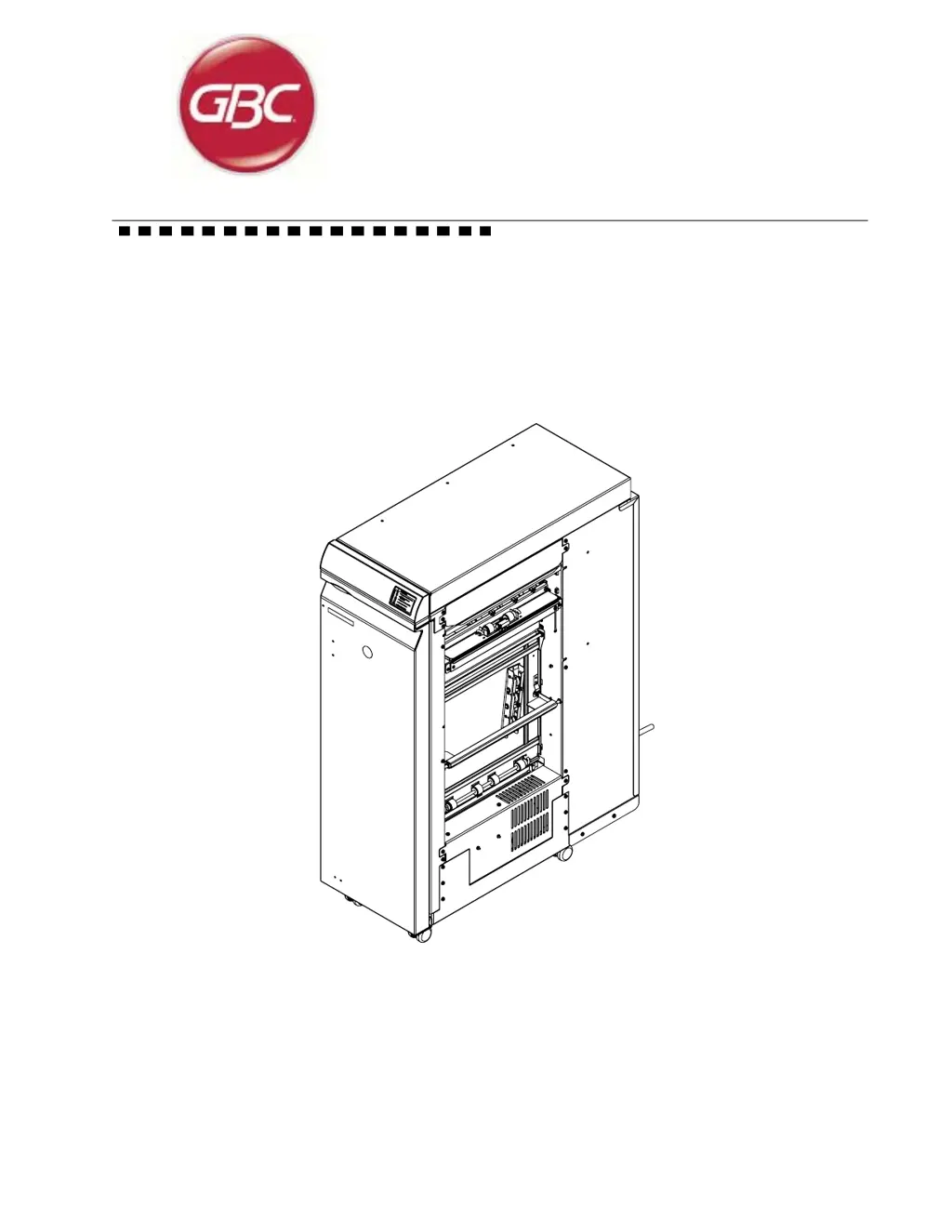
GBC AdvancedPunch - User Manual

GBC AdvancedPunch
244 pages
Print Icon
To Next Page IconTo Next Page
Loading...
Document # 7712571, Rev. C1 (23 08 2013)
AdvancedPunch
Technical Service Manual

Table of Contents

Questions and Answers

  • H
    Heather NolanSep 8, 2025
    Why punch paper path is not operable on GBC Paper Cutters?
    • S
      Steven YatesSep 9, 2025
      If the punch paper path on your GBC Paper Cutters is not operable and the system will only bypass, the transport motor may not be functioning, the main control board may not be working properly, or stepper motor #1 or #2 may not be functioning correctly, or stepper motor #1 or #2 driver boards are not functioning correctly. You should adjust or replace the transport motor, check connections and replace the main control board, and adjust or replace stepper motors #1 or #2 and check connections and replace their driver boards.
  • B
    Benjamin BennettSep 12, 2025
    What to do if GBC AdvancedPunch Paper Cutters have paper jam and punch shaft doesn't return to home position?
    • N
      Nathaniel CastilloSep 12, 2025
      If your GBC Paper Cutters have a paper jam and/or the punch shaft does not return to the home position, the punch brake may not be performing properly. You should adjust or replace it.
  • C
    cnavarroSep 12, 2025
    Why GBC Paper Cutters have paper jam and punch continues to cycle?
    • L
      Luis CoxSep 13, 2025
      If your GBC Paper Cutters have a paper jam and/or the punch continues to cycle, the flag sensor may be broken or misaligned. You should adjust or replace it.
  • H
    hloveSep 15, 2025
    How to fix punched holes not centered on GBC Paper Cutters?
    • M
      Mark LiuSep 15, 2025
      If the punched holes are not centered on your GBC Paper Cutters, the die set positioning bracket may be out of adjustment. Inspect and adjust as required, following the adjustment procedure.
  • K
    Kevin ReidSep 16, 2025
    How to fix punched holes not parallel on GBC Paper Cutters?
    • K
      Kyle ButlerSep 16, 2025
      If the punched holes are not parallel to the edge of the paper on your GBC Paper Cutters, the back gauge may not be functioning properly. Inspect and adjust as required, following the adjustment procedure.

Summary

Technical Service Manual

Section 1 Maintenance

Procedures for performing maintenance, including initial actions, paper jam clearing, and die set servicing.

Section 2 Fault Analysis Procedures

Troubleshooting guides for various fault codes, AC/DC power issues, paper jams, and skewed paper.

Section 3 Output Quality Analysis Procedures

Procedures for analyzing output quality, including hole alignment, skew, quality, oil marks, and edge damage.

Section 4 Repair and Adjustment Procedures

Detailed instructions for repairing and adjusting various components of the Advanced Punch.

Section 5 Parts List

Comprehensive list of parts with exploded views, part numbers, and quantities for the Advanced Punch.

Section 6 General Procedures

General information on operating procedures, diagnostics, adjustments, fault codes, and specifications.

Section 7 Wiring and Electrical Data

Wiring diagrams and electrical data for the Advanced Punch, including schematics and component connections.

Section 8 Installation and Set Up

Guidelines for unpacking, installing, setting up, and testing the Advanced Punch.

GBC AdvancedPunch Specifications

General IconGeneral
BrandGBC
ModelAdvancedPunch
CategoryPaper Cutters
LanguageEnglish

Related product manuals