6-21
7 When clearing it, select [1] key (YES. CLEAR).
When not clearing it, select [2] key (CANCEL).
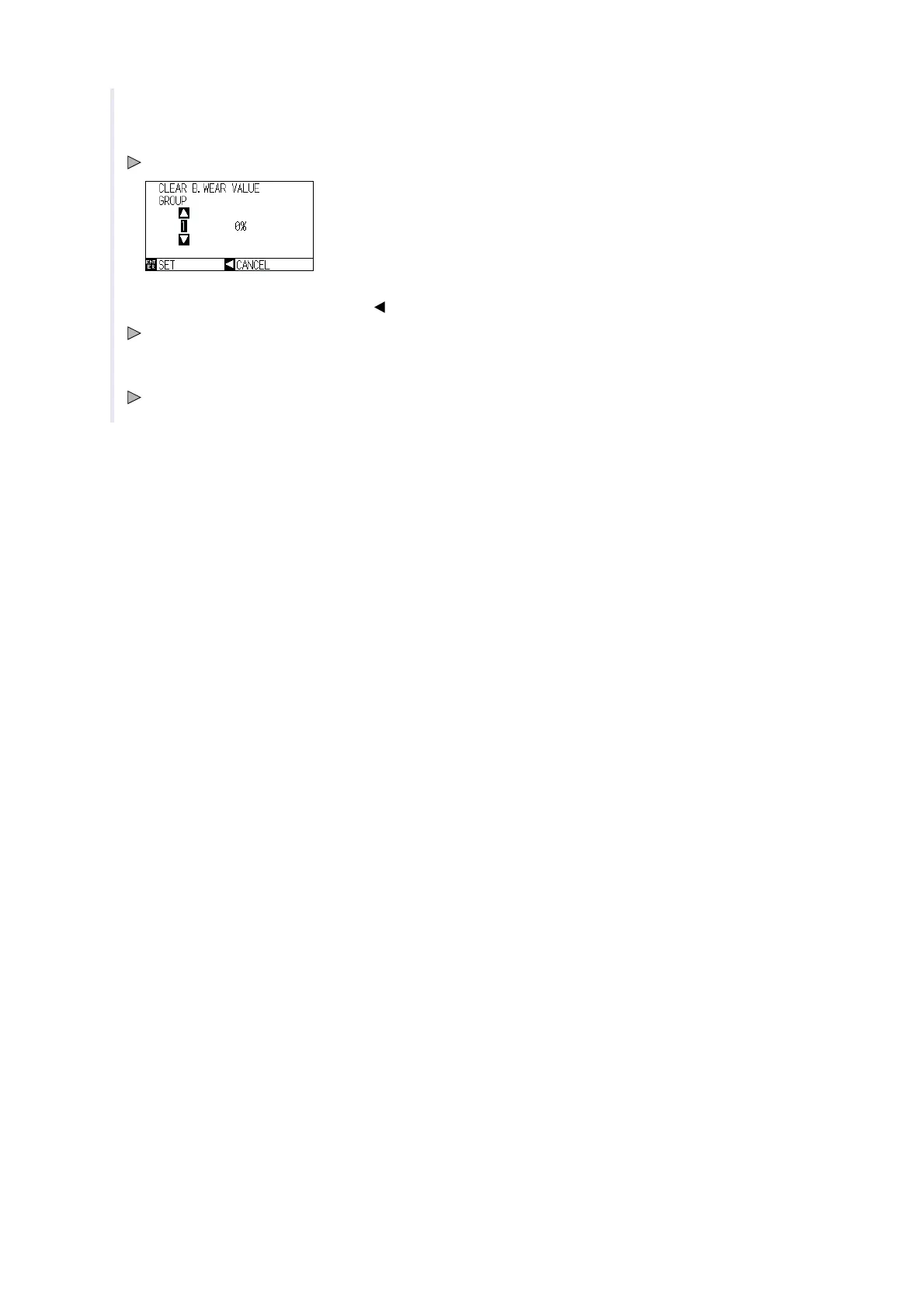
CLEAR B. WEAR VALUE screen is displayed.
8 Confirm the settings and press the [ ] key (CANCEL).
It will return to BLADE WEAR SETUP screen.
9 Press the [PAUSE/MENU] key.
It will return to default screen.












 To Next Page