8-11
Regarding the timeout settings, when an interval opens that is longer than the set amount of time, that part will be
judged as the data juncture for the data that is entered on the interface. All data up to that juncture will be plotted,
after which cross cutting will be performed.
Reference
This setting will be saved even if the power is shut off.
Operation
Supplement
Perform the settings in Normal menu.
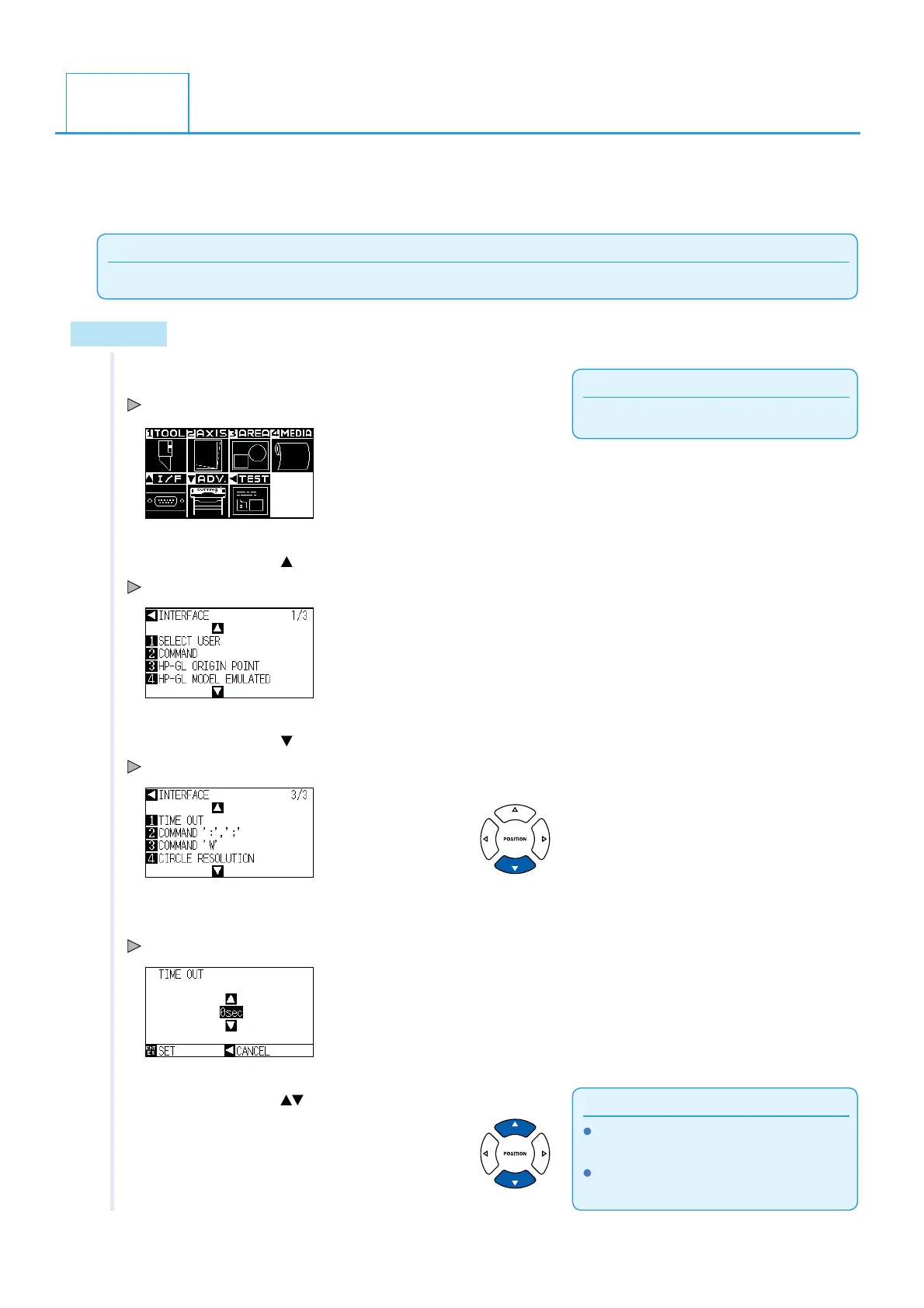
1 Press the [PAUSE/MENU] key.
MENU screen is displayed.
2 Press the POSITION ( ) key (I/F).
INTERFACE setting screen (1/3) is displayed.
3 Press the POSITION ( ) key.
INTERFACE setting screen (3/3) is displayed.
4 Press [1] key (TIME OUT).
TIME OUT screen is displayed.
Supplement
You can set 0, 1, 2, 3, 5, 10, 20, 30, 60 or 120
(Seconds).
When setting to 0 seconds, the cut cross with
timeout is not enabled.
5 Press the POSITION ( ) keys to change the current setting.
8.3
Setting a timeout












 To Next Page