FC8000-UM-251-9370 8-20
8. TROUBLESHOOTING
8.5.4 Conrm the Cutting Data
Outputofthedumplistofthecuttingdatareceivedbytheplotterispossible.Itisusedtocheckifthe
transmissionofcuttingdataisperformedcorrectly.
Operation
(1) SetamedialargerthanA4size.
(2) Setthepentooltothetoolcarriageandselecttheconditionwherethepentoolisset.
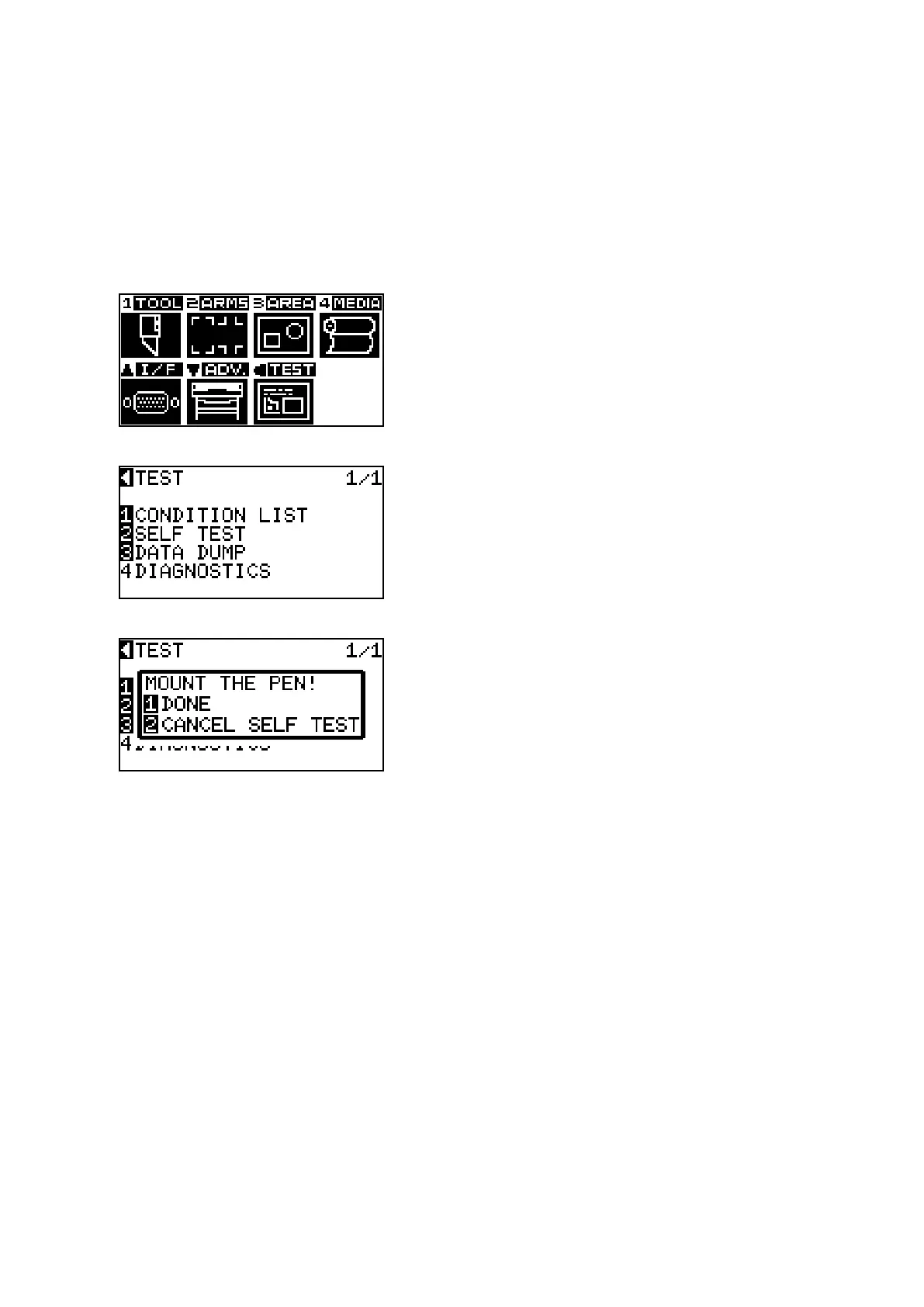
(3) Pressthe[MENU]keytodisplaythemenubelow.
(4) PressthePOSITION(t)key(TEST)todisplaythemenubelow.
(5) Pressthe[3]key(DATADUMP)todisplaythemenubelow.
(6) Conrmthatthepentoolisset.
(7) Pressthe[1]key(DONE)toprintthetestpattern.
(8) Turnthepowerofftostoptheprinting.









 To Next Page