FC8000-UM-251-9370 6-24
6. DISASSEMBLY AND REASSEMBLY
6.2.13 How to Replace the Vacuum Fan
How to detach the vacuum fan
(1) Detachthefrontguide(seeSubsection6.1.5).
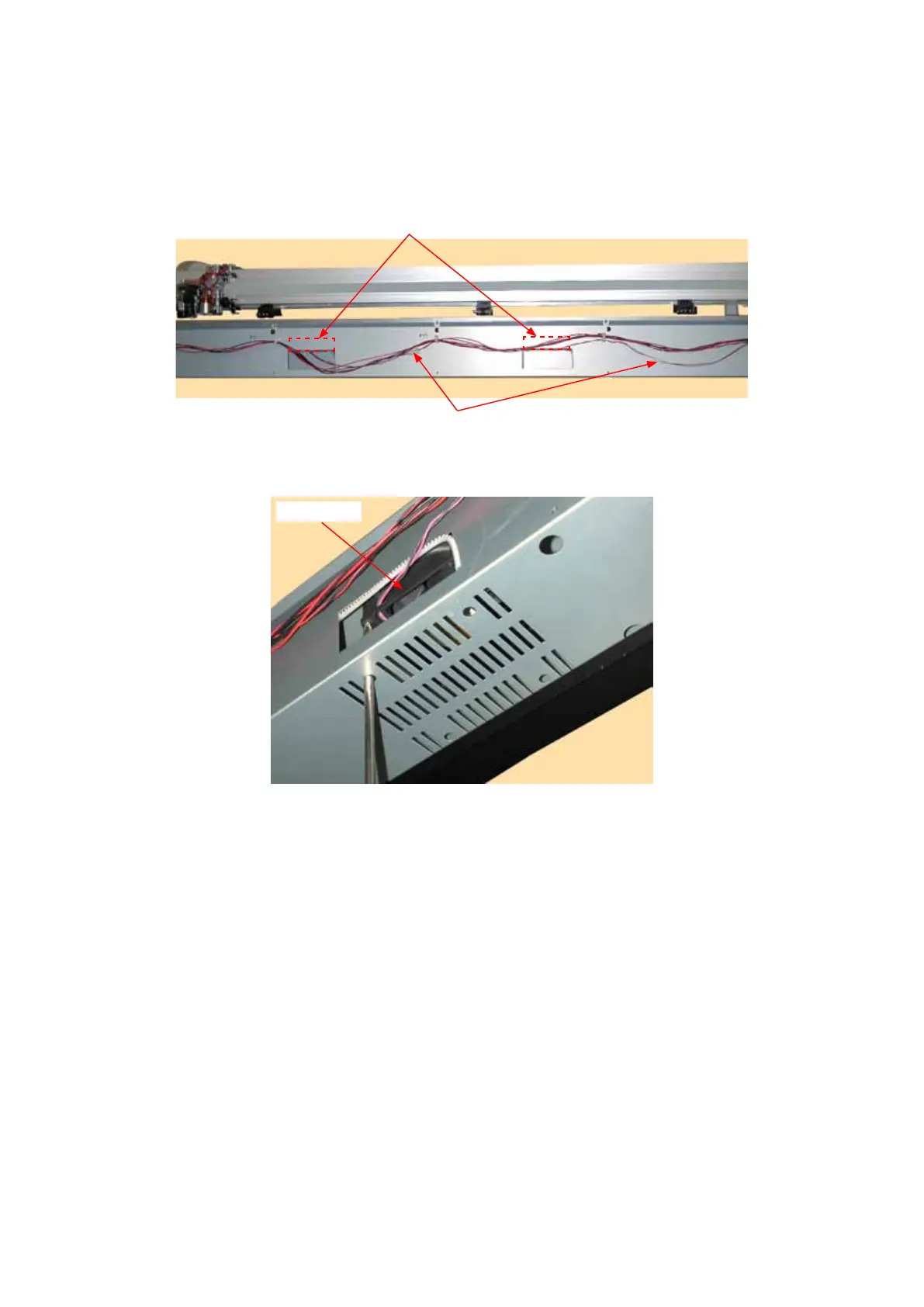
(2) Disconnectthevacuumfanfromtherelayconnector.
Relayconnector
Vacuumfan
(3) UsealongscrewdrivertoremovethetwoM3L35bindingheadscrewsholdingthevacuumfanasshown
inthegurebelow.
Vacuumfan
(4) Detachthevacuumfan.
How to reinstall the vacuum fan
(1) Reattachinthereverseorderinwhichitwasdetached.









 To Next Page