FC8000-UM-251-9370 6-2
6. DISASSEMBLY AND REASSEMBLY
6.1.2 How to Replace the Left Side Cover
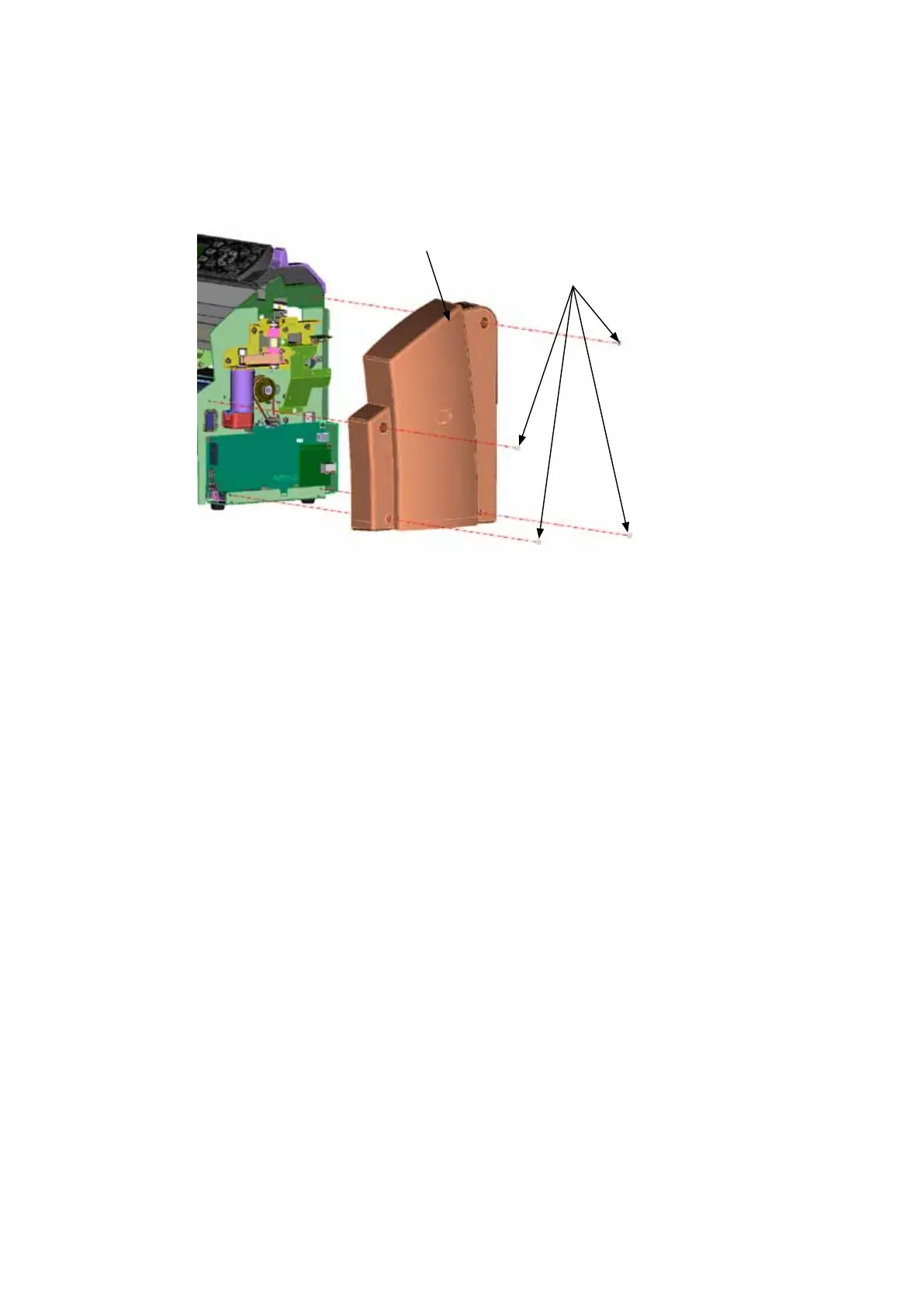
How to detach the left side cover
(1) RemovethefourM4L6bindingheadscrewsfromtheleftsidecover.
(2) Detachthetheleftsidecover.
M4L6bindingheadscrew
Rightsidecover
How to reinstall the left side cover
(1) Reattachtheleftcoverinthereverseorderinwhichitwasdetached.









 To Next Page