FC8000-UM-251-9370 7-15
7. ADJUSTMENT
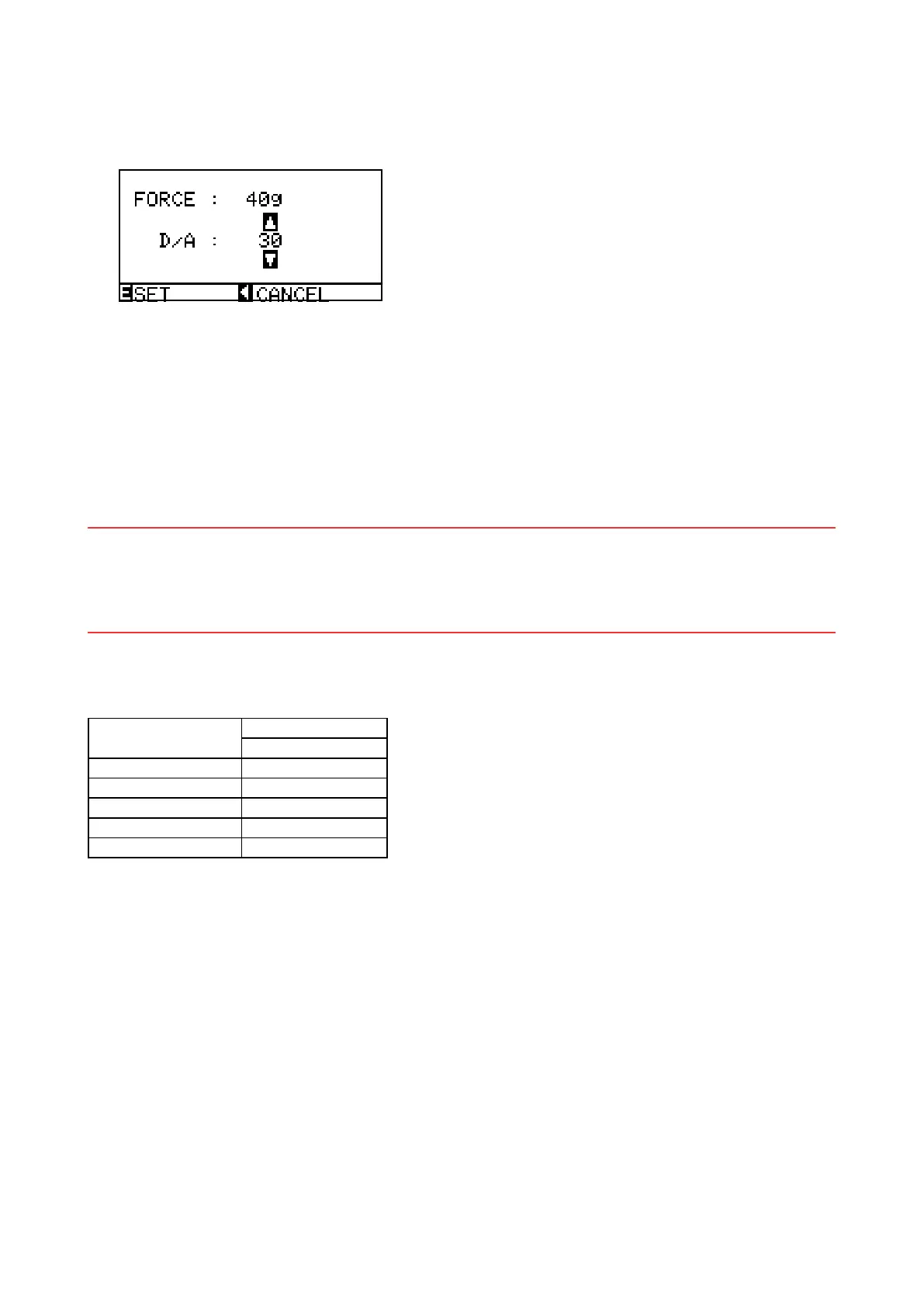
(7) Adjustthe40g-penforce.Ifthemeasuredvalueiswithinthespecicationrange(40±4g)orifyou
haveinputtherecordedvalue,presstheENTERkeytostorethesetting.Thenextspeciedpenforce
appears.
(8) Adjustthe120g-penforce.Ifthemeasuredvalueiswithinthespecicationrange(120±10g)orifyou
haveinputtherecordedvalue,presstheENTERkeytostorethesetting.Thenextspeciedpenforce
appears.
(9) Adjustthe300g-penforce.Ifthemeasuredvalueiswithinthespecicationrange(300±20g)orifyou
haveinputtherecordedvalue,presstheENTERkeytostorethesetting.Thenextspeciedpenforce
appears.
(10)Adjustthe400g-penforce.Ifthemeasuredvalueiswithinthespecicationrangeorifyouhaveinput
therecordedvalue,presstheENTERkeytostorethesetting.
Note: Whenadjustingthepenforce,itisimportanttodoitquickly.Delayingthepenforceadjustment
changesthetemperatureoftheactuatorandcausesarticiallylowerreadings.Whenthishappensthe
actualpenforcemaybehigherthanthespecication.Thisisespeciallytruefortheupperpenforce
adjustment.
(11)PresstheNEXTkeytocompletethisadjustment.
(12)Turnoffthepowertoexitfromtheadjustmentmenu.
Specication of the actual pen force
Speciedpenforce
Actualforcerange
FC8000
10g 8to12g
40g 36to44g
120g 110to130g
300g 280to320g
400g 380to420g









 To Next Page