16.2 Temperature Controller/Servo/Inverter Connection 16-41
*1 When using a direct value, set [DEC (with sign)] for [Display Format] on the [Num. Display] window.
*2 Specify “1” for [Decimal Point] on the [Num. Display] window.
*3 Specify “2” for [Decimal Point] on the [Num. Display] window.
*4 Specify the multiplying factor in the range of 3 to 2.
*5 Specify the pulse constant in the range of 2 to 4 or F.
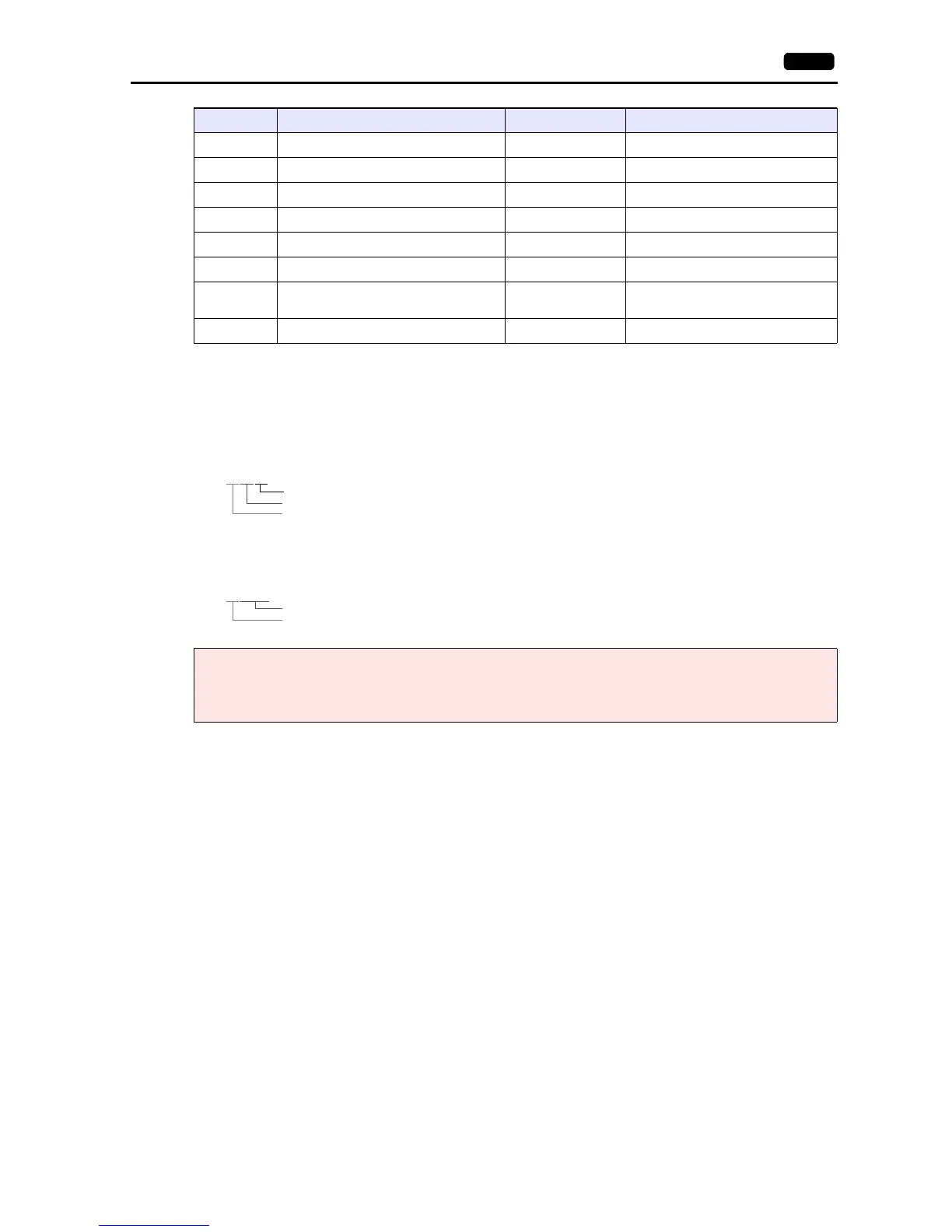
85zz (Blank) (Blank) Transducer output CH1 setting
86zz (Blank) (Blank) Transducer output CH2 setting
87zz (Blank) (Blank) Transducer output CH3 setting
88zz (Blank) (Blank) Transducer output CH4 setting
89zz (Blank) (Blank) Transducer output CH5 setting
90zz (Blank) (Blank) Transducer output CH6 setting
91zz (Blank) (Blank)
External change-over function setting of
transducer output
92zz (Blank) (Blank) Display mode selection
Note on Setting the Device Memory
Only the “List” file of “F-MPC04S” can be browsed by pressing the [Refer] button by default.
If any power monitor unit other than above is used, refer to each “List” file by pressing the [Refer] button and set the
device memory.
Address F-MPC04/F-MPC04P/F-MPC04S FePSU F-MPC30/F-MPC50/F-MPC55V/F-MPC60B
Address denotations:
For the device memory for which the circuit number is set (00 to 02, 12 to 18):
Circuit No. (1 to 12)
Setting item (00 to 99)
Device type
XXYYZZ
*For circuit No. E, specify “11” for the circuit number.
For the device memory for which the circuit number is not set (03, 09 to 11):
Setting item (00 to 99)
Device type
XXYYYY



 To Next Page