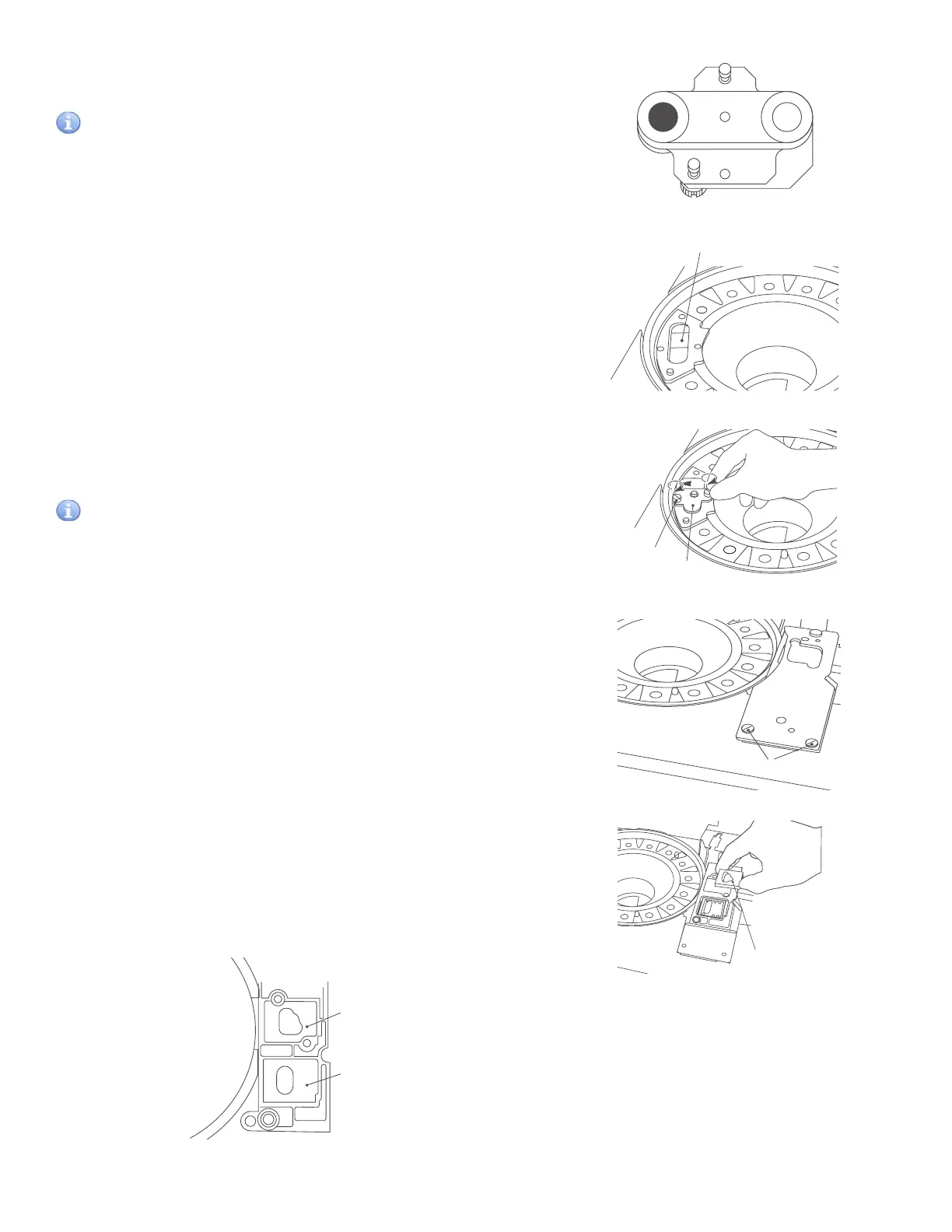
h. Turn over the reference plate and clean the white plate
and the black plate with a dry cotton swab.
IMPORTANT
Do not touch the surface of the black plate and the white plate
with bare hands. Otherwise, adverse effects on test results may
occur.
i. Clean the photometer head with a dry cotton swab.
j. Remount the reference plate.
The arrow mark on the reference plate should point away
from the center. Screw the 2 thumbscrews evenly.
IMPORTANT
Tighten the two thumbscrews securely. Otherwise, adverse
effects on test results may occur.
4. Cleaning the spotting part.
a. Unscrew 2 thumbscrews and pull the spotting part cover
frontward to remove.
b. Remove 2 slide transfer weights of the spotting part.
Wipe off the slide transfer weights with soft gauze-like
cloth or cotton swab moistened with water.
NOTE:
There are 2 types of the slide transfer weight (for CM/ISE).
Make sure to set properly when reassembling.
white plate
black plate
Photometer
Reference plate
Thumbscrew
Slide transfer weight
For CM
For ISE
52



 To Next Page