New
50
7
DV MODE OPERATION
New2001
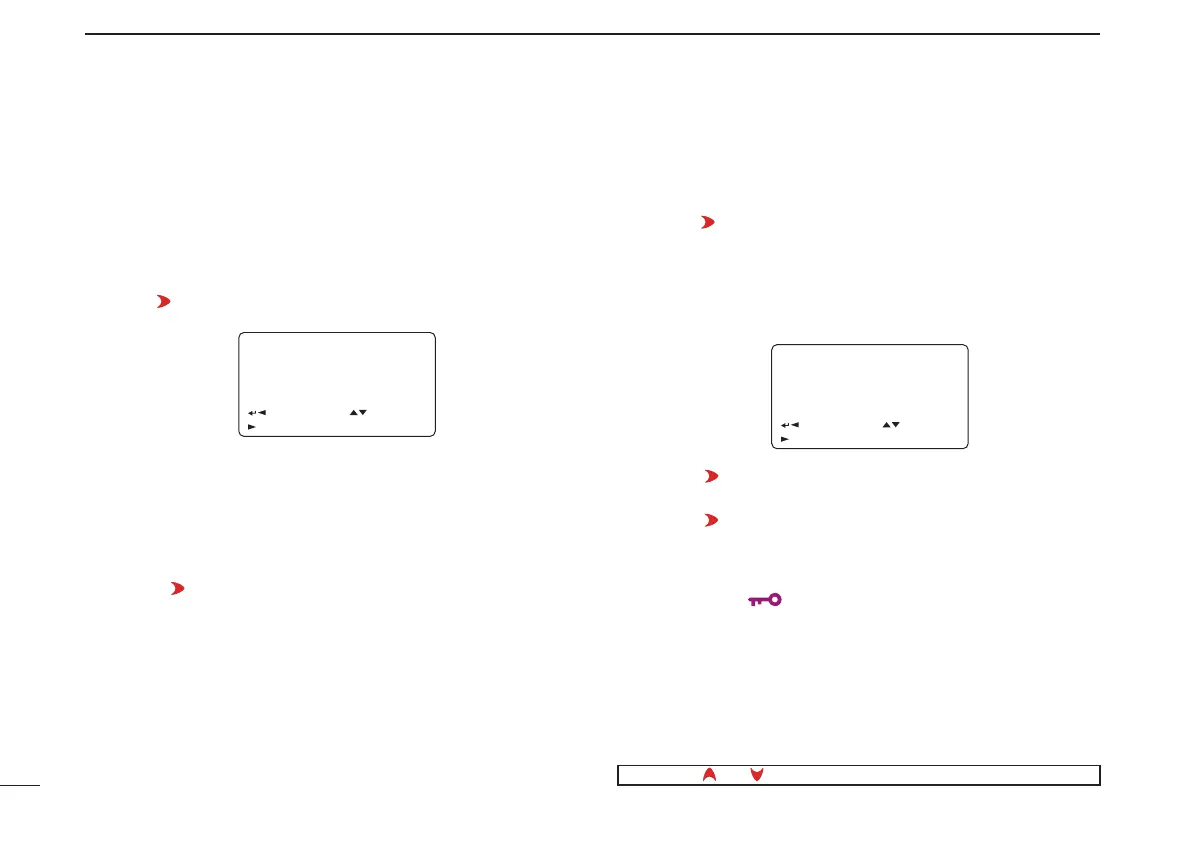
D Copying the call record contents into call sign memory
This is a way to copy the call record contents (“CALLER,”
“RXRPT1” and “RXRPT2”)
into call sign memory (“UR,” “R1” and
“R2”) at the same time or individually.
q Perform the steps q to e of “D Desired call record indi-
cation”
(p. 46) to select the desired call record or call sign.
w Push [
](6) to select copy select mode.
• COPY SELECT screen is displayed.
e Rotate [DIAL]
†
to select the desired call sign to be copied
from “ALL,” “RXRPT1,” “RXRPT2” and “CALLER.”
• “ALL” selection won’t appear when either station or repeater call
sign memory has no blank channel.
• When “ALL” is selected
➥ Push [ ](6) to copy the selected record’s contents into
the appropriate call sign memory.
• Returns to RX CALL SIGN screen automatically.
• When “CALLER,” “RXRPT1” or “RXRPT2” is
selected
z
Push
[ ](6) then r
otate [DIAL]
†
to select the desired con-
dition of call sign memory channel selection to be copied
to from “AUTO” and “LIST SEL.”
• “AUTO” selection won’t appear when the appropriate call sign
memory has no blank channel.
• Go to step r when “AUTO” is selected.
x Push [ ](6), then select the desired call sign memory
channel to copy to with
[DIAL]
†
.
c Push [
](6) to copy the call sign into the selected call
sign memory.
• Returns to RX CALL SIGN screen automatically.
r Push [MENU/ ] to return to frequency indication.
†
[DIAL] ↔ [ ](2)/[ ](8)
RX01RX01
ALLALL
:BACK:BACK
:LIST:LIST C:CURRC:CURR
COPY SELECTCOPY SELECT
:SEL:SEL
r
RX01
AUTO
LIST SEL
:BACK
:LIST
COPY SELECT
:SEL
r



 To Next Page