Body Quick Guides 102 Section - 15
Operator’s - Manual # 99906363
Navigation
NAVIGATION
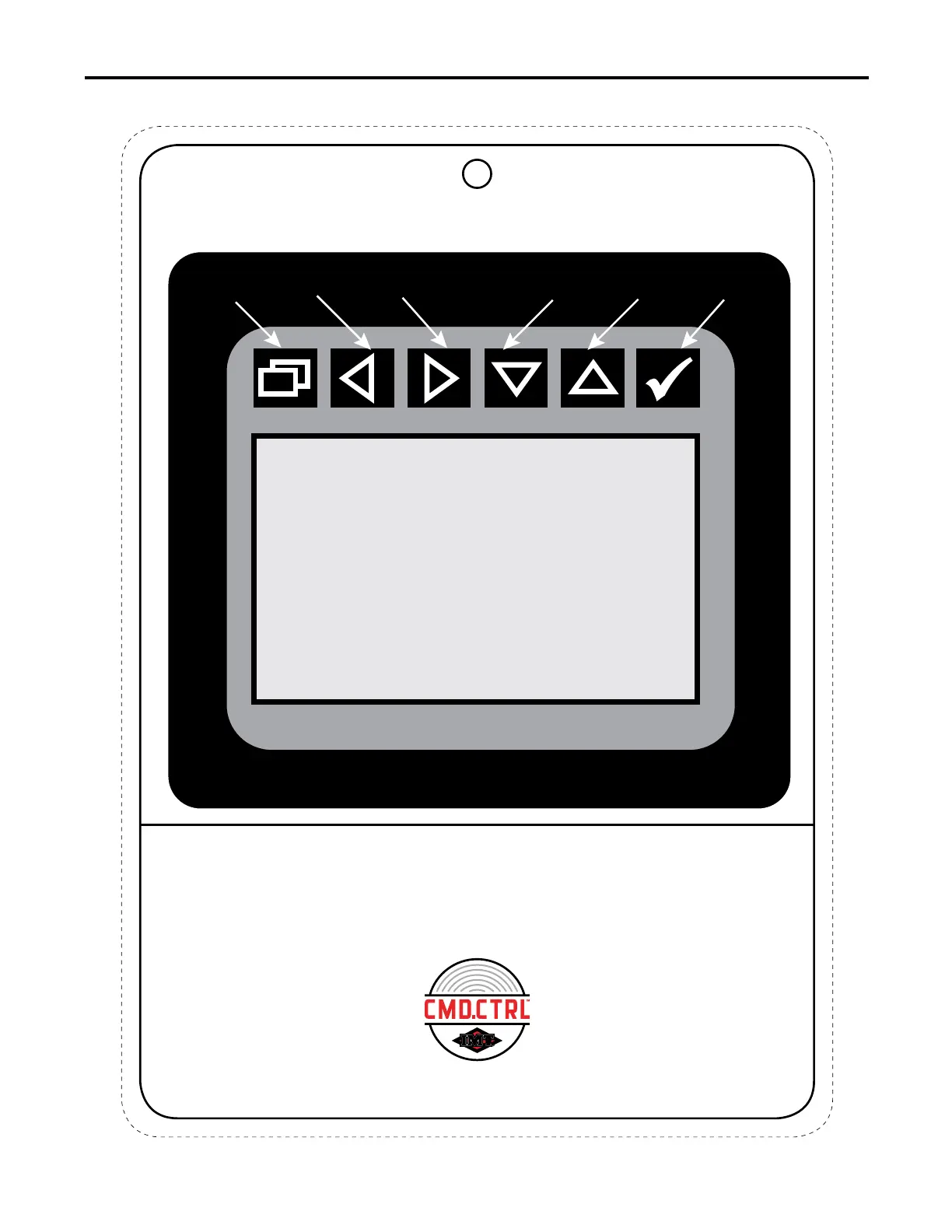
The operator will use the buttons on top of the hand-held body module
to navigate to the different menu options. If there are special require-
ments for the use of a button in a menu, there will be instructions on
SELECT KEY
ARROW UPARROW DOWN
ARROW RIGHT
ARROW LEFT
BACK SPACE
THE DISPLAY SCREEN IS NOT
A TOUCH SCREEN APPLICATION
the screen indicating the operation of the button. Always follow
instructions on the screen for button functionality.
This chart is to be used as a “quick reference” guide only.
It should not be substituted for a thorough review of the manual.
70490137
1



 To Next Page