Vehicle Congurations 52 Section - 8
Operator’s - Manual # 99906363
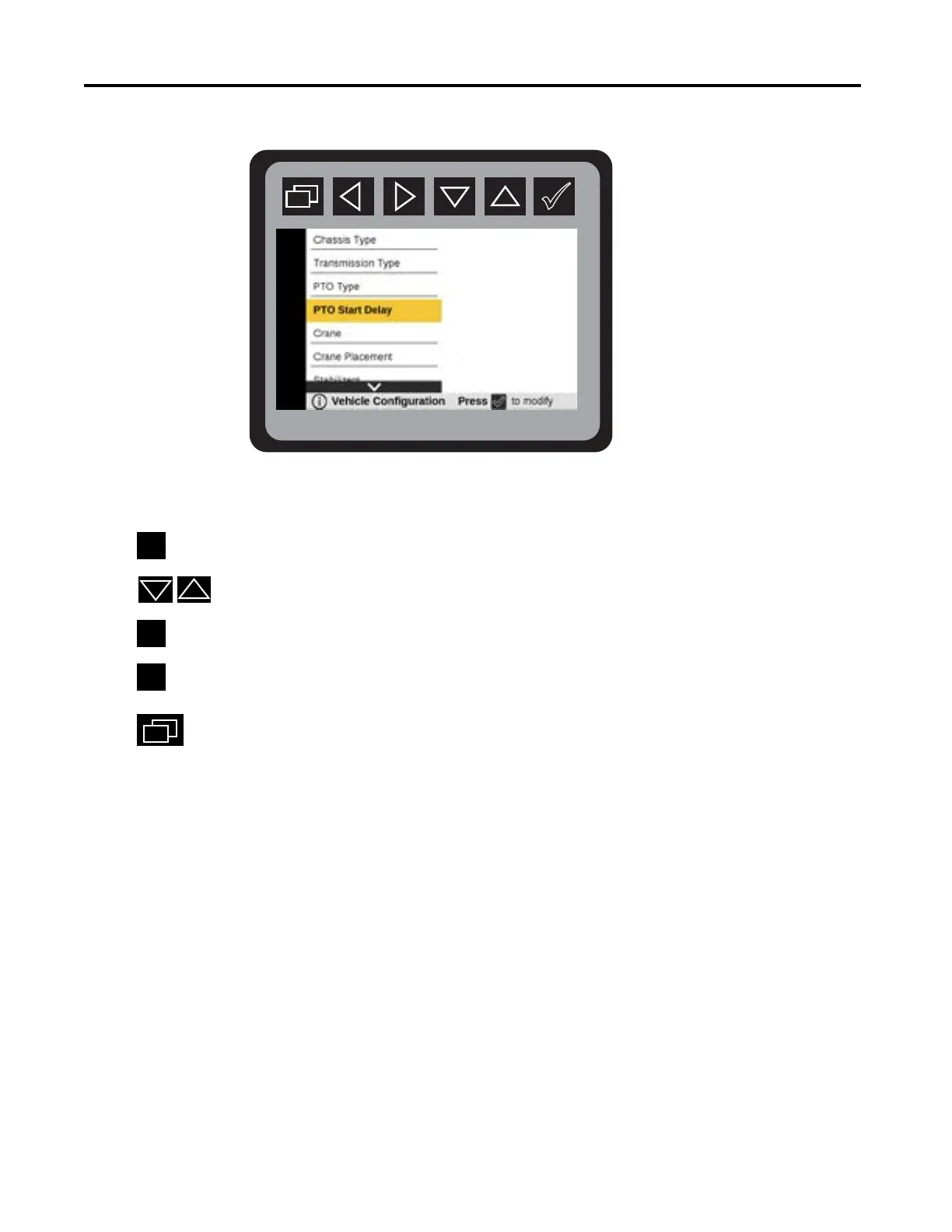
Vehicle Conguration—PTO Start Delay
From the Main Menu navigate to Vehicle Conguration.
Press
to display Vehicle Conguration mode.
Press
to select conguration.
Press
to activate PTO Start Delay.
Press
to select:
Press
to return to Main Menu.
Setting PTO Start Delay to 5 seconds is recommended to allow the engine to stabilize after
remote start and prior to engaging the PTO.
5
Seconds



 To Next Page