Radio Remote 84 Section - 13
Operator’s - Manual # 99906363
Association Screen
To associate, there must be a clear line of sight between the handheld remote and the base unit. Both
units must be OFF (powered down). Association cannot occur while tethered. Power down the handheld
remote by ipping RFF toggle UP. Power down the base unit either by unplugging the P1 connector
from the unit.
Do not operate the trigger while Associating.
1. Power DOWN the Handheld Remote.
2. Power DOWN the Base.
3. Switch and continue holding the Power ON (RFF) toggle UP until the Hold for Association screen
appears.
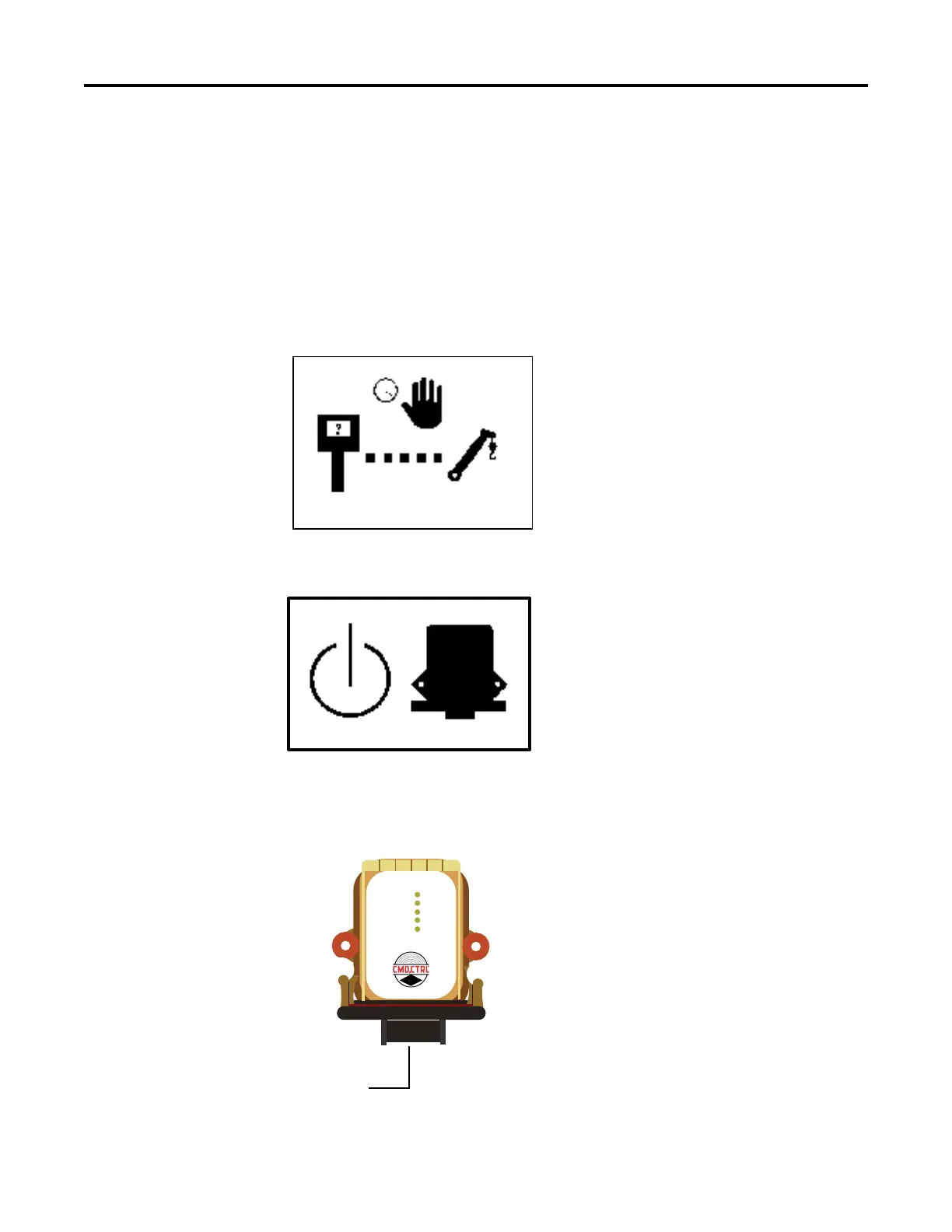
Hold for Association Screen
4. Continue holding the Power toggle UP until the Apply Power to Base Unit screen appears.
Apply power to Base Unit screen
5. Apply power to the Base Unit by plugging in P1 Connector.
P1 Connector
70735199
PH2
WSMB-10561
CAN 1 TX/RX
CAN 2 TX/RX
ERR/HLTH
RF TX/RX
POWER



 To Next Page