Vehicle Functions 29 Section - 7
Operator’s - Manual # 99906363
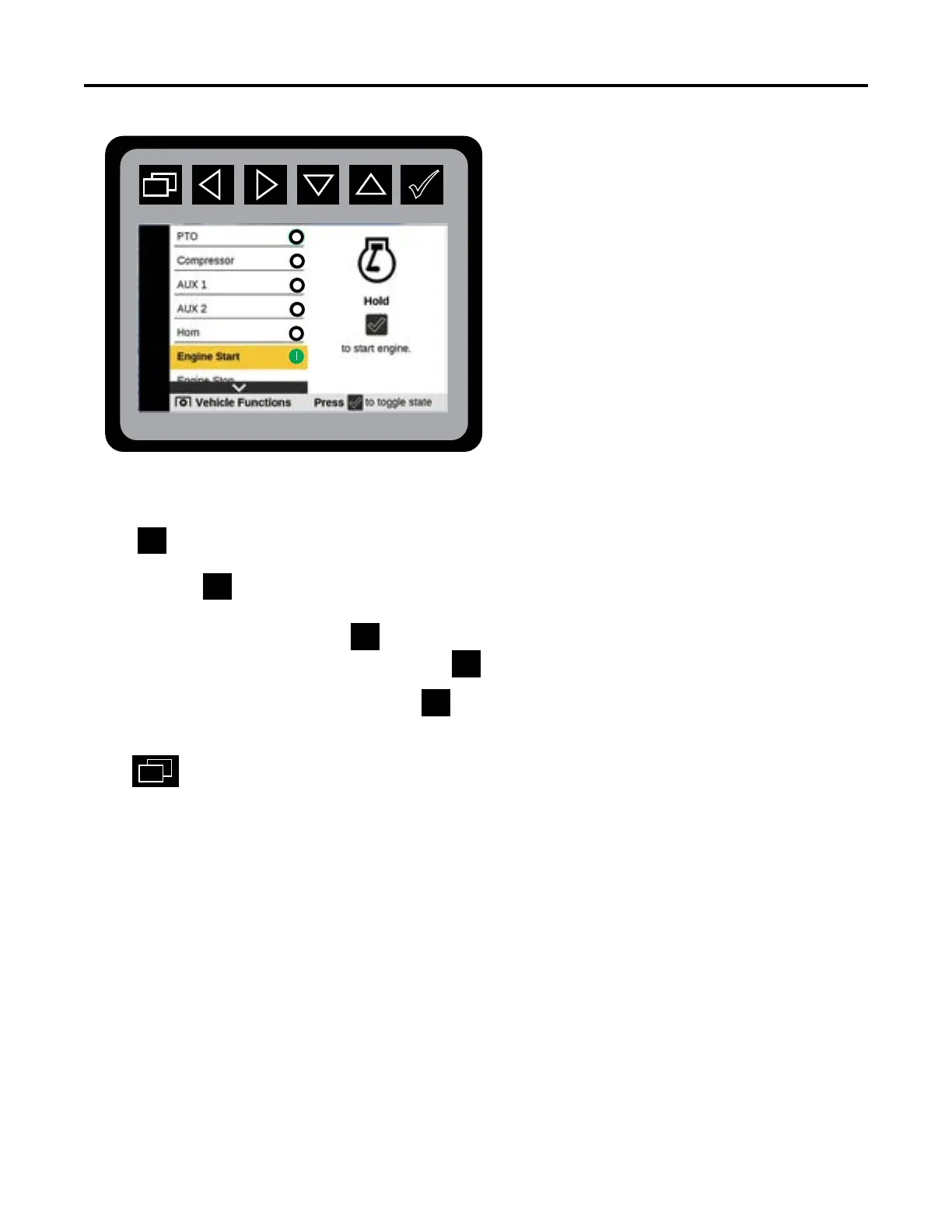
Vehicle Functions Screen—Engine Start / Stop
From the Main Menu Navigate to Vehicle Functions
Press Navigate to Engine Start or Stop
Press and hold until you hear the engine START or STOP.
Pressing and holding the
works the same as a key turning on and turning o the engine
on a vehicle. Pressing and holding the
will shut-o the engine in the Engine Stop mode.
For GM and IHCV vehicles, Press for one second. After a delay ( up to 10-seconds) the
chassis engine will start.
Press
to return to the Main Menu.
For Engine Stop, repeat the same process for Engine Start.
Engine Start Mode



 To Next Page