Diagnostic 33 Section - 8
Operator’s - Manual # 99906363
Diagnostics—Output States
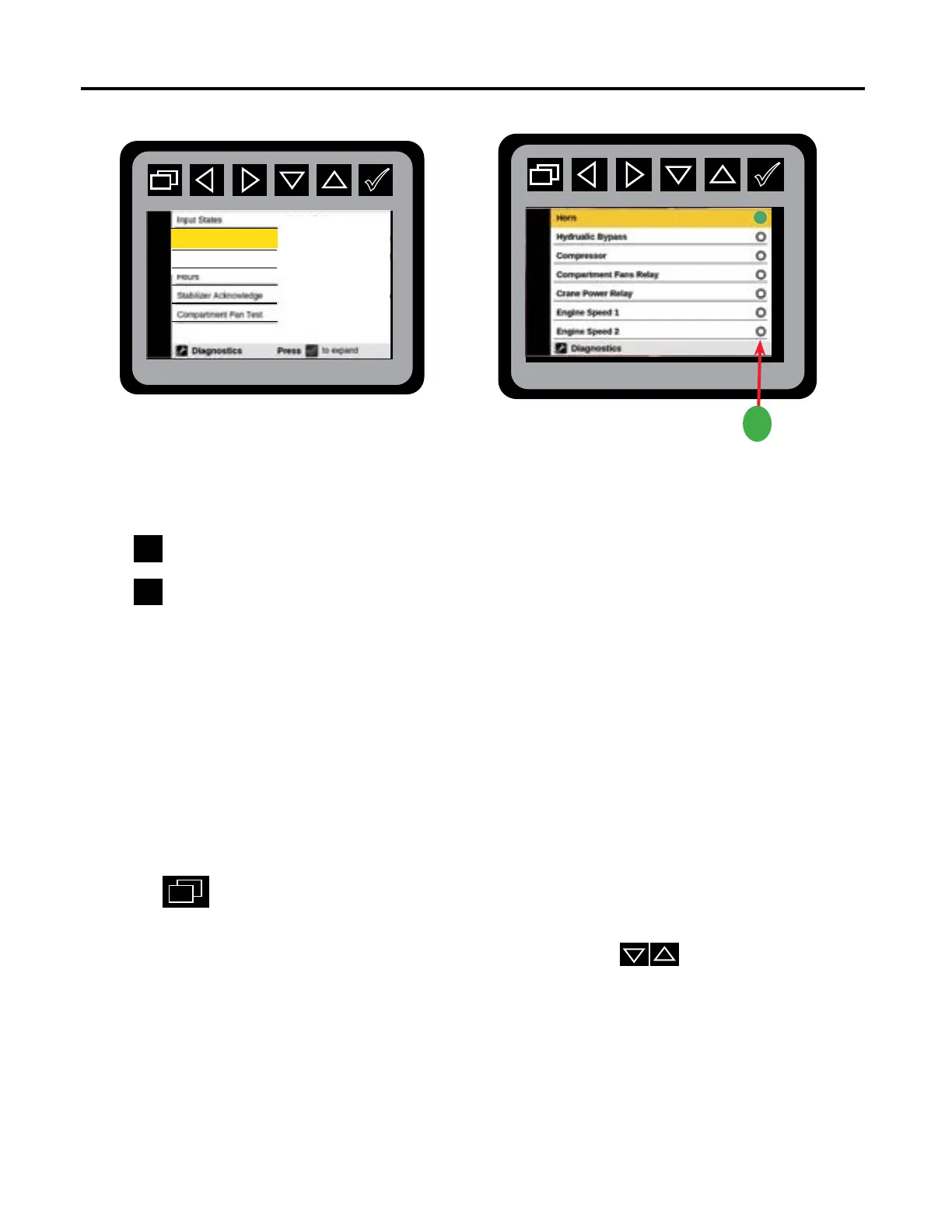
Output is active if the circle is green.
From the Main Menu Navigate to the Diagnostics Menu.
Press
to initiate the Diagnostic Output State Preview Menu.
Press
to choose the following Output States:
• Horn
• Hydraulic Bypass
• Compressor
• Compartment Fans Relay
• Crane Power Relay
• Engine Speed 1
• Engine Speed 2
• Transmission Inhibit
• Masterlock Open
• Masterlock Close
• Aux Out 1
• Aux Out 2
Press the
to return to the Main Menu.
The status of the Body Module outputs will be displayed on this menu. If the output is active
it will show as a green circle. The operator can use the arrow keys to scroll down the
list of outputs.
L
Fault Codes
Output States
Diagnostics: Output States Preview Menu
Diagnostics: Output States Menu



 To Next Page